Use your phone as a webcam for your computer over WiFi or USB.
DroidCam transforms your Android device into a high-quality webcam.
The app pairs with a PC client to connect your computer and phone. Clients are available for Windows and Linux. For download, installation, and detailed usage instructions, please visit www.dev47apps.com from your computer.
Key Features:
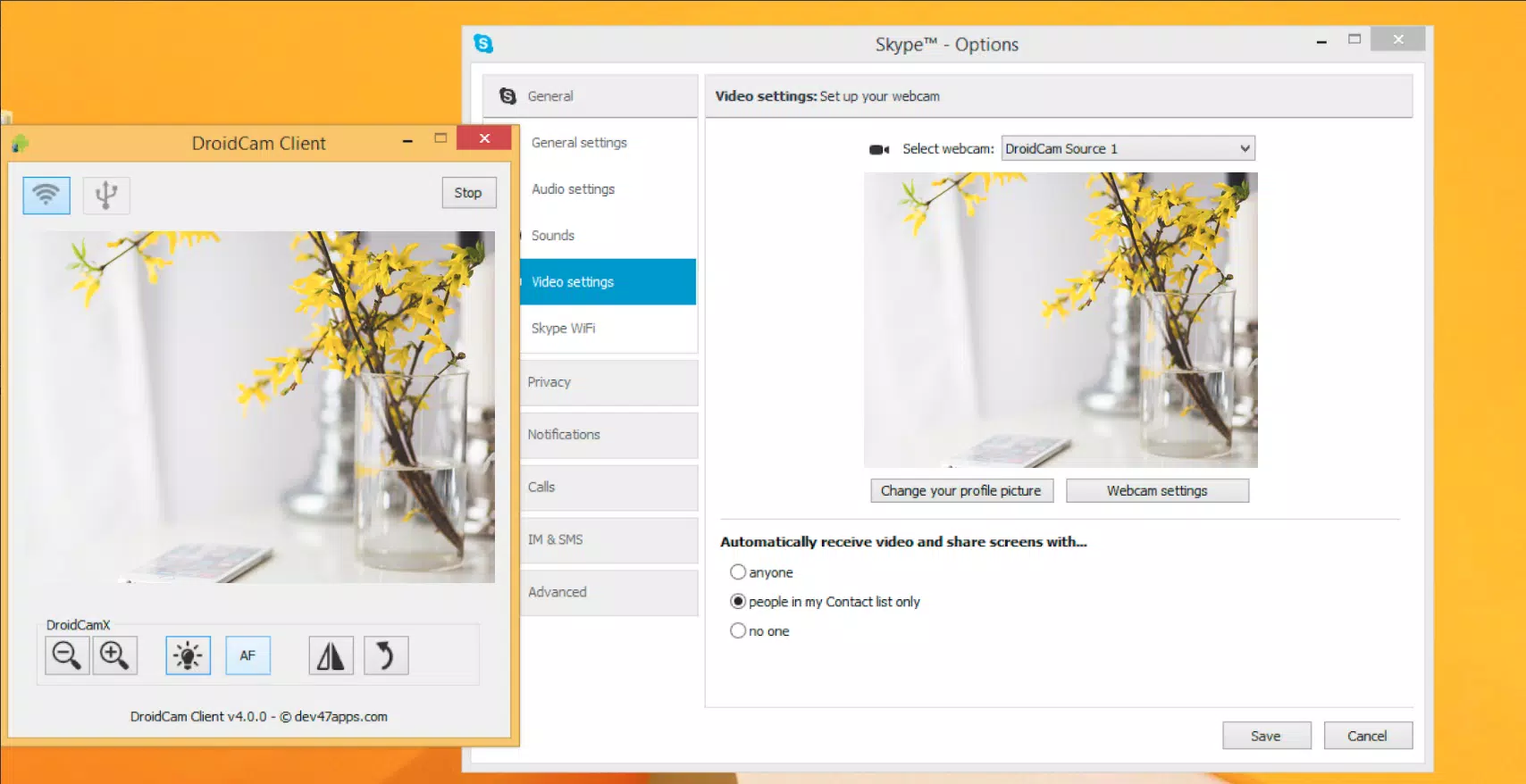
- Chat using "DroidCam Webcam" on your computer with full audio and video.
- Completely free, with no usage limits or watermarks.
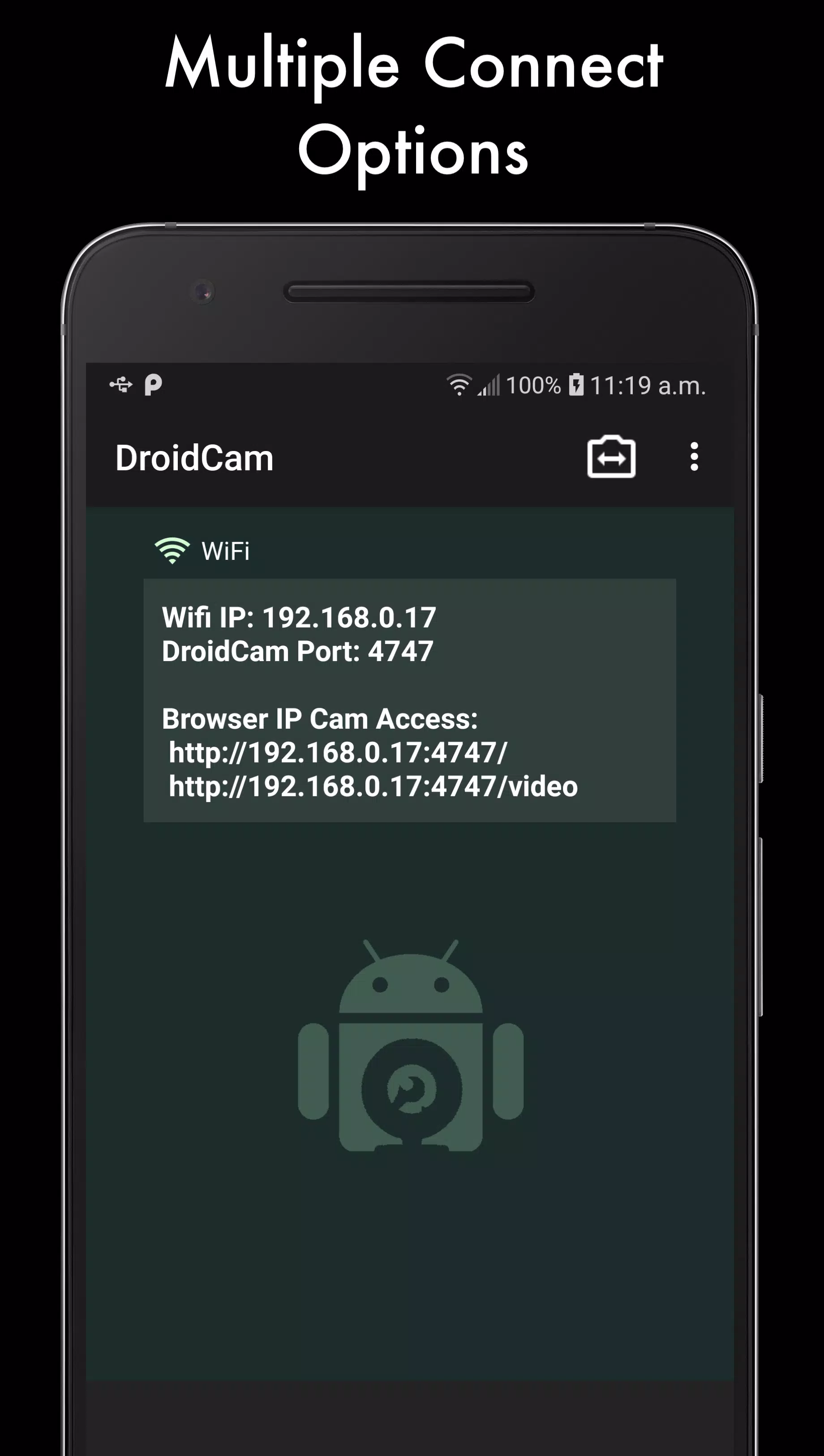
- Connect via WiFi or USB*.
- Built-in microphone noise cancellation.
- Use other apps on your phone while DroidCam runs in the background.
- Continues functioning with the screen off to save battery life.
- IP webcam MJPEG access (view your camera feed from a browser or another device).
If you enjoy the app, consider upgrading to DroidCamX Pro, which offers:
- An ad-free experience.
- USB-Only mode for enhanced privacy and security.
- Automatic phone call muting.
- Support for 720p/1080p video via HD Mode.
- 'Smooth FPS' option for more stable video streaming.
- Advanced controls in the Windows client, including video mirror, flip, rotate, contrast, brightness, and more.
A cost-effective alternative to traditional store-bought webcams!
* USB connection may require additional setup steps.