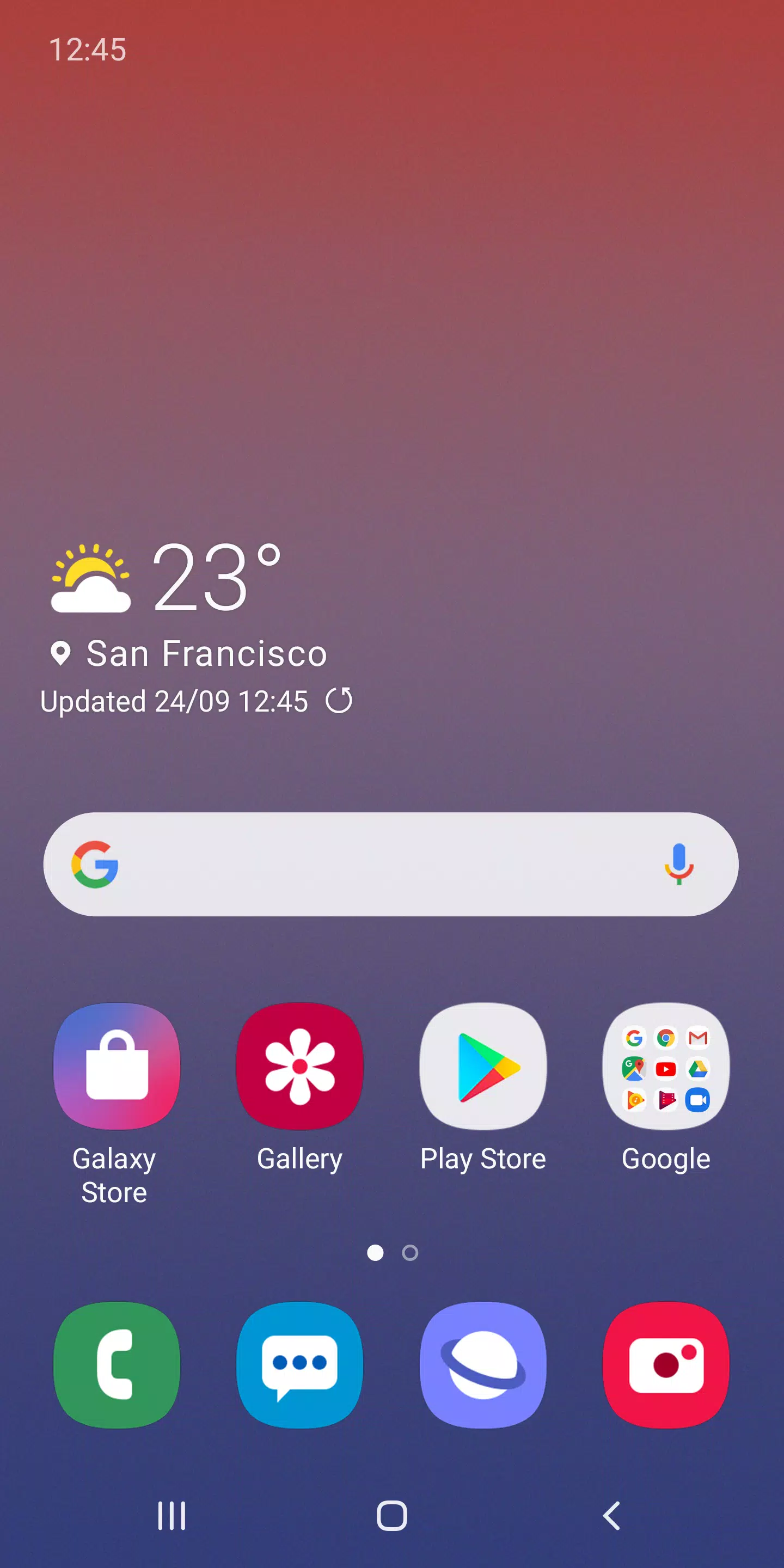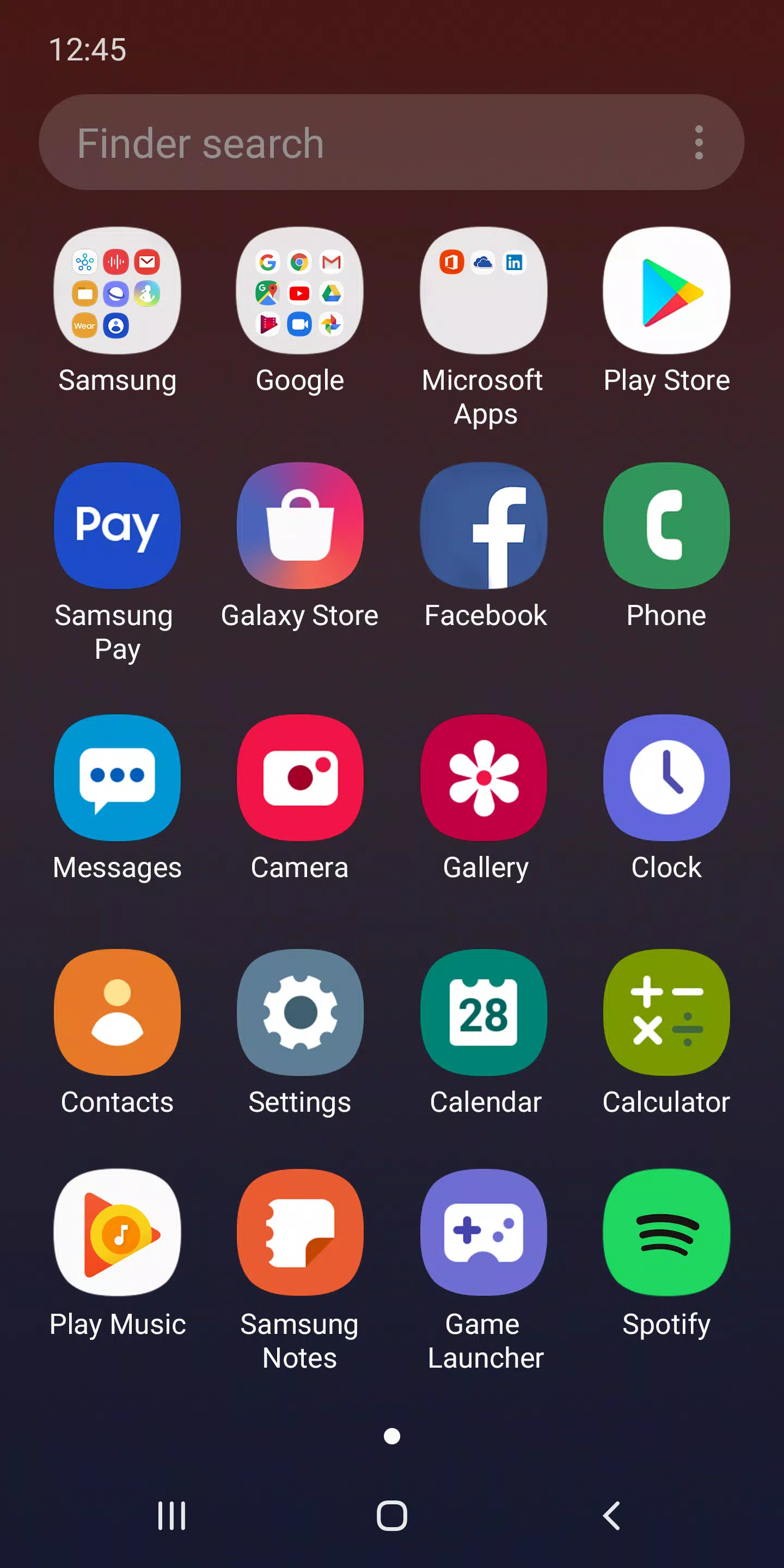
Discover the revamped Samsung launcher designed specifically for Galaxy devices: One UI Home. This launcher combines a sleek, user-friendly interface with a refreshed look that enhances your Galaxy experience. One UI Home offers a seamless blend of the familiar and the new, making your device both beautiful and convenient.
[New features available from Android Pie]
• Full screen gestures on the Home screen: Enhance your navigation by hiding the bottom Navigation buttons. Use intuitive gestures to switch between apps effortlessly, enjoying a more expansive Home screen.
• Lock the Home screen layout: After customizing your app icons, secure your layout to prevent accidental changes. Navigate to Home screen settings and activate Lock Home screen layout to keep your setup intact.
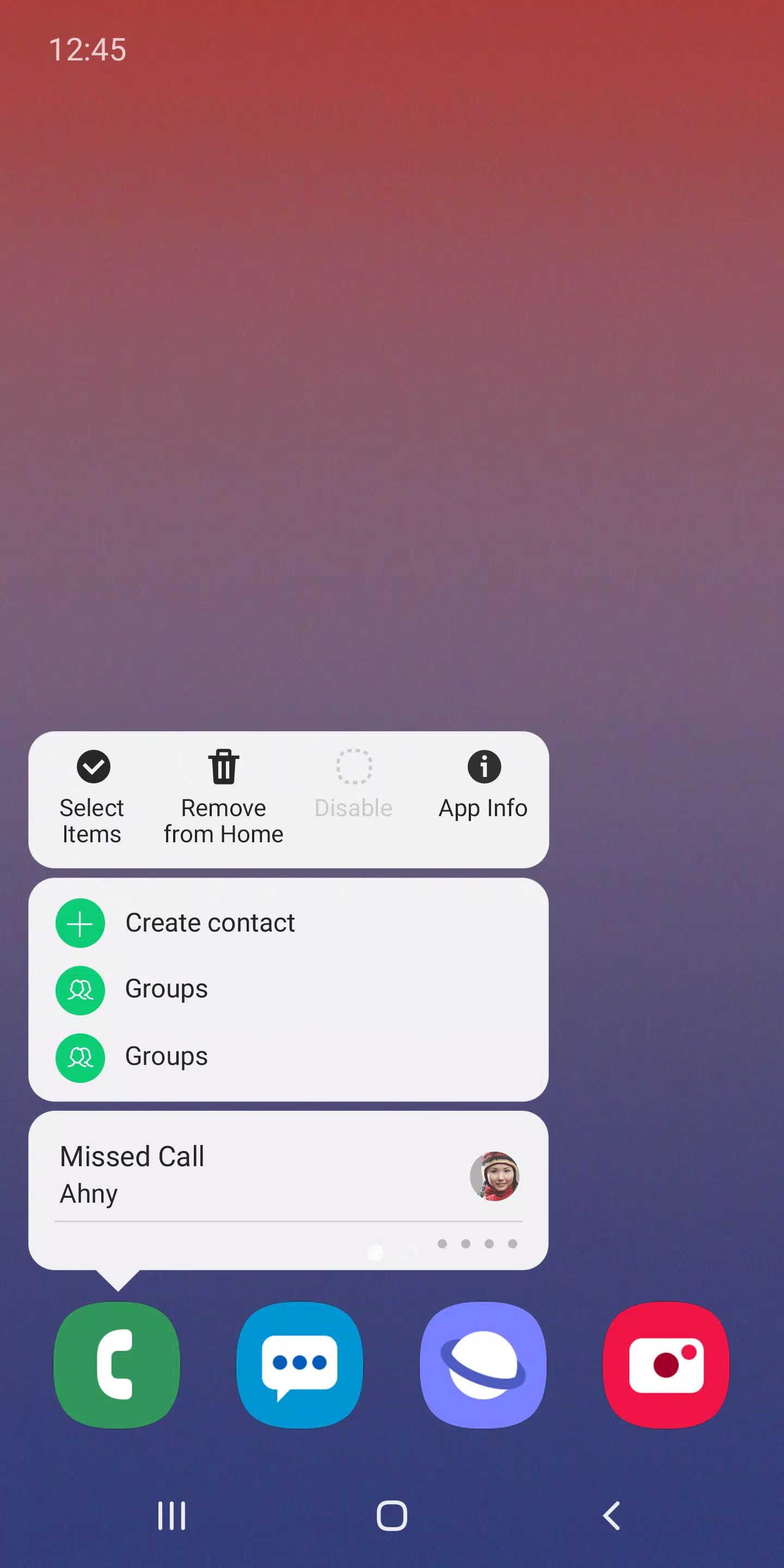
• Quick access to app and widget settings: Simply touch and hold an app icon or widget to instantly reach the App info or Widget settings, streamlining your device management.
※ These features are available with an update to Android 9.0 Pie or later versions.
※ The availability of features may vary depending on your device or OS version.
If you encounter any issues or have questions about using One UI Home, reach out to us via the Samsung Members app for support.
※ App permissions
To ensure the best service, the following permissions are necessary. Optional permissions are not enabled by default but can be activated if desired.
[Required permissions]
• None
[Optional permissions]
• Storage: This permission allows the restoration of your home screen layout data.
• Contacts: This enables the restoration of contact widget information.
If your device runs on an Android version below 6.0, consider updating your software to manage App permissions effectively. After updating, you can reset previously allowed permissions through the Apps menu in your device settings.
What's New in the Latest Version 15.1.03.55
Last updated on Apr 1, 2024
Experience minor bug fixes and overall improvements with the latest version. Update or install to enjoy these enhancements!