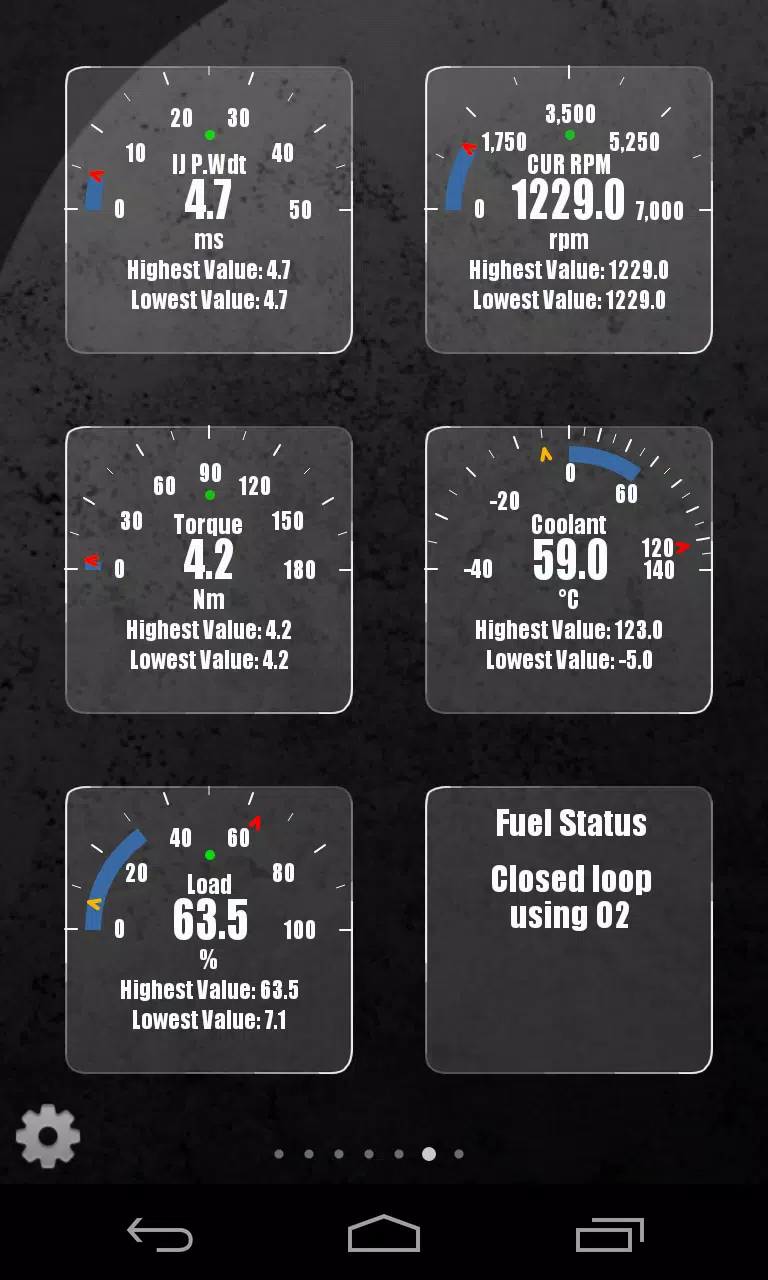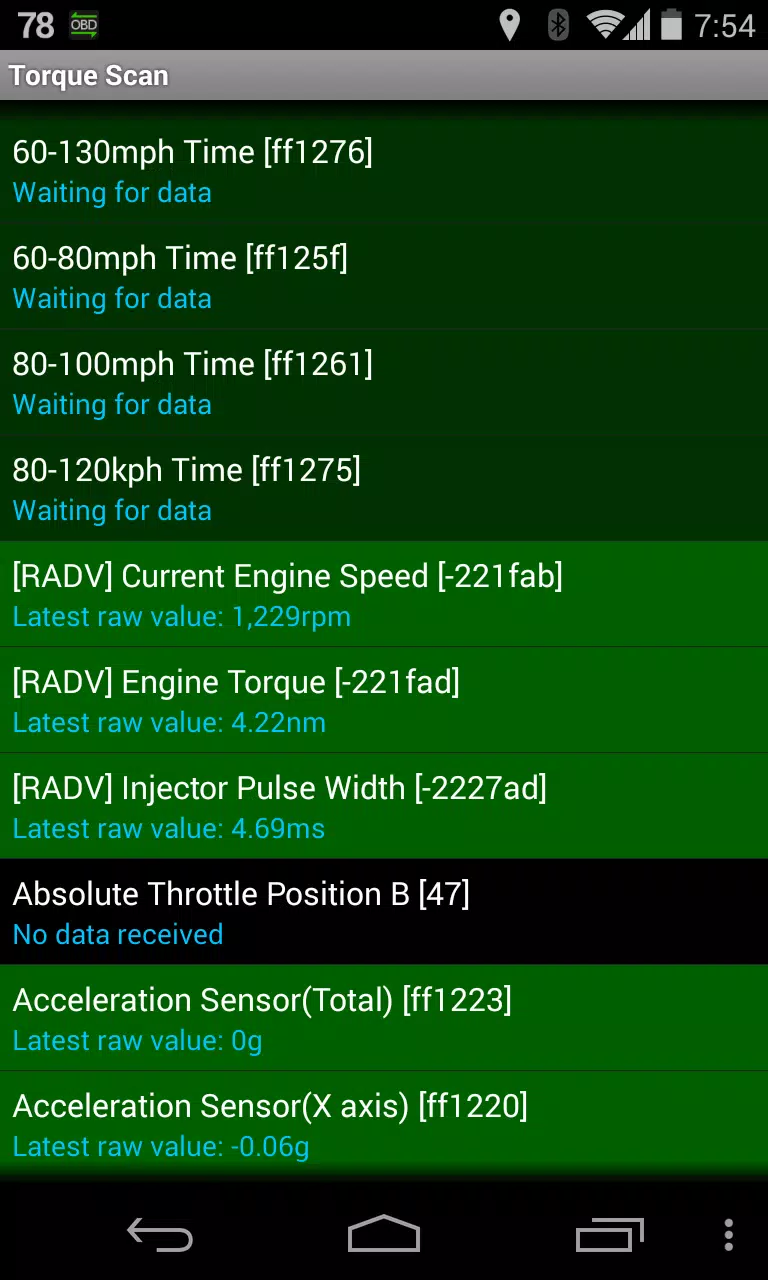
Enhance your Torque Pro experience with Advanced LT, a plugin designed to monitor specific Renault vehicle parameters in real-time. This plugin expands Torque Pro's PID/sensor capabilities, providing access to advanced engine sensor data. A limited sensor trial is available before purchase. Note that calculated sensors, such as Injector Duty Cycle (%), are not included in this version.
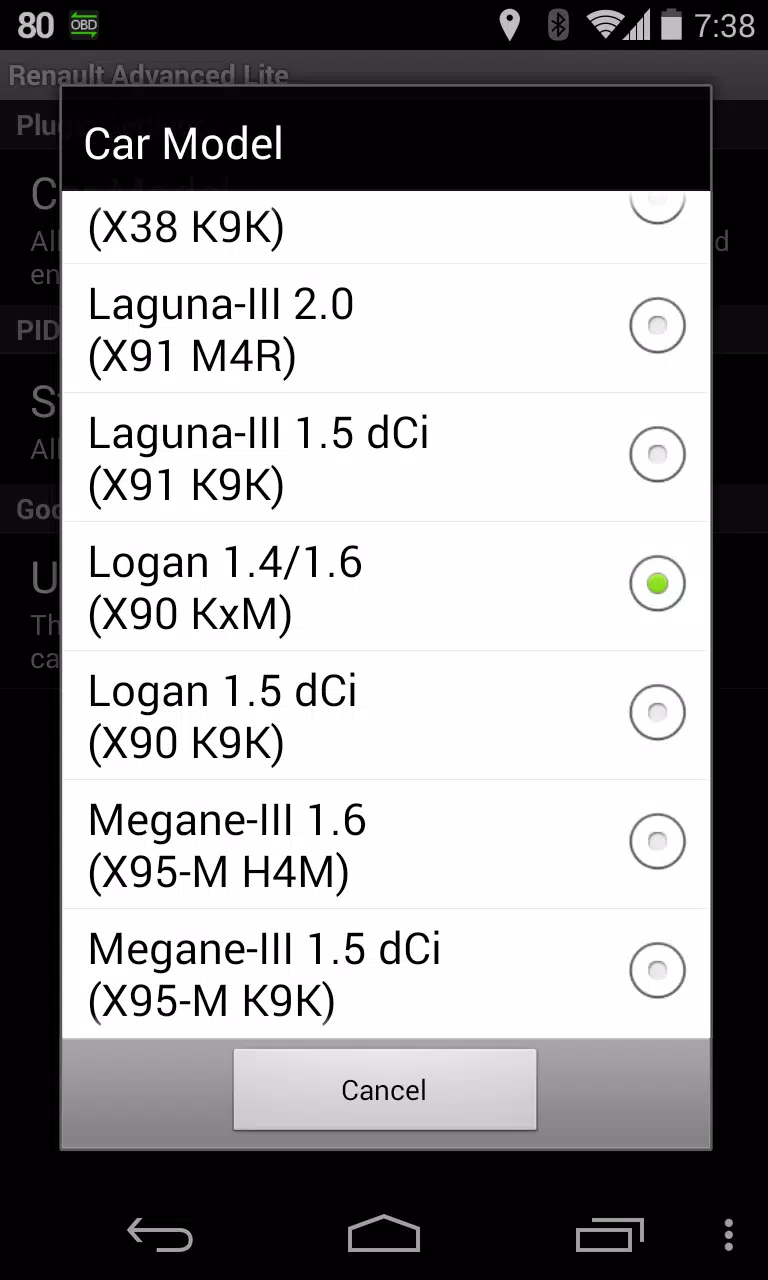
Supported Renault Models/Engines (DiagOnCan/CANBUS ONLY):
While other Renault models and engines may be compatible, testing was performed only on these:
- Captur 1.2 (X87 H5F)
- Captur 1.5 dCi (X87 K9K)
- Clio-III 1.6 (X85 KxM)
- Clio-III 1.5 dCi (X85 K9K)
- Duster 1.6 (X79 K4M)
- Duster 1.5 dCi (X79 K9K)
- Fluence 1.6 (X38 H4M)
- Fluence 1.5 dCi (X38 K9K)
- Laguna-III 2.0 (X91 M4R)
- Laguna-III 1.5 dCi (X91 K9K)
- Logan 1.4/1.6 (X90 KxM)
- Logan 1.5 dCi (X90 K9K)
- Megane-III 1.6 (X95-M H4M)
- Megane-III 1.5 dCi (X95-M K9K)
- Sandero 1.6 (B90 KxM)
- Sandero 1.5 dCi (B90 K9K)
- Scenic-III 1.6 (X95-S H4M)
- Scenic-III 1.5 dCi (X95-S K9K)
- Symbol 1.6 (L35 KxM)
For a comprehensive list of Renault engines, please visit http://en.wikipedia.org/wiki/List_of_Renault_engines.
Requirements: Advanced LT requires the latest version of Torque Pro. It is not a standalone application and will not function without Torque Pro.
Plugin Installation:
- After installing the plugin from Google Play, verify its presence in your Android device's installed applications.
- Open Torque Pro and tap the "Advanced LT" icon.
- Select your engine type and return to the Torque Pro main screen.
- Access Torque Pro "Settings".
- Confirm the plugin's installation under "Settings" > "Plugins" > "Installed Plugins".
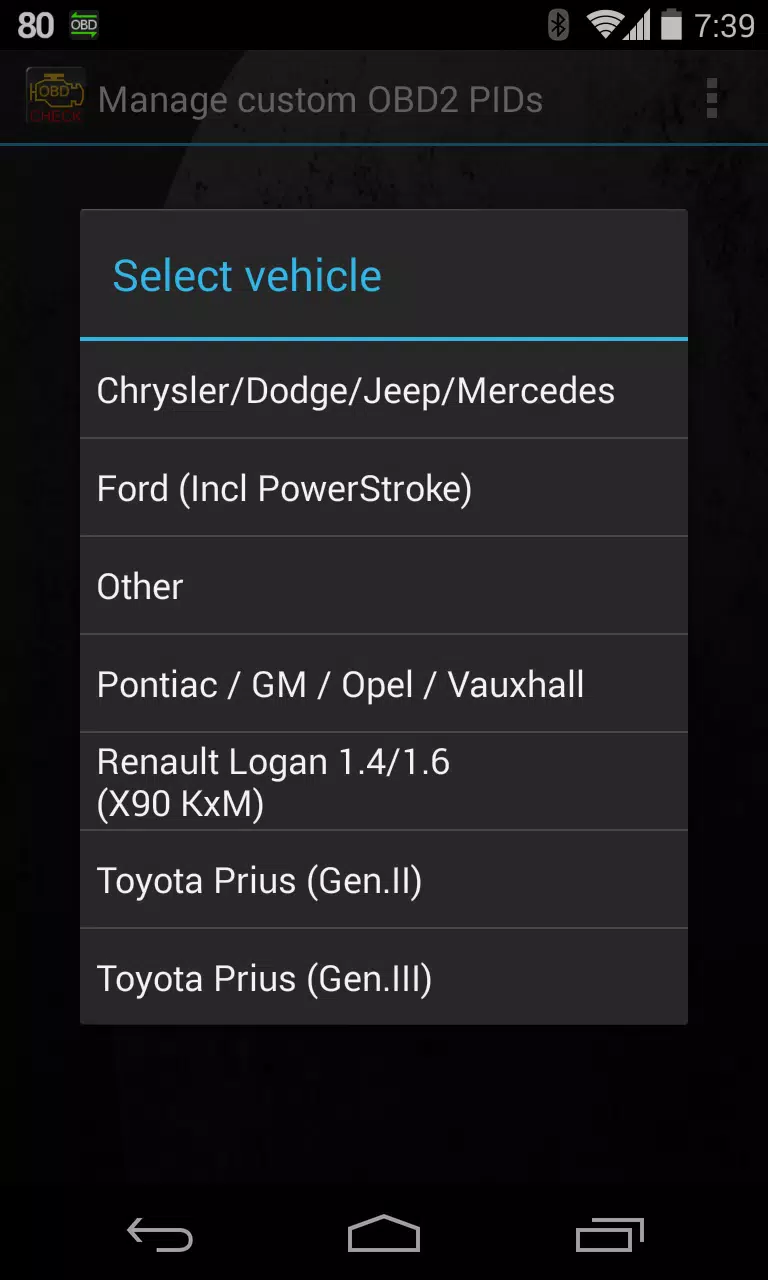
- Navigate to "Manage extra PIDs/Sensors".
- Select "Add predefined set" from the menu.
- Choose the correct predefined set for your Renault engine type.
- Newly added sensors will appear in the Extra PIDs/Sensors list.
Adding Displays:
- Go to the Realtime Information/Dashboard.
- Press the menu button and select "Add Display".
- Choose a display type (Dial, Bar, Graph, Digital Display, etc.).
- Select a sensor. Advanced LT sensors begin with "[RADV]".
Future updates will include additional features and parameters. Feedback and suggestions are welcome.
Version 2.0 Updates (December 14, 2019)
- Improved API26+ handling for third-party plugins, incorporating Torque's main fix.