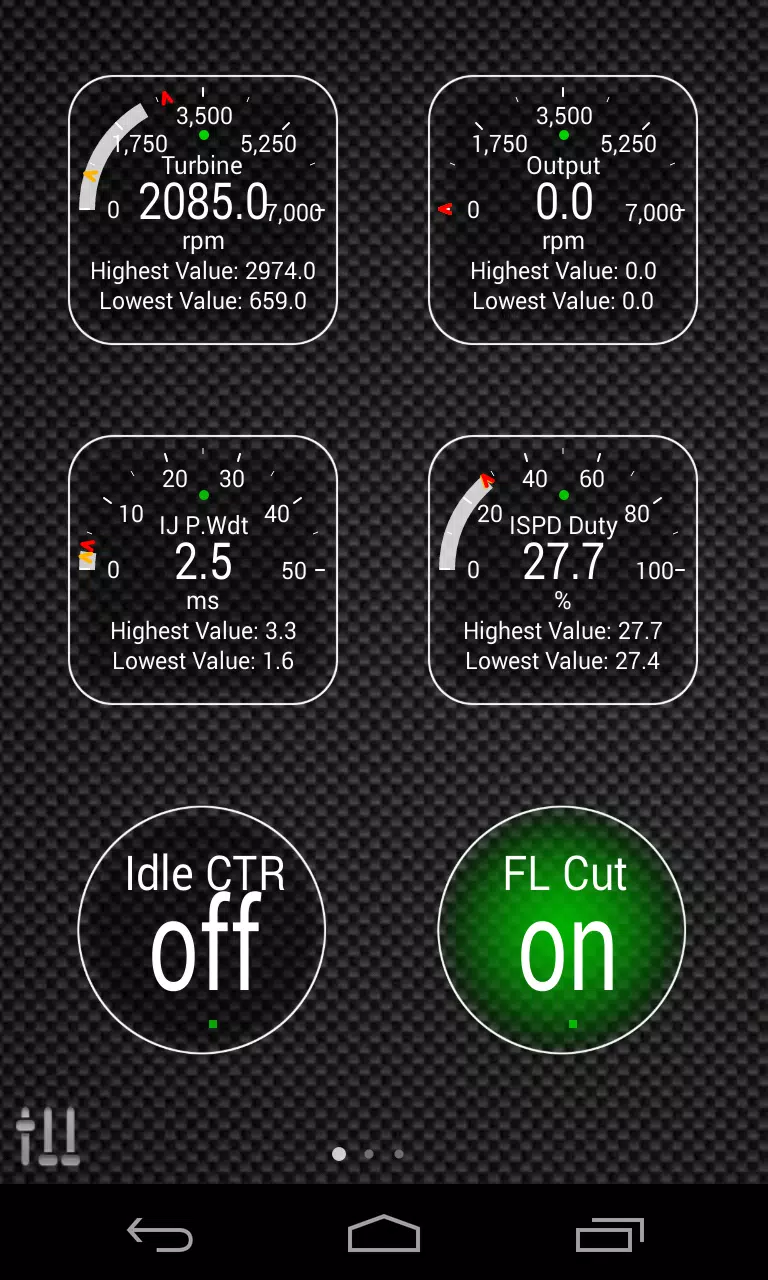
This Torque Pro plugin unlocks real-time monitoring of specific Hyundai vehicle parameters. Access advanced engine and automatic transmission sensor data by installing this plugin.
Advanced LT, a Torque Pro extension, adds Hyundai-specific PIDs and sensors. A trial version with limited sensors is available before purchase. Calculated sensors (e.g., Injector Duty Cycle, HIVEC mode) are not included in this version.
Supported Hyundai Models/Engines (tested):
- Accent 1.4/1.6 MPI
- Accent/Solaris 1.4/1.6 GDI
- Accent/Solaris 1.6 CRDI
- Elantra/i30 2.0
- Genesis Coupe 2.0 MPI/GDI
- Genesis Coupe 3.8 V6
- Getz 1.5 CRDI
- Getz 1.6/1.4/1.3 MPI
- i30 1.6 GDI
- i30 1.6 CRDI
- i40 2.0 MPI
- i40 1.6 GDI
- i40 1.7 CRDI
- SantaFe 3.3 V6
- SantaFe 2.0 CRDI
- SantaFe 2.4 MPI/GDI
- SantaFe 2.7 V6
- SantaFe 2.0/2.2 CRDI
- SantaFe 3.3 V6
- Sonata 2.0/2.4 MPI/GDI
- Sonata/i45 2.0/2.4 MPI/GDI
- Sonata 2.0 T-GDI
- Tiburon 2.0 MPI
- Tiburon 2.7 V6
- Terracan 2.9 CRDI
- Tucson 2.0 CRDI
- Tucson 2.0 MPI
- Tucson 2.7 V6
- Tucson/ix35 2.0/2.4 MPI/GDI
- Tucson/ix35 2.0 CRDI
- Veloster 1.6 MPI/GDI
- Veloster 1.6 T-GDI
- Veracruz/ix55 3.8 V6
- Veracruz/ix55 3.0 CRDI
Note: Other Hyundai models may also be compatible.
The plugin features an ECU scanner. Record at least 1000 samples and send logs to the developer to add support for unsupported sensors.
Requirements: The latest version of Torque Pro is required. This is a plugin; it will not function independently.
Installation:
- Install the plugin from Google Play. Verify its presence in your installed apps.
- Open Torque Pro and tap the "Advanced LT" icon.
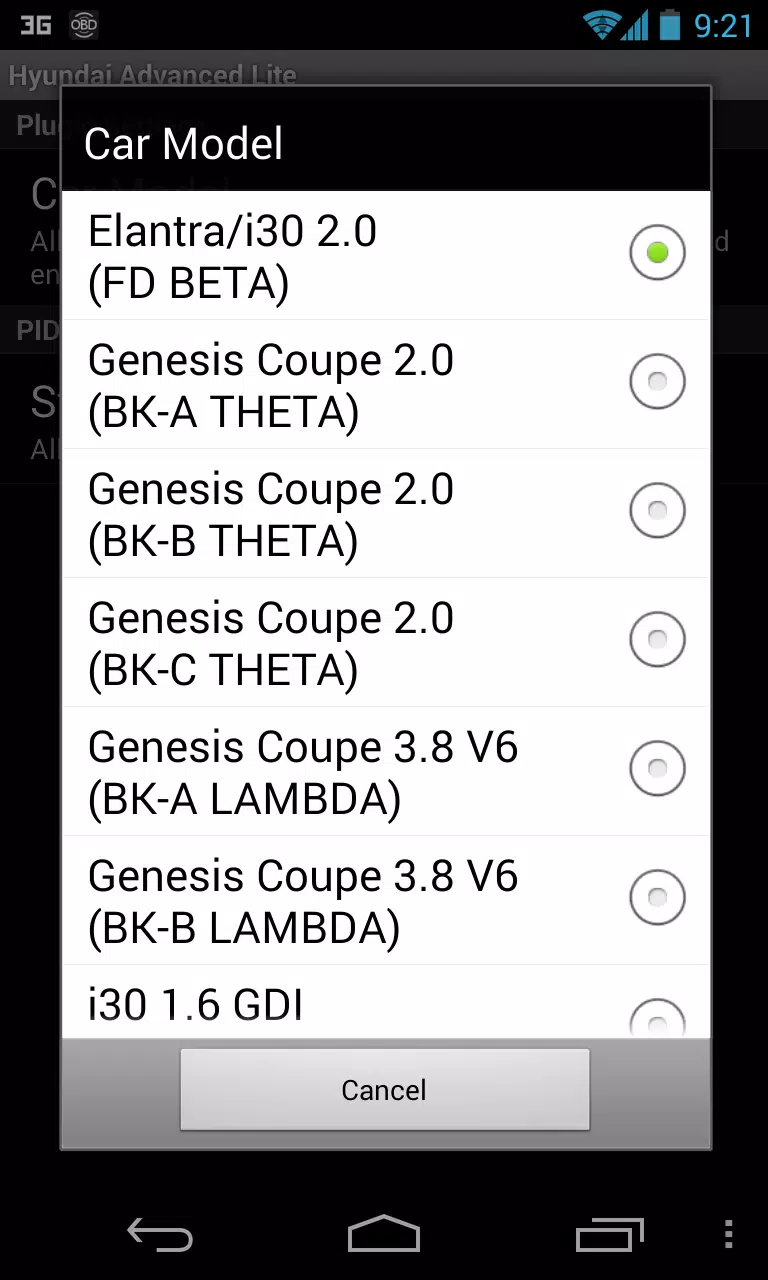
- Select your engine type and return to the Torque Pro main screen.
- Access Torque Pro "Settings" > "Plugins" > "Installed Plugins". Confirm the plugin is listed.
- Go to "Manage extra PIDs/Sensors".
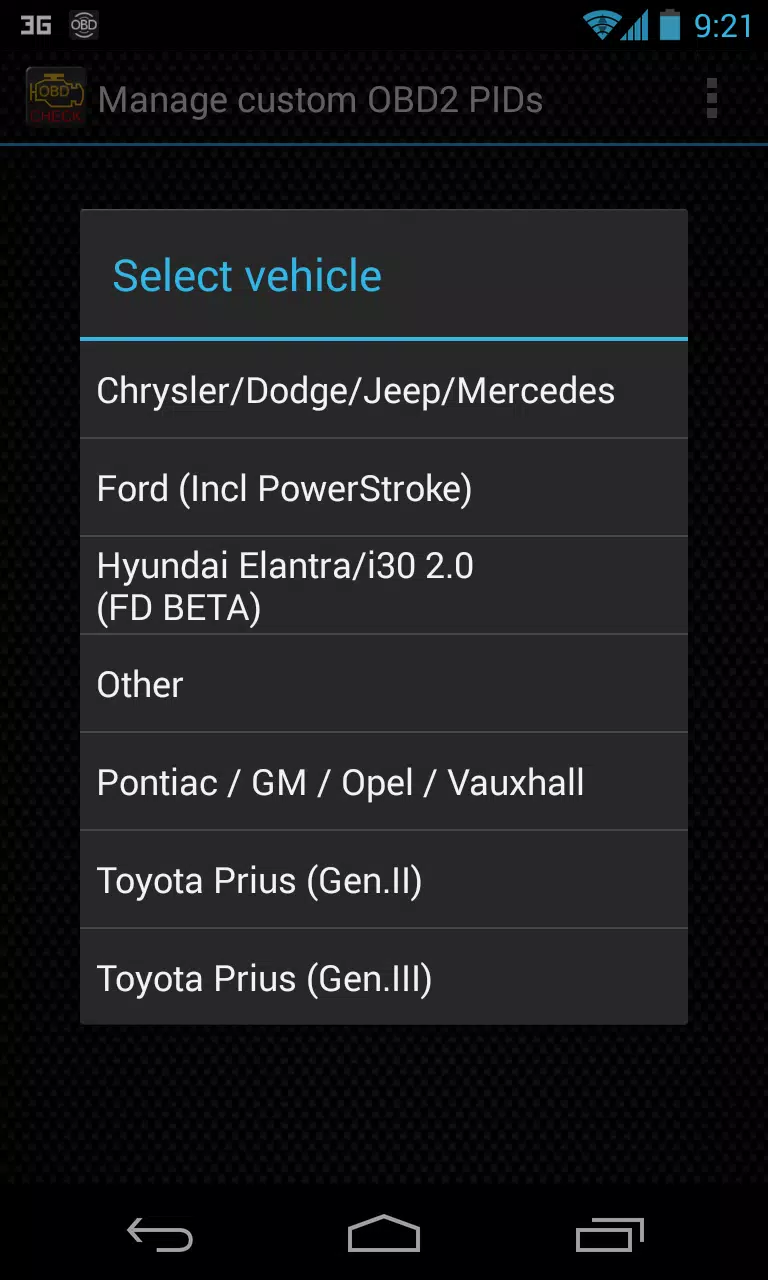
- Select "Add predefined set". Choose the correct set for your Hyundai engine.
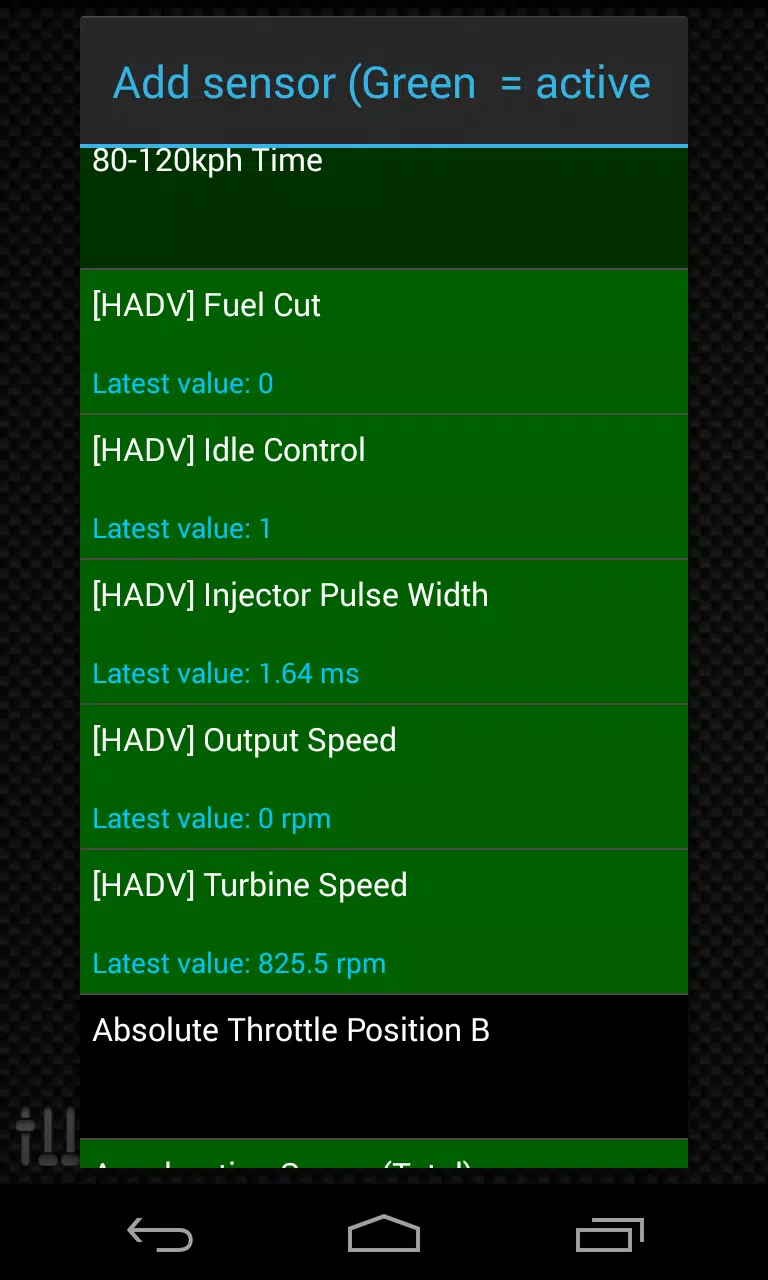
- New sensors (prefixed with "[HADV]") will appear in the Extra PIDs/Sensors list.
Adding Displays:
- Navigate to Realtime Information/Dashboard.
- Tap the menu and select "Add Display".
- Choose a display type (Dial, Bar, Graph, etc.).
- Select a sensor from the list; "[HADV]" prefixed sensors are added by Advanced LT.
Future updates will include more features and parameters. Feedback is welcome.