Home Apps Productivity Squid: Take Notes, Markup PDFs
Squid: Take Notes, Markup PDFs

Squid: Take Notes, Markup PDFs

4.2
Download
Download
Application Description
Squid: Your ultimate digital notepad, seamlessly blending modern technology with the familiar feel of pen and paper. This app lets you effortlessly capture notes, sketch ideas, annotate PDFs, and manage tasks on Android devices, Chromebooks, and tablets. Enjoy a realistic writing experience, intuitive navigation, and a wide selection of paper styles, making note-taking simple and enjoyable, regardless of whether you use a stylus or your fingers. Advanced features like vector graphics, comprehensive editing tools, and versatile markup options elevate your note-taking to a new level of efficiency and creativity.

Key Features of Squid:

Cross-Device Compatibility: Take notes seamlessly across smartphones, tablets, and Chromebooks for ultimate flexibility and convenience.

Realistic Writing Feel: Experience the natural feel of pen on paper, whether using a stylus or your fingertip, thanks to smooth navigation and intuitive controls.

Vector Graphics Power: Ensure your images and videos remain sharp and clear at any zoom level with the integrated vector graphics engine.

Diverse Paper Styles: Choose from a variety of paper types—lined, grid, dotted, music staff, and more—to perfectly match your note-taking needs.

Robust Editing Tools: Easily refine your notes with tools like undo/redo, selection, movement, resizing, cutting, copying, and pasting.

Creative Expression: Enhance your notes with drawing tools, add text and markup, and incorporate multimedia for engaging and informative results.

In Summary:

Squid is an indispensable digital note-taking app for Android users seeking a realistic and user-friendly experience. Its intuitive interface, smooth navigation, and comprehensive features empower you to capture thoughts, sketch ideas, record tasks, and organize your notes efficiently. The app's vector graphics engine and diverse paper styles further enhance its versatility and power, making it the ideal solution for all your note-taking requirements.
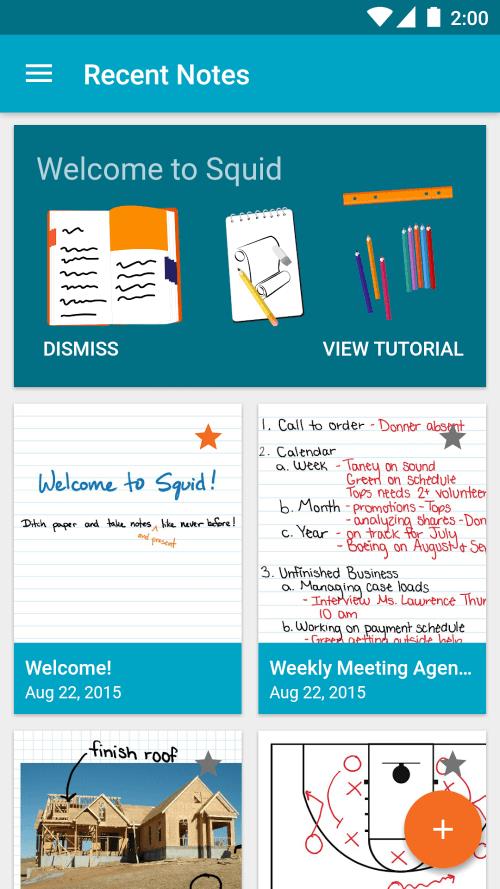

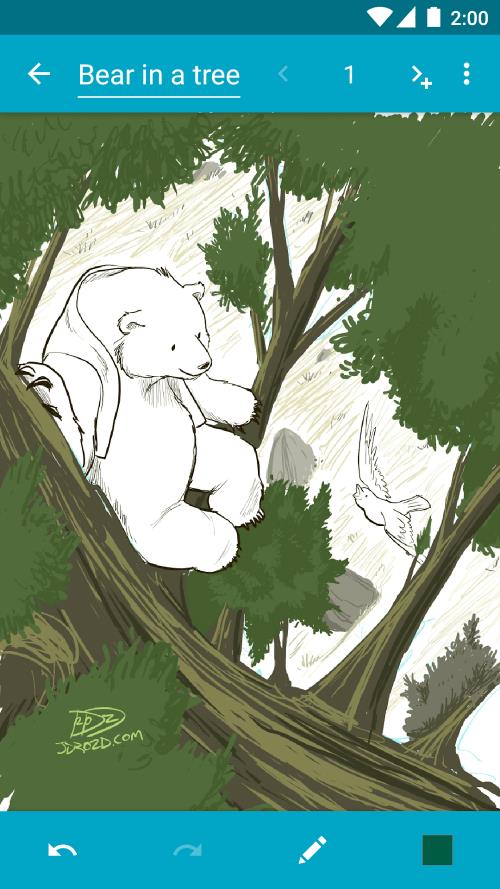
Squid: Take Notes, Markup PDFs Screenshot 0
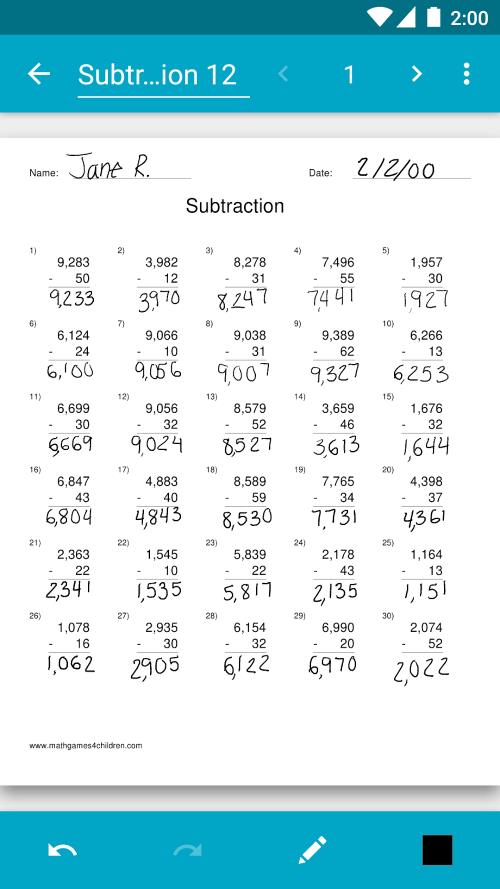
Squid: Take Notes, Markup PDFs Screenshot 1
Squid: Take Notes, Markup PDFs Screenshot 2
Squid: Take Notes, Markup PDFs Screenshot 3
Reviews Post Comments
Trending Apps More +
v1.3.9.d / 21.18M
5.11.0_space / 77.0 MB
2.5 / 73.80M
Latest Apps More +
Medical | 108.3 MB
Easy access to National Health Insurance information and BPJS Health services.The development of the BPJS Kesehatan Mobile app demonstrates BPJS Kesehatan's commitment to providing convenient access and optimal services for participants. Through this
Maps & Navigation | 58.1 MB
Streamline every business ride worldwide with a single, user-friendly app for seamless booking and management.Gett is designed for professionals. Enjoy comfortable rides charged to your business account—whether on-demand or pre-scheduled. Access a gl
Duboku TV brings you an extraordinary collection of international content with professional dubbing across multiple languages. Enjoy our vast content library, premium streaming quality, and intuitive interface designed for ultimate viewing pleasure.
Personalization | 47.80M
Dive into the newest wave of live video streaming with Plamfy: Watch Live Stream! Discover a vibrant array of creators from every corner of the world—enjoy dancers, singers, chefs, gamers, and more, anytime you like. Join live streams or launch your
News & Magazines | 40.20M
Keep up with breaking news and trending stories in one streamlined app, וואלה. Get live updates and dive into diverse content zones to stay connected with your world. Whether your interests lie in sports, culture, fashion, or tech, this app delivers
News & Magazines | 21.90M
Stay up to date with the Montreal Gazette app – your trusted source for the latest local and global news. Create a personalized feed based on your favorite topics and writers to always stay in the know. Delve into compelling articles, videos, and ph
Topics More +