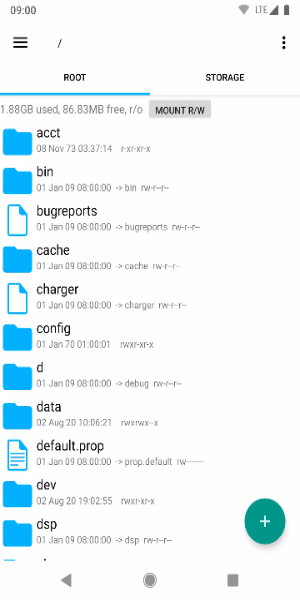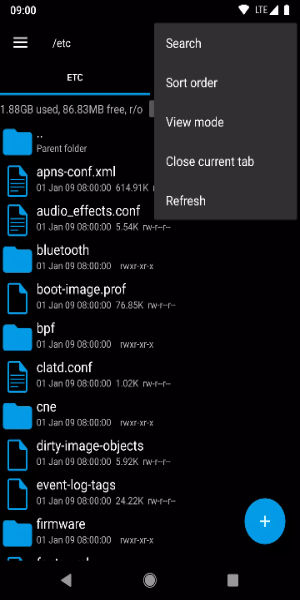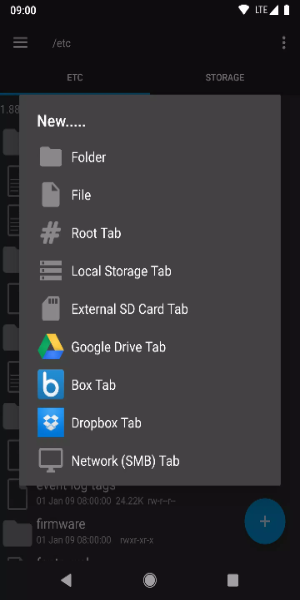
Root Explorer is the ultimate file management tool for Android, giving you advanced power to navigate, edit, and customize your device's file system with ease. Whether you're an expert user who wants total control or someone who just wants to keep their files neatly organized, Root Explorer delivers a complete and powerful solution right in your hand.
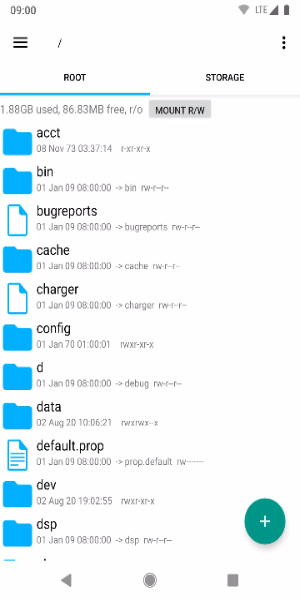
Standout Aspects:
· Full Root Access: Get unrestricted entry to system files and folders, enabling deep customization and tweaking of your Android device.
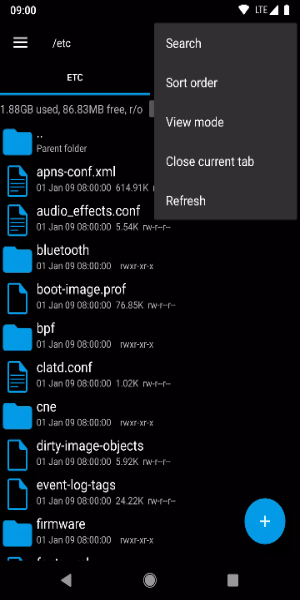
· Intuitive File Management: Easily copy, paste, move, rename, and delete files using a clean, efficient interface designed for smooth operation.
· Archive Support: Create and extract files in ZIP and RAR formats, helping you organize and save space effortlessly.
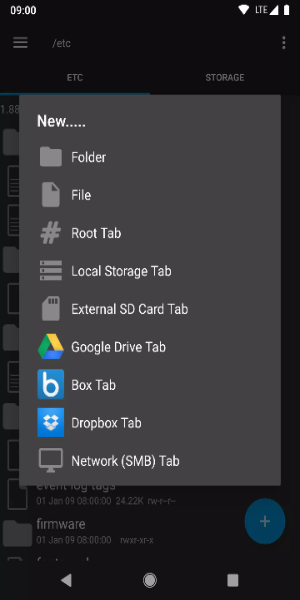
· Remote File Access: Manage files stored on cloud services like Google Drive, Dropbox, and OneDrive directly from the app.
· Built-In Viewer and Editor: Preview images, documents, and text files, and make edits to text files right inside the app—no extra software needed.
New permissions:
Full network access – used for connecting to network and cloud services. No personal information is transmitted over the internet.
Add or remove account – used by the Google Drive SDK to add a new account when necessary. No changes are made to existing accounts, and detailed account names are not accessed separately.
Find accounts on device – used to list available accounts for signing into Google Drive.
Prevent sleep – prevents the device from going to sleep during lengthy operations so tasks aren’t interrupted.
Tips for Users:
- Backup System Files: Always create backups of important system files before making any changes. This safety step lets you restore your device if something goes wrong during file management or customization.
- Utilize Search Function: Use Root Explorer’s powerful search tool to quickly find specific files inside large folders. This feature saves time and boosts productivity by locating files based on name or type.
- Customize Favorite Locations: Speed up your workflow by bookmarking often-used folders. Create quick shortcuts to important directories for instant access without browsing every time.
- Set Permissions Carefully: Be cautious when changing permissions on system files. Incorrect settings can cause system instability or security risks. Always understand what the changes do before applying them.
- Keep App Updated: Regularly update Root Explorer to access new features, improvements, and security fixes. Staying current ensures better performance and a safer experience on your Android device.
Enjoy Root Explorer on Android Now
Root Explorer is an essential tool for any Android user who wants complete command over their file system. With powerful capabilities like full root access, intuitive file management, archive handling, cloud integration, and built-in editing, it meets the needs of everyday users and tech lovers alike. Upgrade your Android experience today with Root Explorer—where convenience meets customization, everywhere you go.