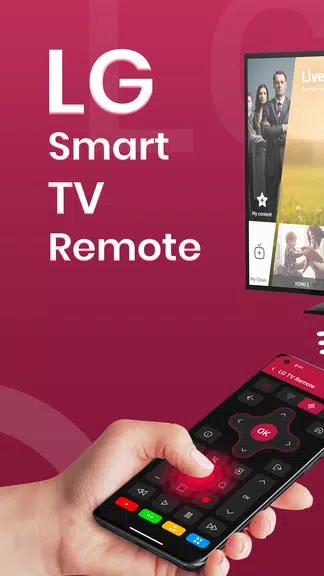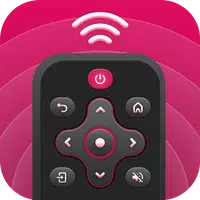
The Remote Control for LG TV app offers effortless control of your LG smart TV right from your Android device. This intuitive free app replicates all functions of your physical remote—from power and volume to channels and inputs—while adding convenient features like an on-screen keyboard for text entry and direct channel browsing. Perfect for replacing misplaced remotes or enjoying phone-based convenience, it delivers smooth TV management anytime.
Key Features:
- Effortless LG TV Control via Smartphone
Replace traditional remotes with this streamlined Android solution featuring an interface designed for immediate familiarity and ease of use.
- Complete Command Over TV Functions
Manage every critical aspect of your TV experience including power, volume adjustment, channel surfing, and input selection with precision.
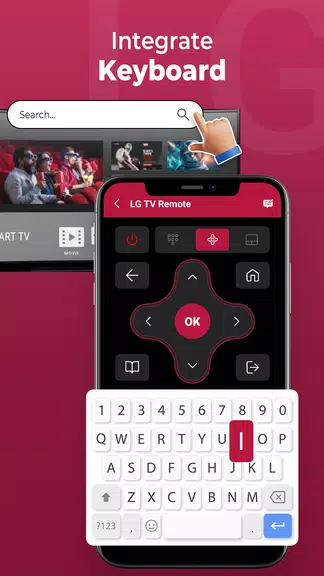
- Integrated On-Screen Keyboard
Streamline content searches and credential entry with responsive typing directly on your TV display—no more tedious remote navigation.
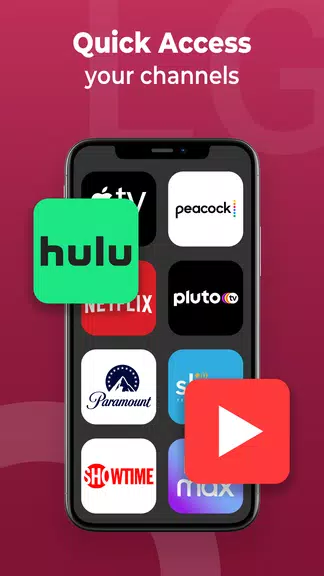
- Instant Channel Access
Browse and select channels through a organized visual guide, skipping tedious channel surfing for faster content discovery.
- Dual Connectivity Options
Compatible with both Wi-Fi and IR-enabled devices, ensuring broad support across Android smartphones and LG TV models.
- Hassle-Free Setup
Get started effortlessly through automated network detection—just ensure both devices share the same Wi-Fi network for instant control.
Why Choose This App:
Revolutionize your LG TV experience with this all-in-one control solution that combines essential functions in a mobile-friendly package. Whether adjusting settings, switching channels, or typing with ease, the app delivers reliable performance through Wi-Fi or IR connections. Ideal as a permanent remote replacement or occasional backup, its straightforward installation and operation make TV management smarter. Enjoy unparalleled convenience—download now and command your entertainment from anywhere!