PDF Reader - PDF Viewer is a must-have for frequent document readers. It ensures seamless note-taking without disrupting document layouts, making it perfect for both work and study. Enjoy offline access and effortless interaction with your documents. Experience lightning-fast performance for all your editing needs. 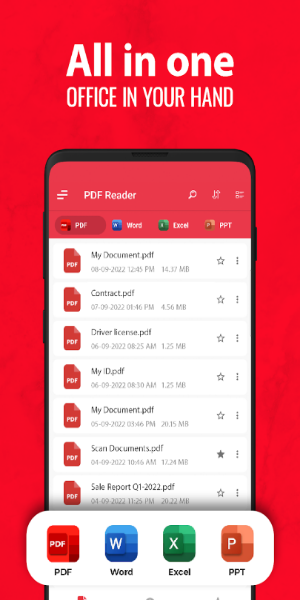
Access and Manage PDFs Directly Through Your Device’s Apps
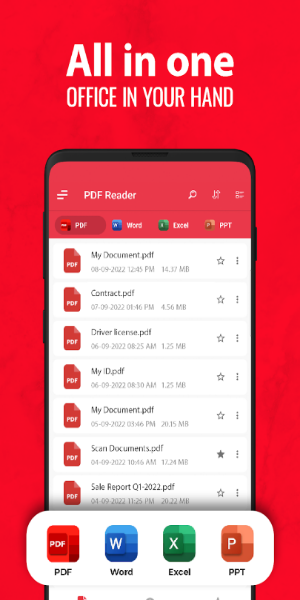
The renowned PDF Reader - PDF Viewer application offers a plethora of unexpected and highly useful features. Users are provided with an organized list of PDF files, enabling easy viewing and sorting by date. This flexibility allows users to process and categorize their documents according to their preferred topics. Additionally, the app supports seamless integration with other applications for direct reading and file management. This feature is particularly useful for taking notes and gathering information effortlessly. Users can access and perform all sorting tasks even without an internet connection. Both data backup and storage of edited files are supported offline.
Effortless Note-taking and File Sharing
PDF Reader - PDF Viewer also enables users to search for information and modify file formats and names with ease. The integrated PDF Editor allows for simple document edits with additional decorative tools. Sharing PDF e-books is straightforward via email or cloud services, allowing large files to be shared instantly with a single click. The app offers various slideshow modes, both horizontal and vertical, enhancing the reading experience. Users can mark pages as read for easier navigation. Document zoom and layout preservation ensure an optimal reading experience on every page.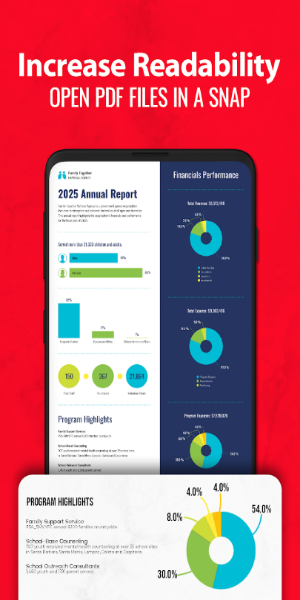
Experience Comprehensive PDF Features
PDF Reader - PDF Viewer from Simple Design Ltd. is an intuitive and effective application designed to enhance your document viewing and editing capabilities. The app automatically scans and compiles a list of all PDF files on your device, facilitating quick searches and rapid document access. Users can easily bookmark pages for future reference and toggle between light and dark modes with a single tap.
Beyond just viewing, this app functions as a versatile PDF editor. It enables users to highlight text, take notes, add electronic signatures, and annotate documents. The app also supports doodling on PDFs and provides tools for seamless text copying. Additionally, users can share files, print directly from their devices, and utilize advanced features like splitting or merging PDFs.
Boost Your Productivity
PDF Reader - PDF Viewer is crafted to simplify the process of reading and managing PDF files, offering multiple viewing modes and swift document access. However, some users may find the interface too packed, with gestures occasionally triggering unintended editing modes that interrupt the reading flow. Despite these minor drawbacks, the app's efficient editing tools and robust file management options make it an essential productivity asset.
Download PDF Reader and Access All Features for Free Today!
*Convenient PDF Viewer
- Switch between single-page and continuous scrolling modes
- Choose between horizontal and vertical viewing orientations
- Enjoy smooth reading with Reflow mode
- Jump directly to any desired page
- Easily search and copy text within PDFs
- Effortlessly zoom in and out of pages
*Free PDF Reader App - Automatically scans and locates all PDF files on your device
- Perform quick searches for files and text using keywords
- Displays PDF files in a straightforward list format
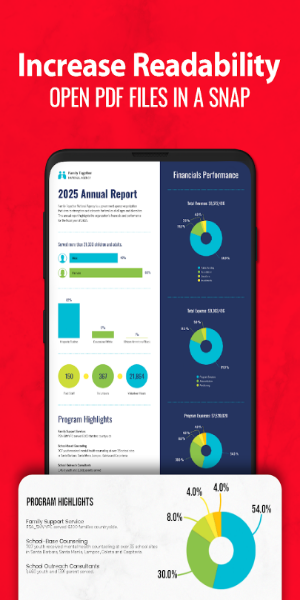
- Opens and views documents swiftly
- Allows you to bookmark PDF pages
- Toggle between light and dark modes with one click
*Versatile PDF Editor - Highlight paragraphs with various colors
- Add notes with underline, strikethrough, etc.
- Insert e-signatures and fill out PDF forms (coming soon)
- Doodle directly on PDF files
- Annotate and comment on PDFs
- Copy text from PDFs effortlessly
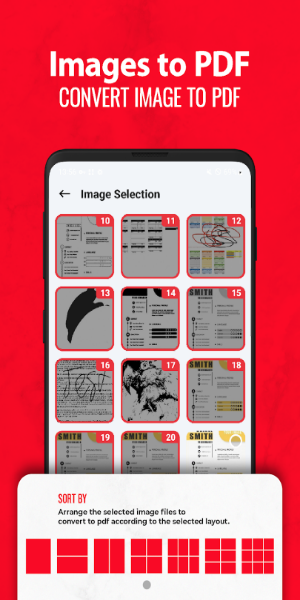
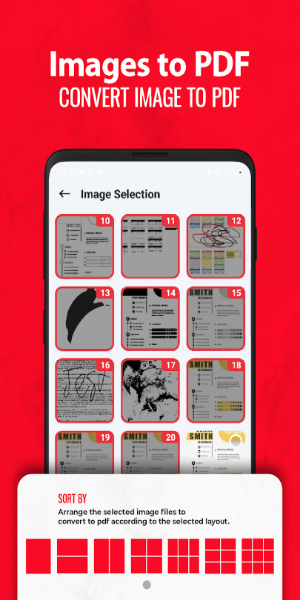
*Comprehensive PDF Tools - Convert images to PDF files with ease
- Split or merge PDF files quickly
- Add text to PDFs anytime
- Compress PDFs to reduce file size (coming soon)
*Robust PDF Manager
Recent - Quickly access all recently opened files.
Lock - Secure your PDF files with a password.
Manage - Rename, delete, or mark files as favorites.
Share - Easily share files and collaborate with others.
Print - Print PDF files directly from your mobile device.
Advantages & Disadvantages
Advantages: - Easy to use
- Various viewing modes
- Text search and copy functionality
- Comprehensive PDF editing tools
Disadvantages: - Interface can feel cluttered 。