As we usher in the new year, the latest MacBook Air has captured the attention of many tech enthusiasts. However, if you're deeply rooted in the Windows ecosystem and hesitant to switch, there are excellent alternatives to consider. My top pick among these is the Asus Zenbook S 16, which stands out for its impressive features and performance.
TL;DR - The Best MacBook Alternatives:
 Our Top Pick### Asus Zenbook S 16
4See it at Best Buy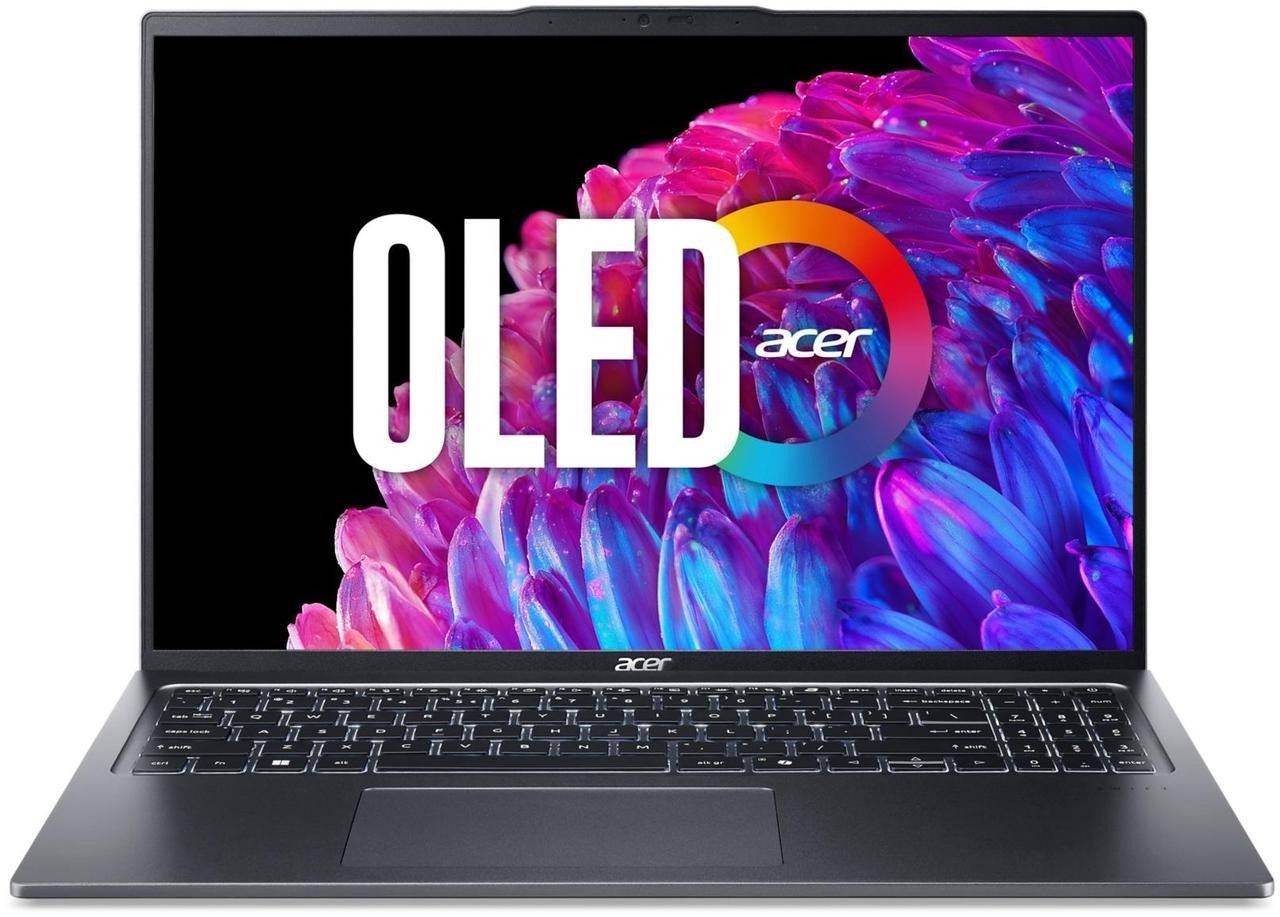 ### Acer Swift Go 16
2See it at Acer ### Asus Zenbook S 14
1See it at AsusSee it at Best Buy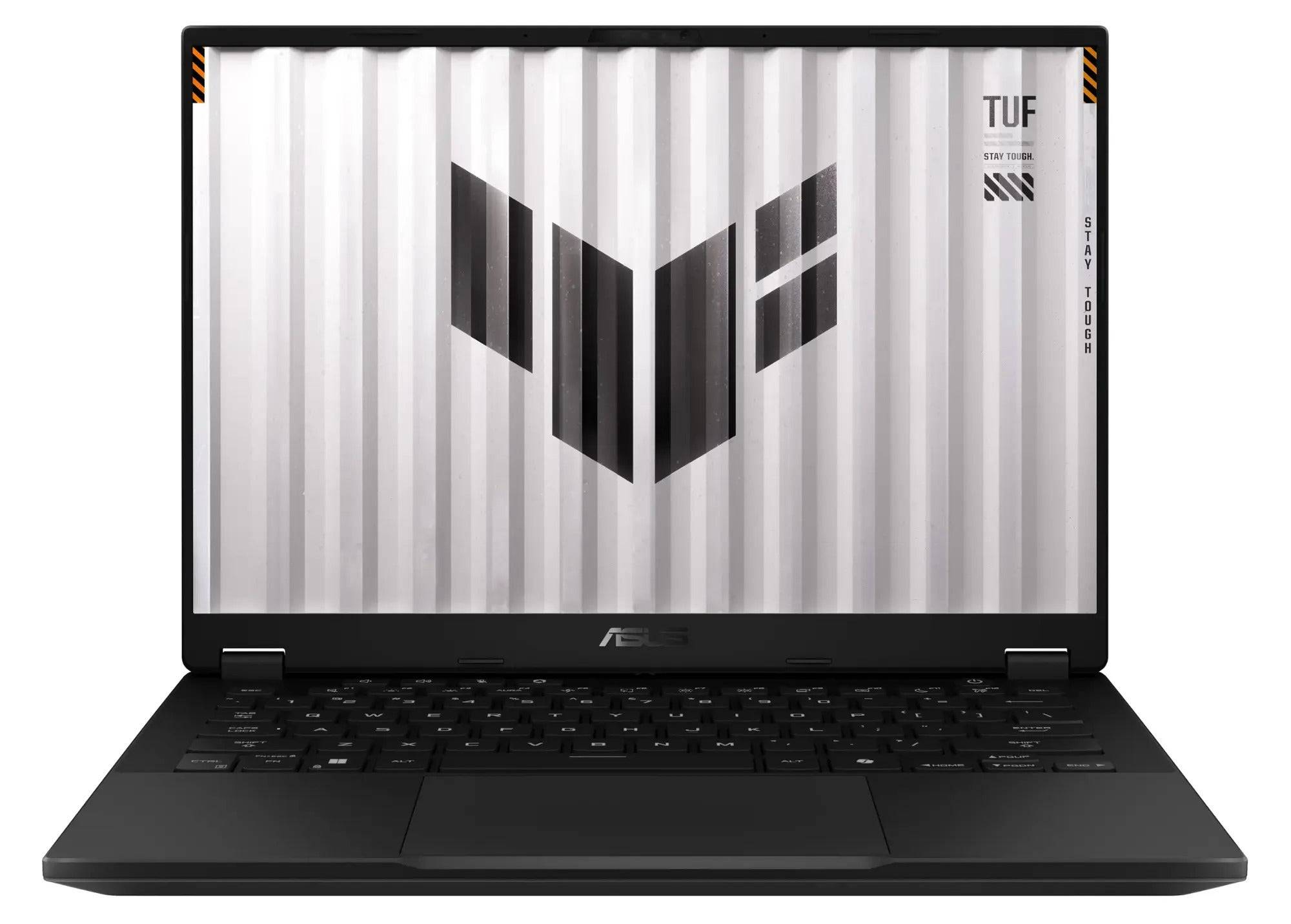 ### Asus TUF Gaming A14
0See it at AmazonSee it at Best BuySee it at Asus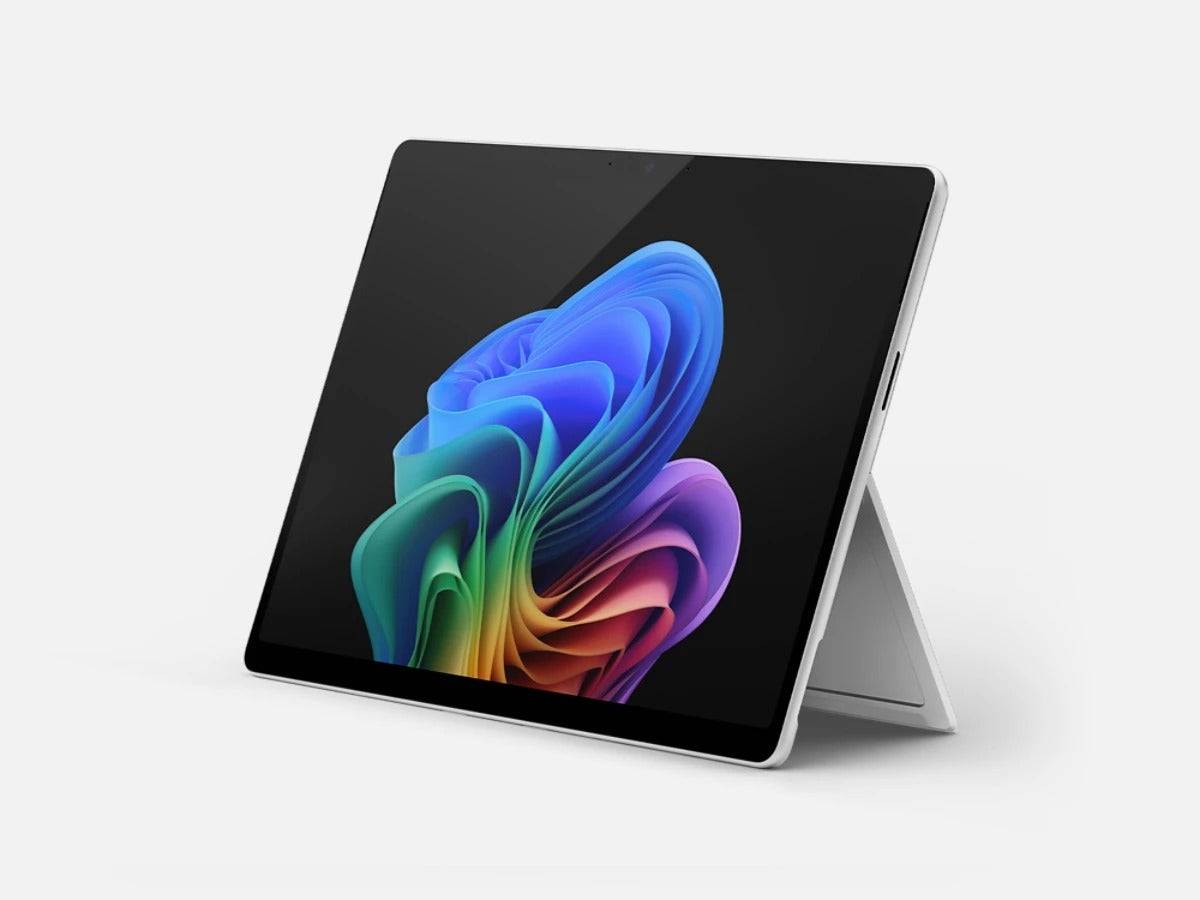 ### Microsoft Surface Pro 11
0See it at AmazonSee it at MicrosoftA laptop that aims to be a MacBook alternative must meet stringent criteria. It should be lightweight, highly portable, powerful, equipped with a superior screen, and boast a battery life that lasts a full workday. In compiling this list, I've drawn on my extensive reviews from the past year to identify laptops that truly rival the MacBook. Whether you're seeking a replacement for the MacBook Pro, MacBook Air, or a versatile 2-in-1 for creative work, I have recommendations to suit your needs.
Asus Zenbook S 16
The Best MacBook Alternative
 Our Top Pick### Asus Zenbook S 16
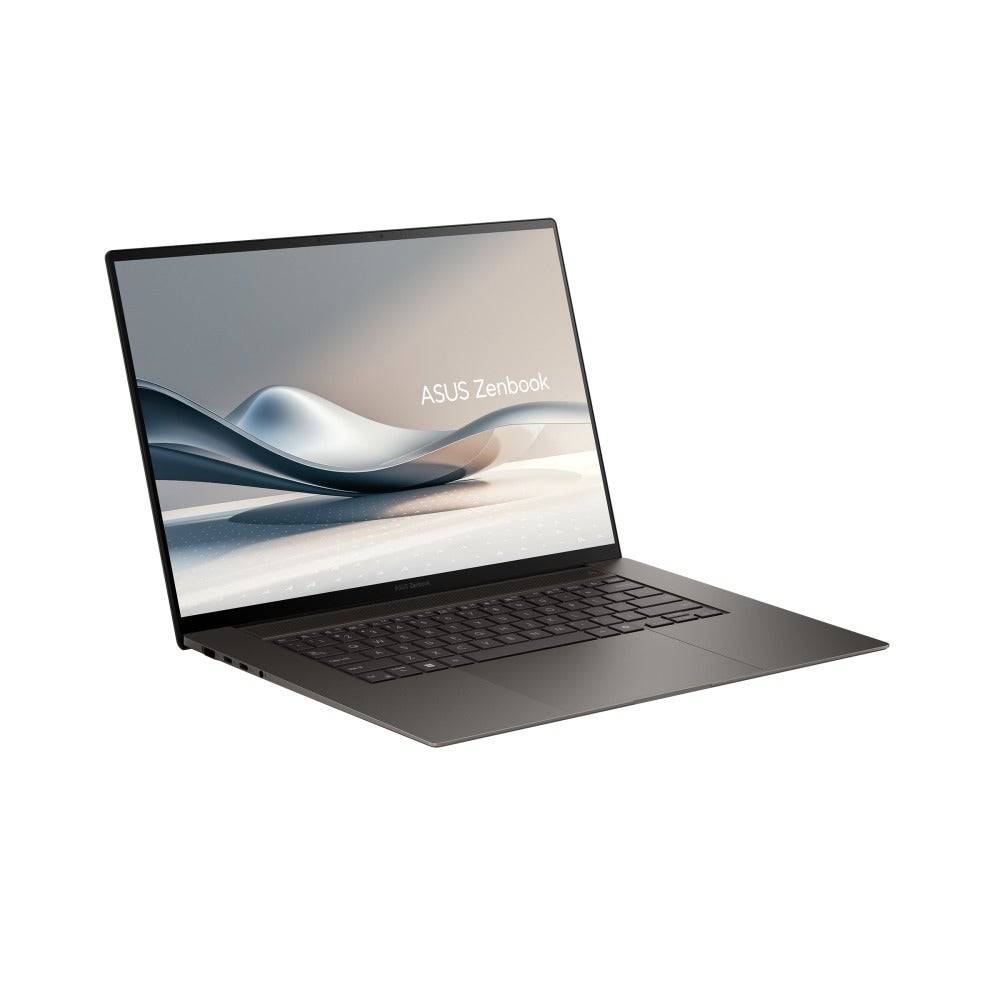
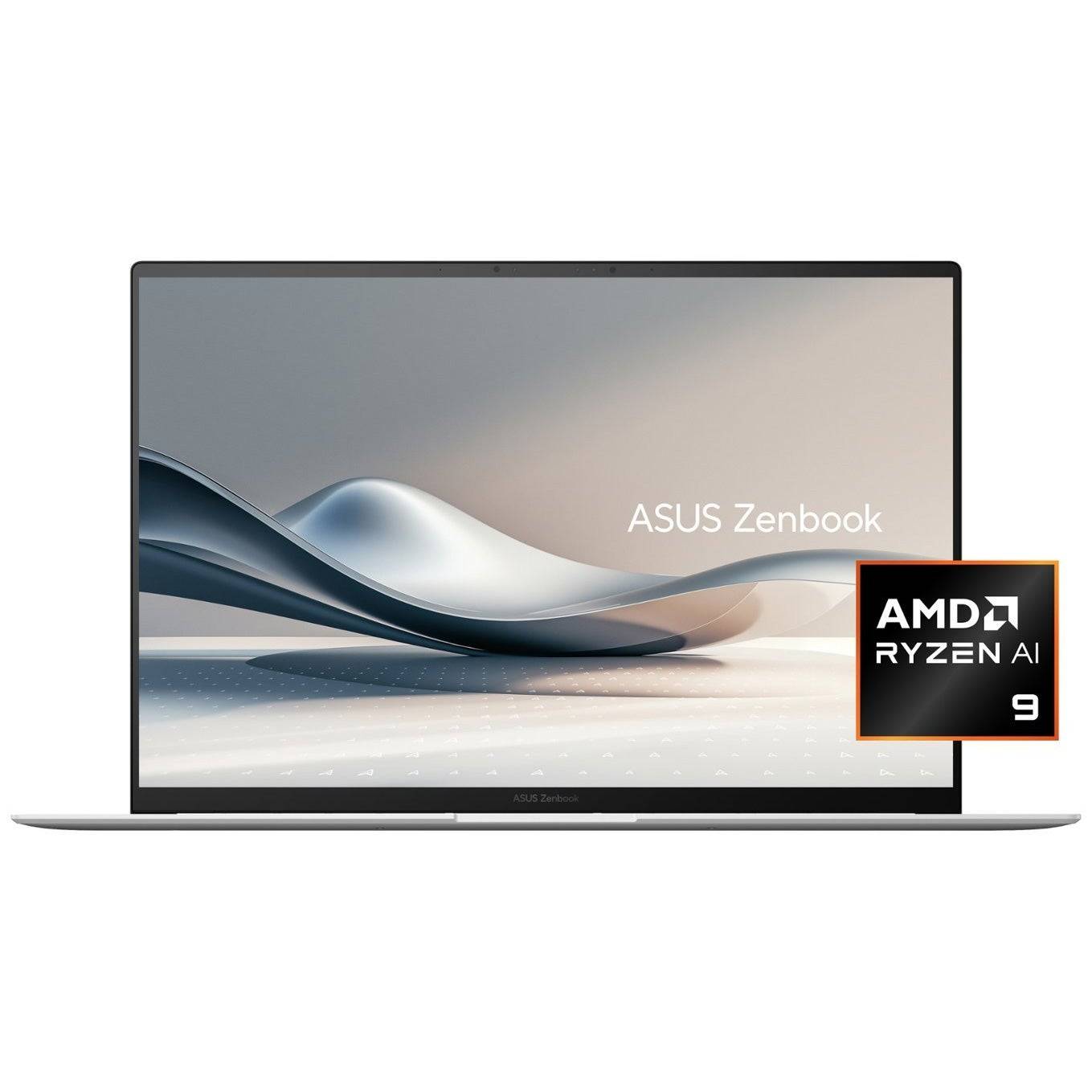
2The Asus Zenbook S 16 is an outstanding Windows alternative to the MacBook Pro. It's incredibly portable and a pleasure to use.See it at Best BuySee it at AsusProduct SpecificationsDisplay16" (2880 x 1800)CPUAMD Ryzen AI 9 HX 370GPUAMD Radeon 890MRAM32GB LPDDR5XStorage1TB PCIe SSDWeight3.31 poundsSize13.92" x 9.57" x 0.47" - 0.51"Battery lifeAround 15 hoursPROSThin, light, and exceptionally portableHigh performance while still offering great battery lifeStunning 3K OLED touchscreenSurprising gaming performance CONSCan get hotThe Asus Zenbook S 16 is the premier alternative to the Apple MacBook Pro, particularly if you need a larger screen. It's remarkably thin and light yet packs a powerful punch, making it ideal for productivity and demanding creative tasks like 4K video editing. Its design is one of the most aesthetically pleasing I've encountered.
The core of the system is the AMD Ryzen 9 AI HX 370 CPU, which boasts 12 cores and 24 threads, reaching a maximum clock speed of 5.1GHz. This processor excels in a wide range of tasks, including gaming, thanks to its use in high-end Windows gaming handhelds.
While it doesn't match the efficiency of Apple's M3 or M4 chips, the Zenbook S 16 still delivers impressive battery life. At 50-60% screen brightness, I achieved around 15 hours of usage, ensuring it lasts through a full day and beyond.
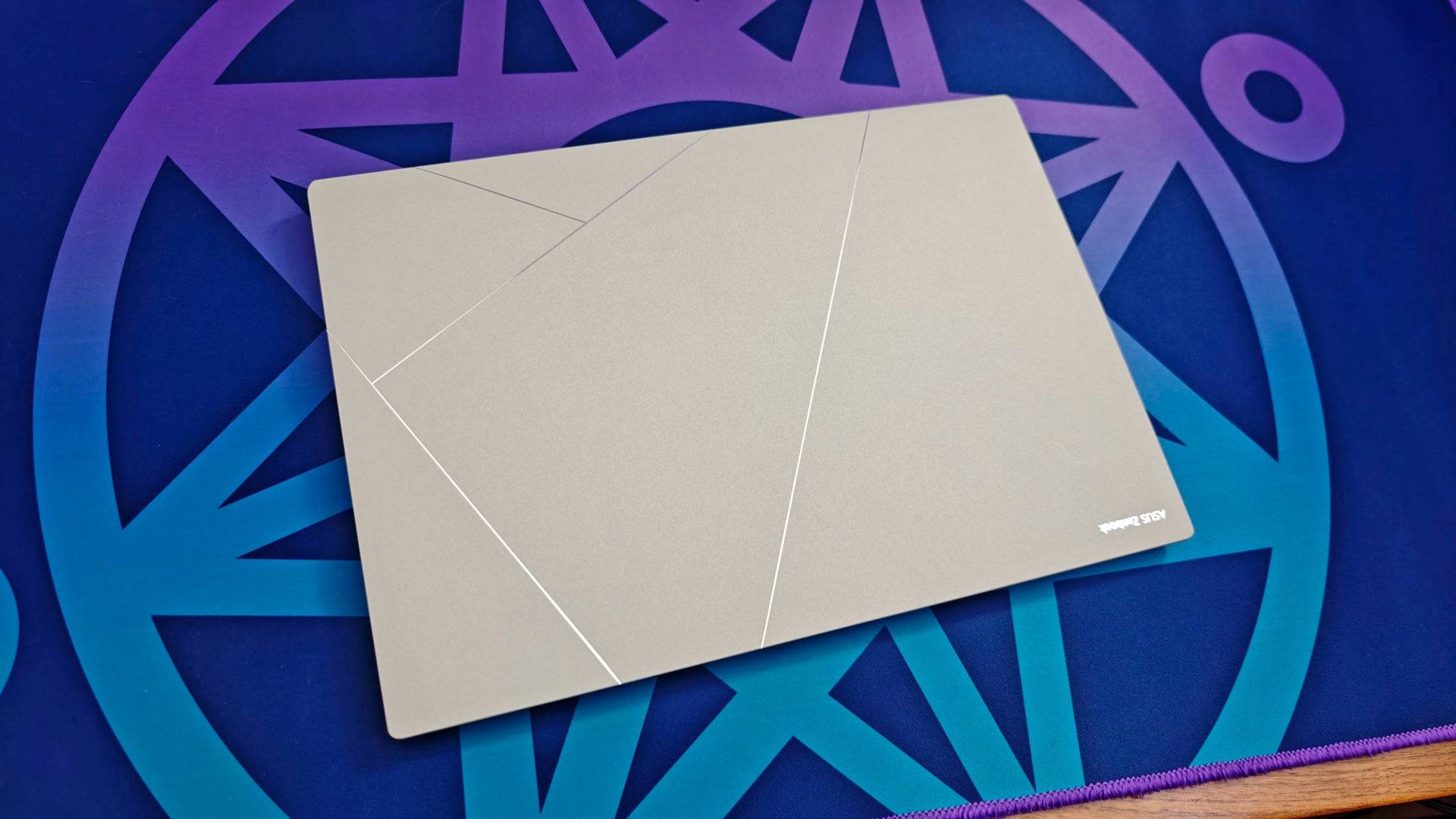
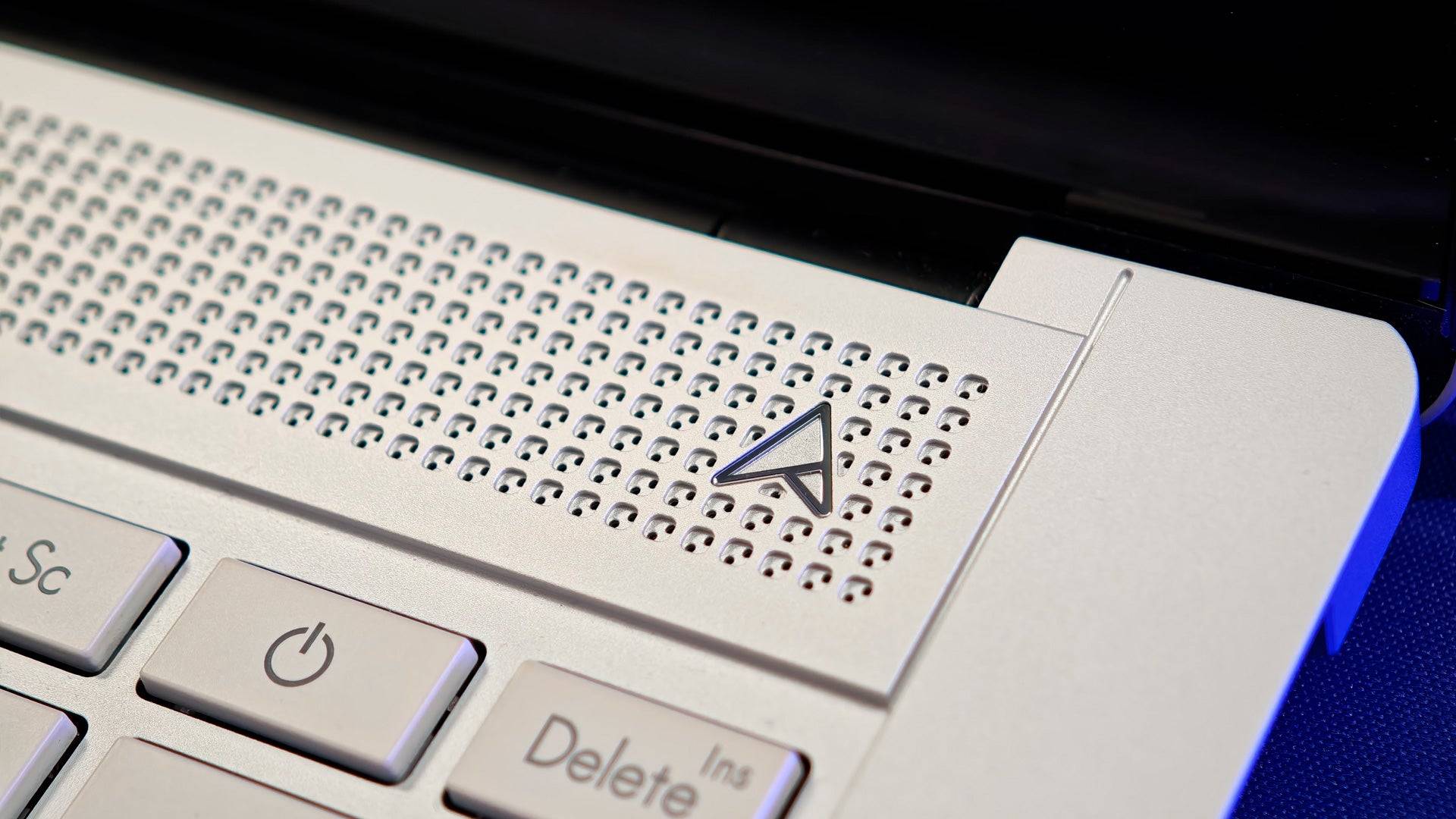
The laptop's design is stunning, featuring a new Ceraluminum lid that combines ceramic and aluminum for durability and a fingerprint-resistant finish. The attention to detail, such as the ventilation area above the keyboard with over a thousand individually milled holes, underscores its premium nature.
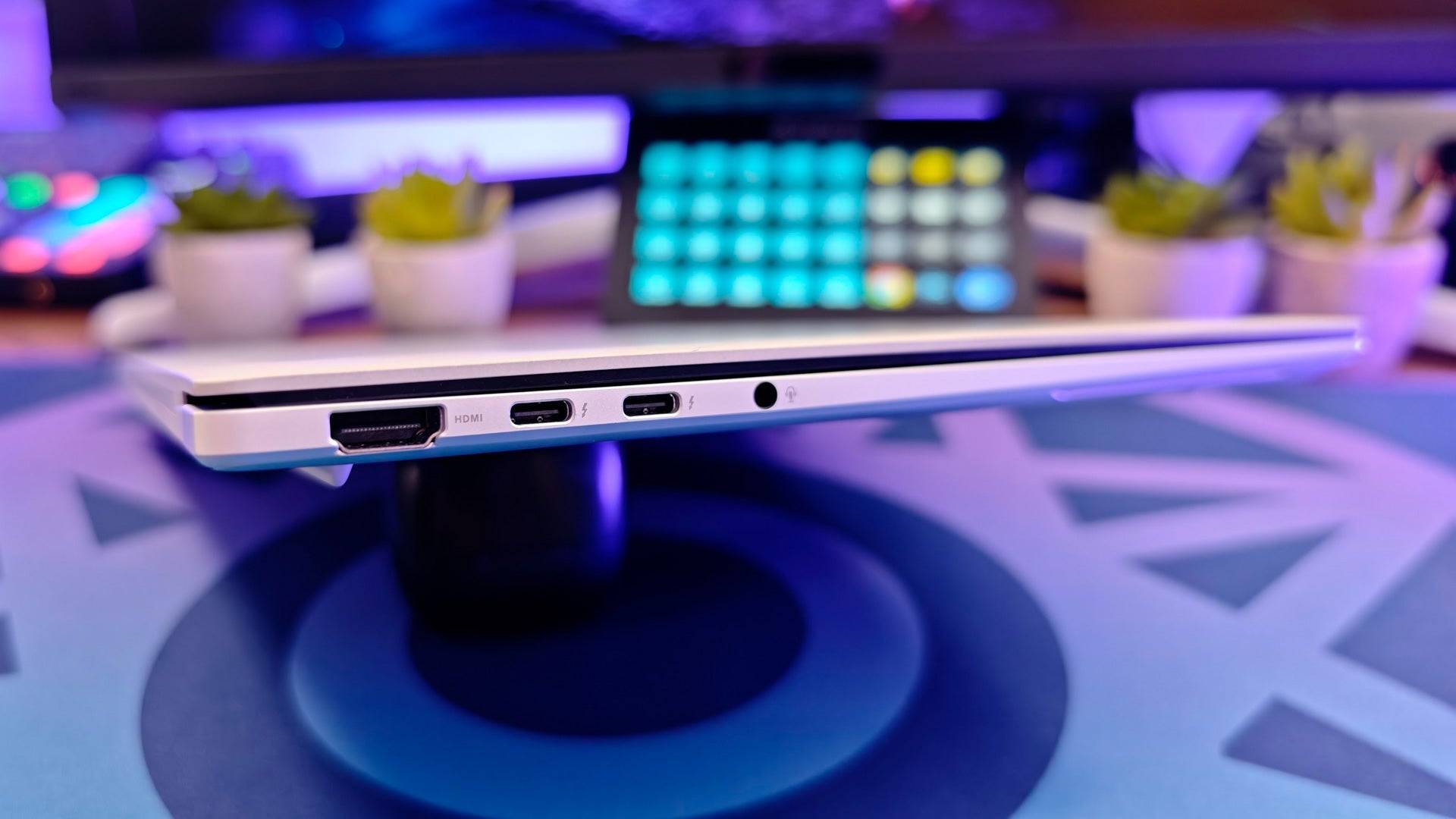
Connectivity surpasses that of the MacBook with dual USB Type-C ports, a full-size USB Type-A, an SD card reader, a headphone jack, and an HDMI-out port for external monitor connections.
The screen is a highlight, with a bright 500-nit OLED display at 2.8K resolution (2880x1880). It supports multi-touch and dynamically adjusts between 60Hz and 120Hz for smooth visuals while maintaining excellent battery life.
The only notable drawback is that the laptop can get hot, a trade-off for its ultra-premium design. However, this issue is mitigated when used on a desk, making it a worthwhile compromise for the Zenbook S 16's overall excellence.
Acer Swift Go 16 OLED
Best Budget MacBook Alternative
 ### Acer Swift Go 16
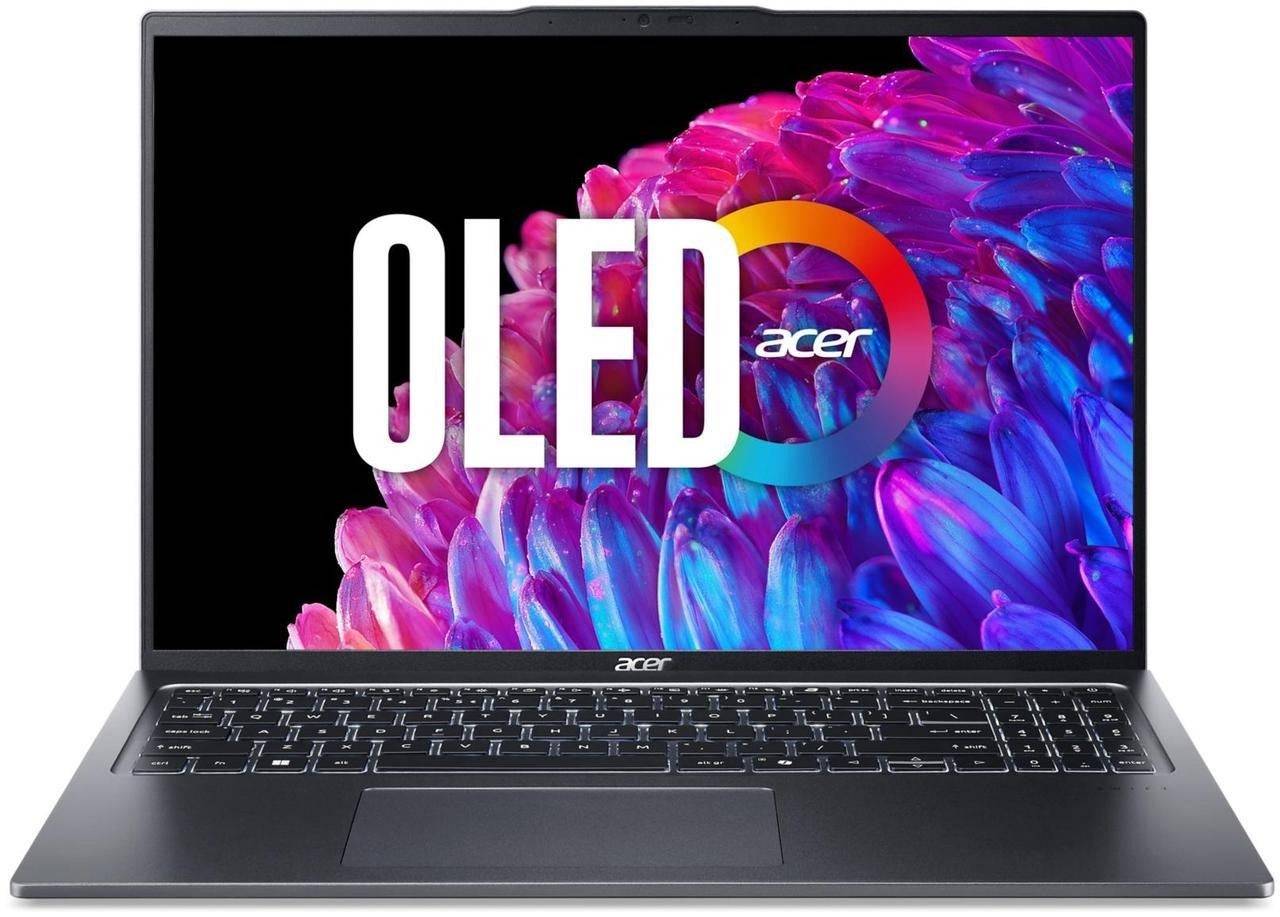
0A beautiful OLED screen, great battery life, and a thin and light design on a budgetSee it at AcerProduct SpecificationsDisplay16" (3200 x 2000), OLED multitouchCPUIntel Core Ultra 5 125HGPUIntel ArcRAM8GBStorage512GBWeight3.53 poundsDimensions14.02" x 0.59" x 9.55" PROSHigh resolution OLED displayThin, light, and portable Great battery lifeCONSLimited memory and storagePriced well under $1,000, the Acer Swift Go 16 OLED is an affordable alternative to the MacBook Air, offering a high-quality screen and all-day battery life in a highly portable package.
At just 3.53 pounds, this laptop is easy to carry throughout the day. Its 16-inch screen boasts an impressive 3200x2000 resolution, which is remarkable for its price point.
The Intel Core Ultra 5 125H CPU provides sufficient power for everyday productivity and light creative work. It includes a neural processing unit (NPU) for enhanced AI functionality and support for Microsoft Copilot.
The budget-friendly price is partly due to its 8GB of memory and 512GB of storage. While the storage is adequate for most users, the limited memory may restrict multitasking and performance with more demanding tasks like video editing.
For those who primarily work in one or two applications at a time, this laptop offers a compelling balance of screen quality and portability.
Asus Zenbook S 14 – Photos
 13 Images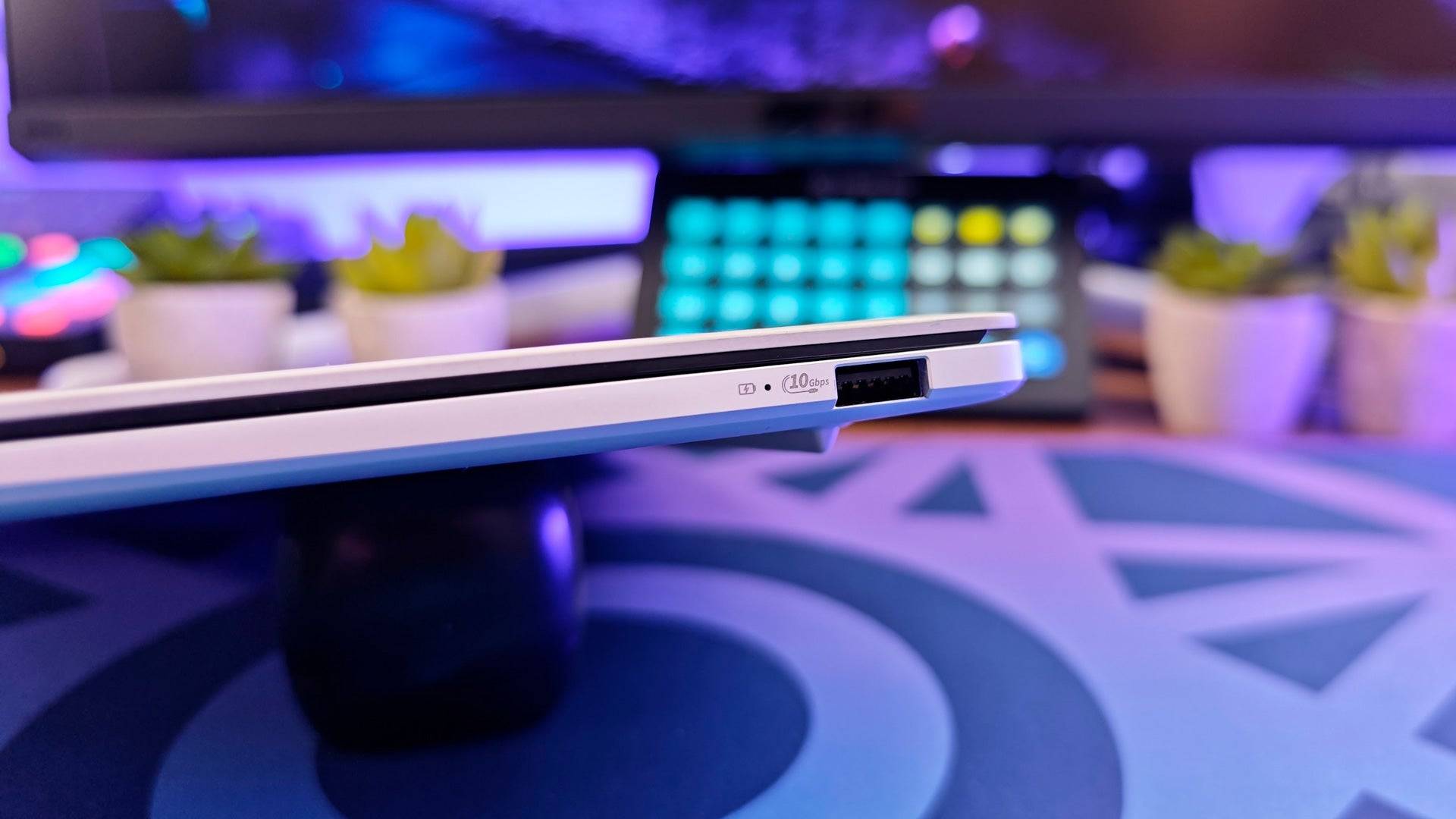
 3. Asus Zenbook S 14
Best MacBook Air Alternative
### Asus Zenbook S 14
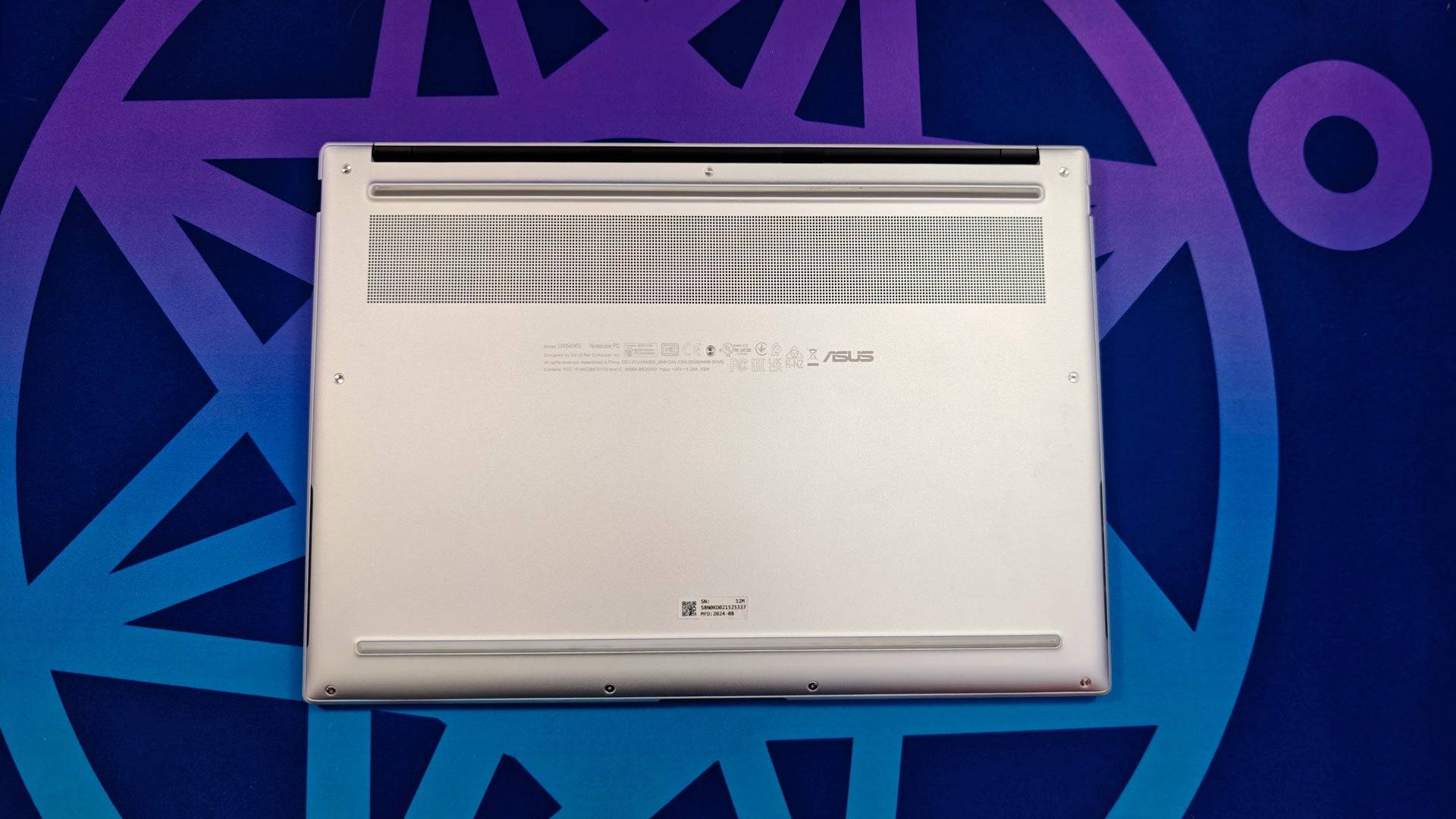
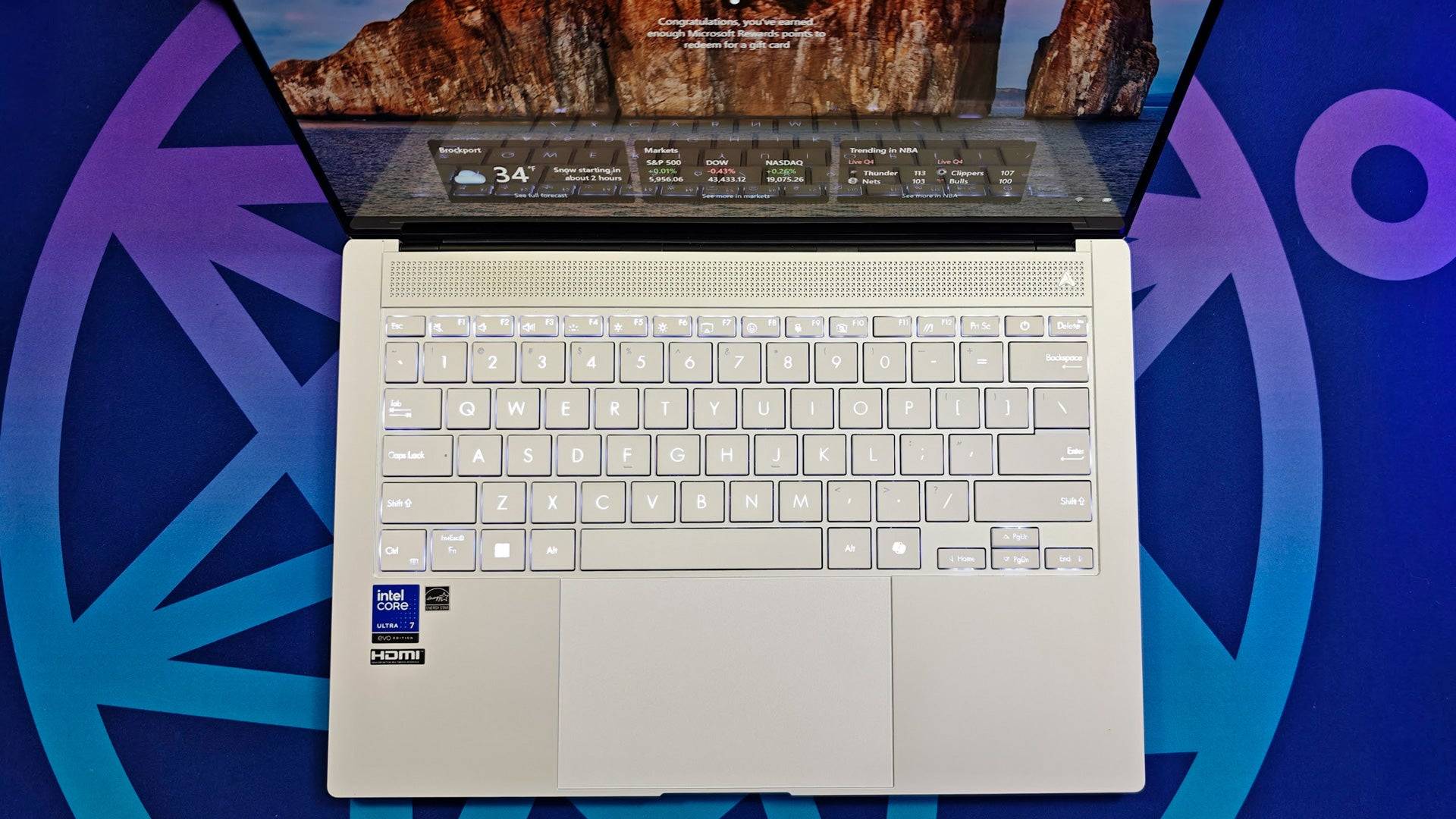
1Move over MacBook Air because the ZenBook S14 offers incredible performance, a great screen, multi-day battery life, and a beautiful chassis. See it at AsusSee it at Best BuyProduct SpecificationsDisplay14" (2880 x 1800)CPUIntel Core Ultra 7 258VGPUIntel ArcRAM32GB LPDDR5XStorage1TB PCIe SSDWeight2.65 poundsSize12.22" x 8.45" x 0.51"Battery life15+ hoursPROSThinner, lighter, and more powerfulGreat battery lifeImproved gaming performanceGorgeous OLED touchscreenCONSNo microSD card readerThe Asus Zenbook S 14 is an excellent alternative to the MacBook Air. While it shares similarities with the Zenbook S 16, the S 14 stands out with its unique features, making it a compelling choice.
The S 14 uses the latest Intel Core Ultra processor, which delivers high performance and surprisingly good gaming capabilities. It handled tasks in Adobe Premiere Pro, Microsoft Excel, and even casual browsing with ease, remaining cool and lightweight.
Weighing just around 2.5 pounds and less than half an inch thick, the S 14 is incredibly portable. Its 14-inch screen might seem small, but its portability is a significant advantage.
The battery life is exceptional, lasting over 15 hours in testing, making it suitable for multiple days of intermittent use.
The 2.8K OLED display (2880x1800) is stunning, reaching up to 500 nits and offering excellent HDR gaming performance, despite lacking a dedicated graphics card.
Overall, the Asus Zenbook S 14 is a fantastic MacBook Air alternative, offering a great balance of performance, portability, and price.
Asus TUF Gaming A14 – Photos
 10 Images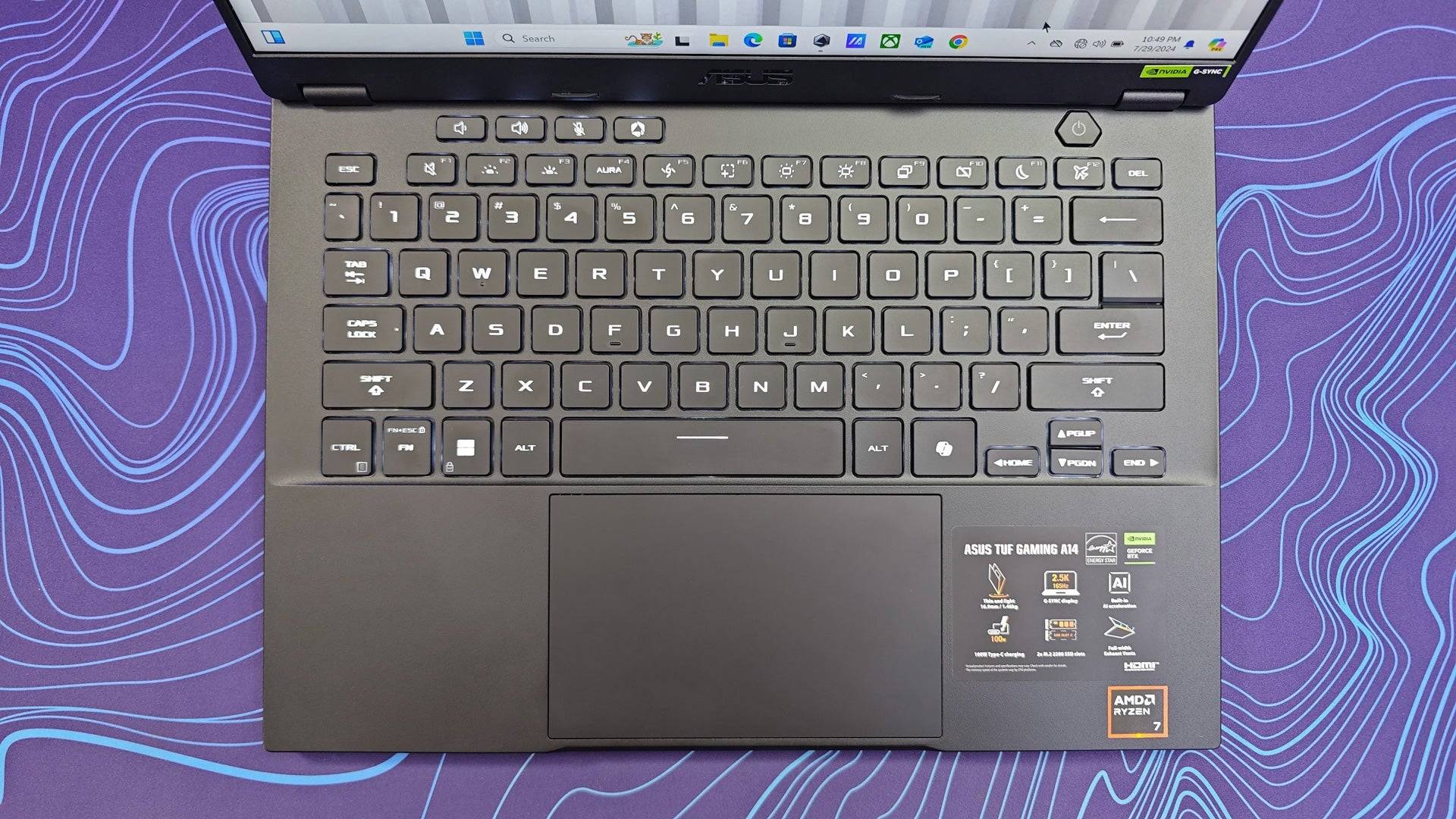
 4. Asus TUF Gaming A14
Best MacBook Pro 14 Alternative
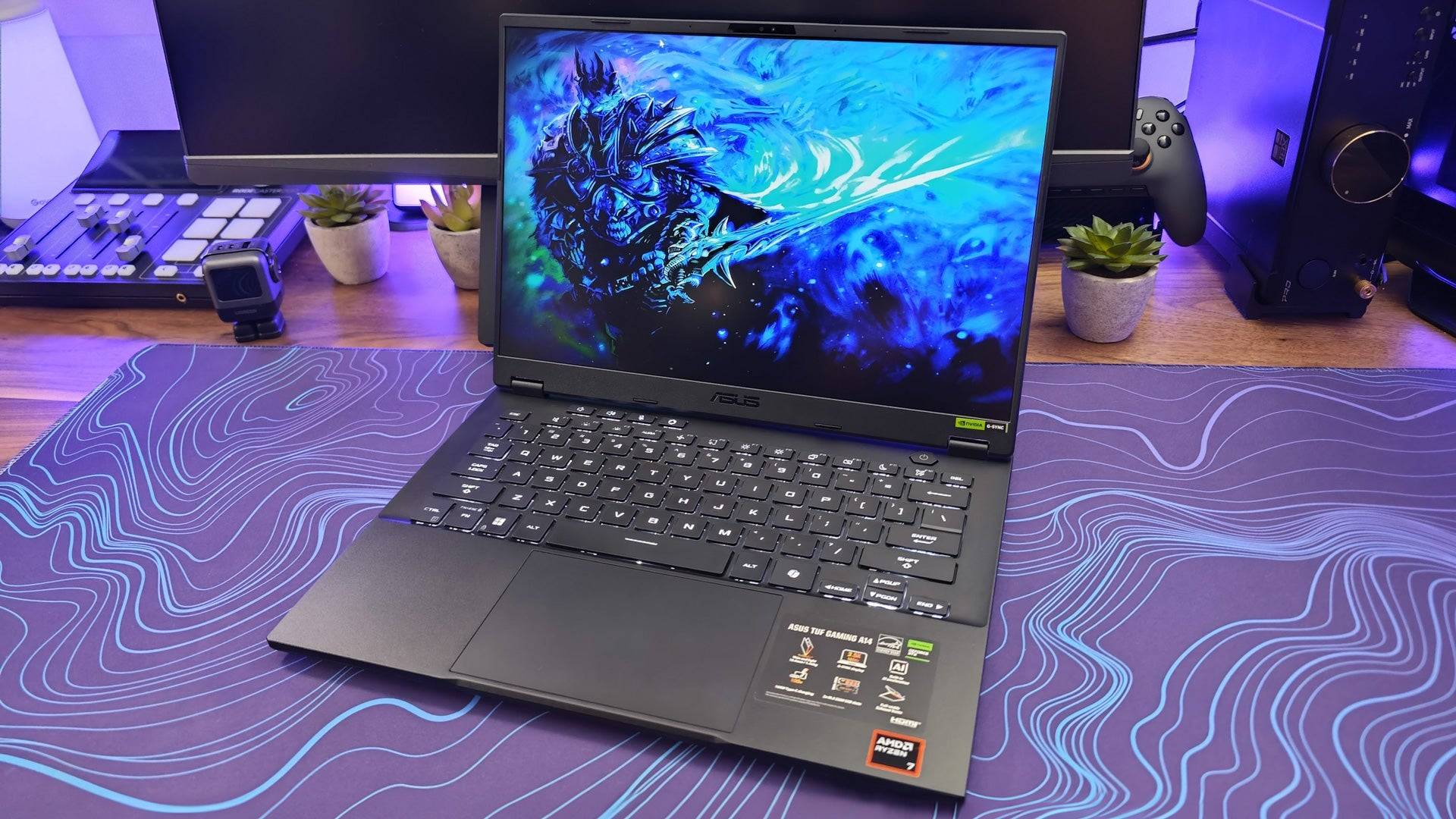
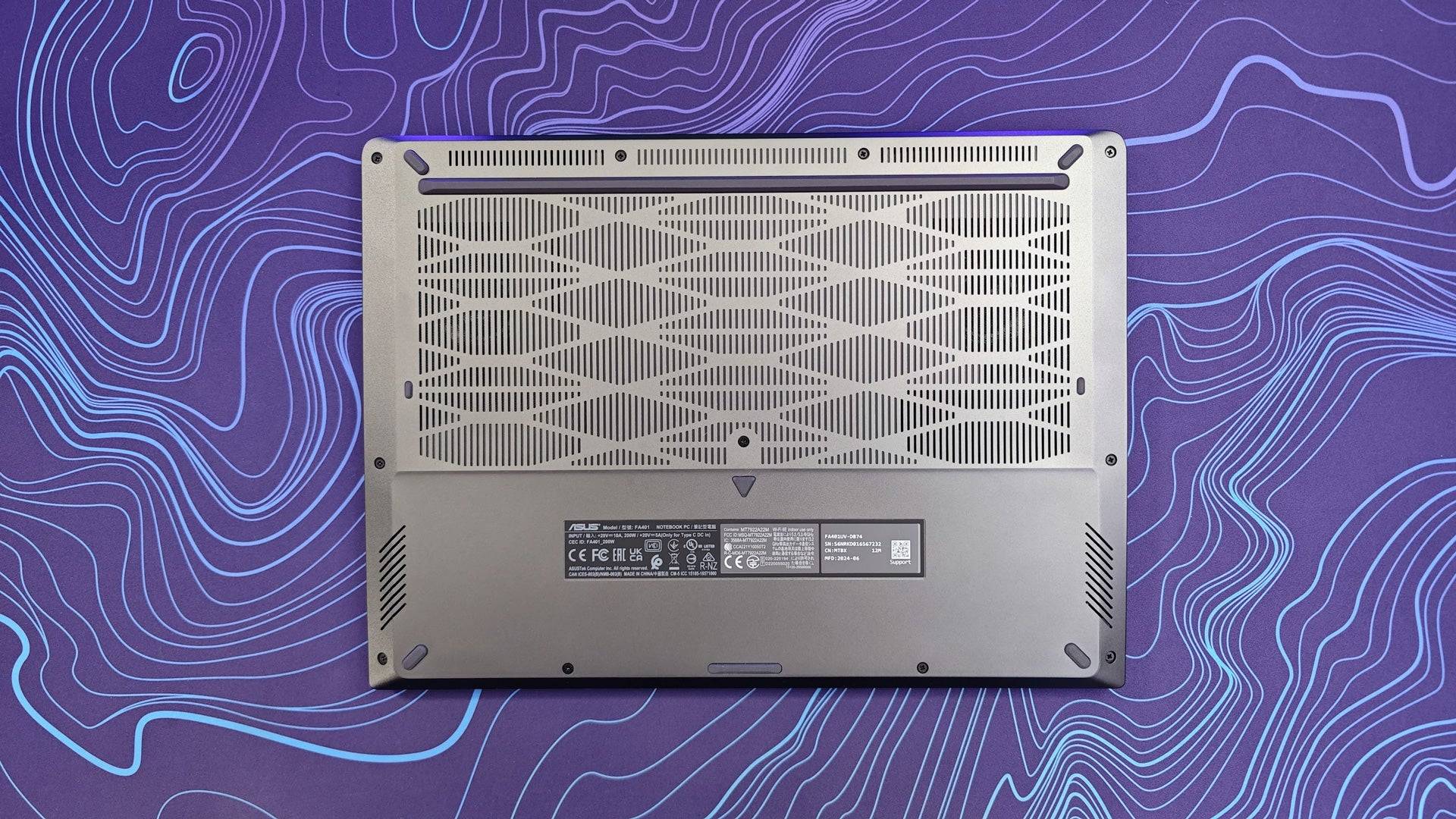
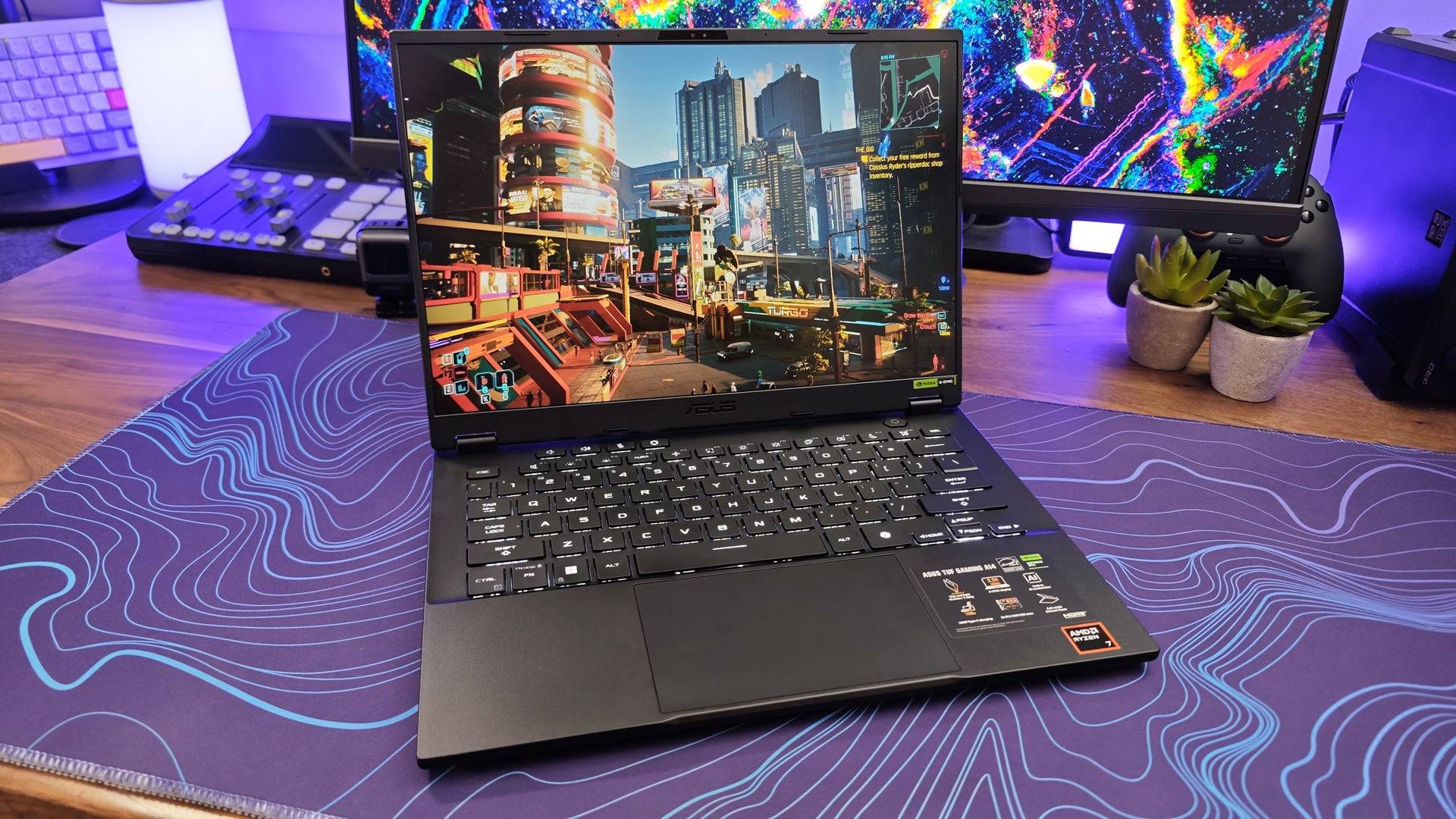
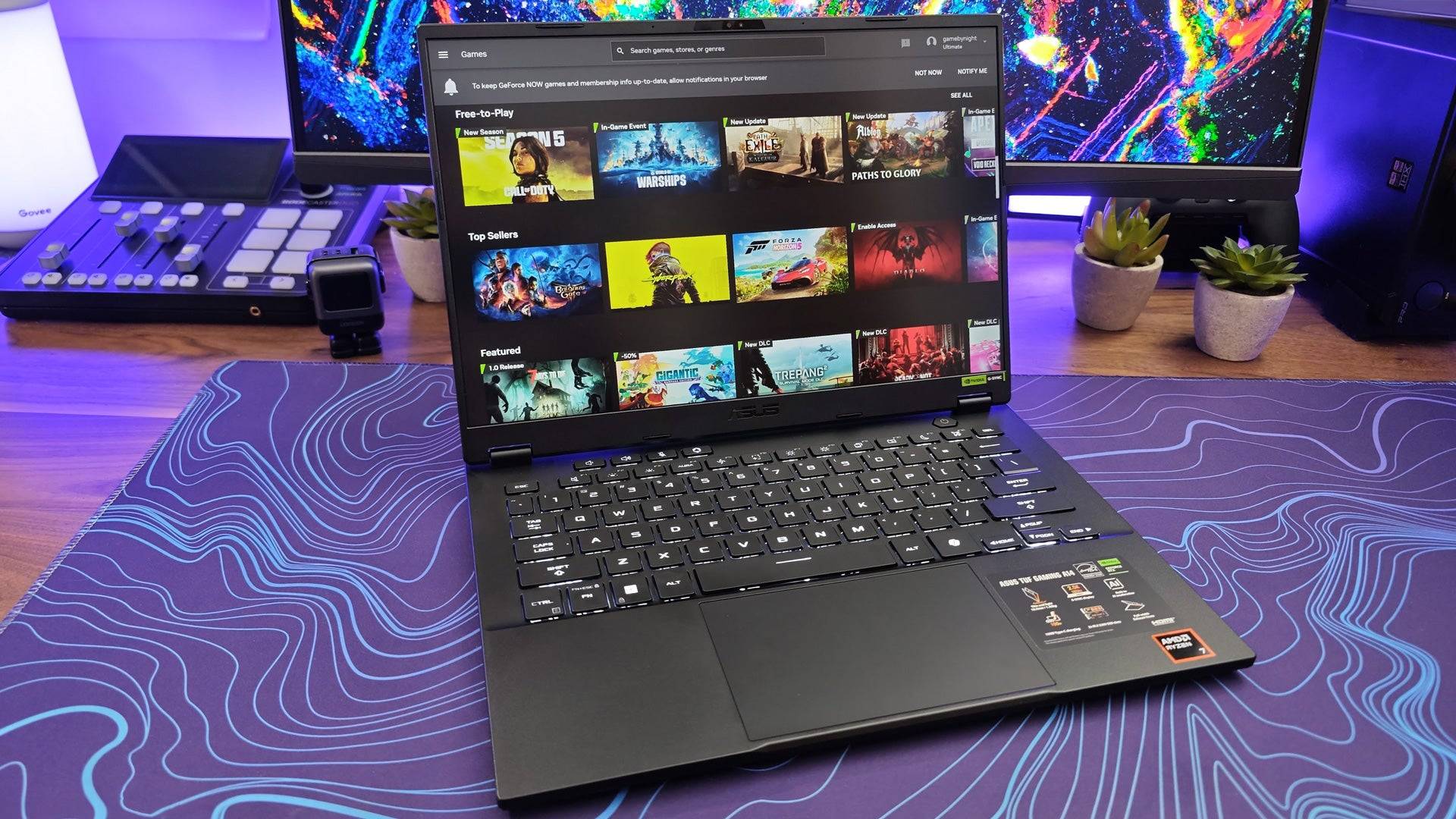
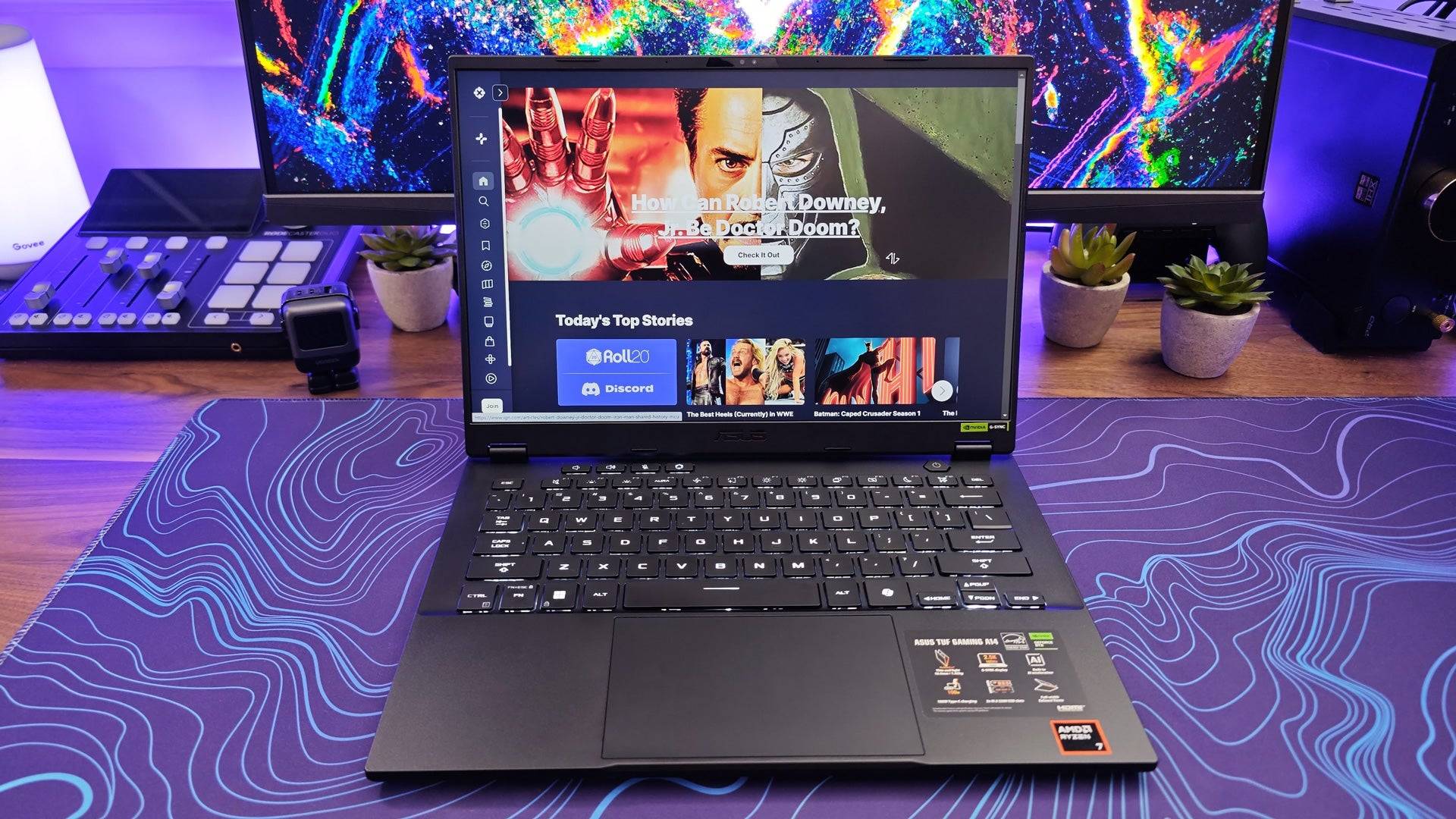
Product SpecificationsDisplay14” (2560 x 1600) IPSCPUAMD Ryzen 7 8845HS to AMD Ryzen AI 9 HX 370GPUNvidia RTX 4060RAM16GB to 32GB (7500MHz)Storage1TBWeight3.2 poundsDimensions12.24" x 8.94" x 0.67" – 0.78"PROSImpressive battery lifeQuiet, efficient coolingCONSExpensiveThe Asus TUF Gaming A14 is the ideal replacement for the MacBook Pro 14. It's compact, powerful, and quiet, with impressive battery life and the ability to handle gaming with its Nvidia RTX 4060 GPU. At 3.2 pounds, it's even lighter than the MacBook Pro 14.
Available in three configurations, you can choose between the AMD Ryzen 7 8845HS or AMD Ryzen AI 9 HX 370, with 16GB or 32GB of RAM. The faster RAM gives it a performance edge over competitors like the MSI Stealth 14. The entry-level model with the Ryzen 7 8845HS performed exceptionally well, often surpassing Apple's M3 in multicore tasks, making it suitable for creatives and power users.
While it has more fan noise than the MacBook Pro, it's quieter than most gaming laptops and maintains cooler temperatures, reducing the risk of thermal throttling.
The dedicated graphics card impacts battery life, but using Advanced Optimus can mitigate this, allowing the laptop to last around 10 hours on the processor alone.
The main challenge is its price, with the top model with 32GB of RAM costing $1,699. However, for those who need Windows and can't compromise on performance, size, or weight, the Asus TUF Gaming A14 is an excellent choice.
Microsoft Surface Pro 11
Best 2-in-1 MacBook Alternative
 ### Microsoft Surface Pro 11
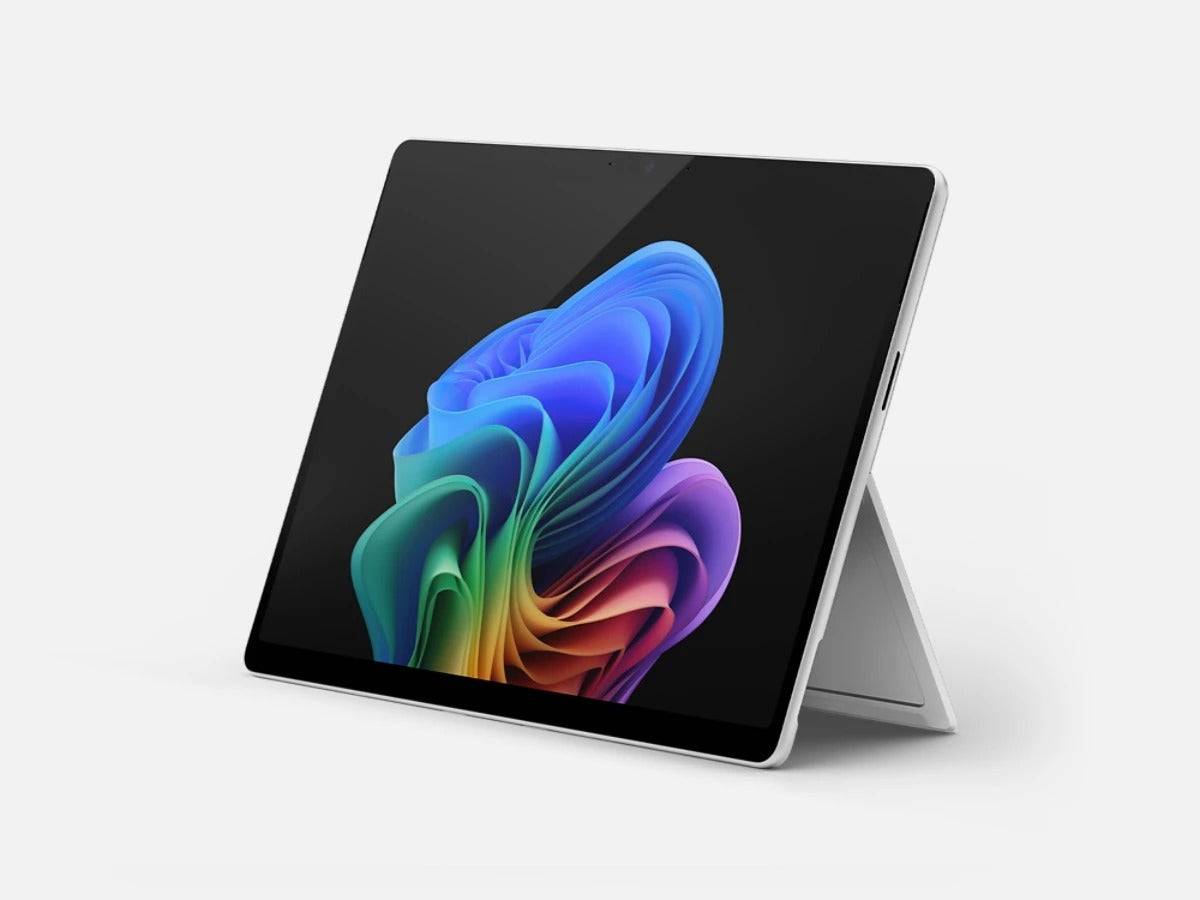
0This 2-in-1 is especially great for artists but has enough power and efficiency to be a great daily driverSee it at Amazon See it at MicrosoftProduct SpecificationsDisplay13-inch OLED or LCD touchscreen (2,880 x 1,920)CPUSnapdragon X Plus or Snapdragon X EliteGPUIntegratedRAMUp to 64GBStorageUp to 1TB (expandable)Weight1.97 poundsDimensions11.3” x 8.2” x 0.37”PROSOLED display is excellentVery portable and easy to carry through the daySnappy performance Great accessories (including the Surface Pen)CONSSingle-day batteryApp compatibility is still expanding (though is fairly extensive already)For creative professionals, the Microsoft Surface Pro 11 offers the versatility of a 2-in-1 device, making it an excellent MacBook alternative. Its design is perfect for digital artists, but it's also a great choice for productivity and entertainment.
Powered by the latest Snapdragon X processors, the Surface Pro 11 is one of the first systems to use an ARM processor similar to Apple's M-series chips. You can choose between the Snapdragon X Plus or Snapdragon X Elite, offering 10 or 12 CPU cores for efficient performance in creative apps like Adobe Photoshop and Premiere Pro. Battery life lasts around 10 hours, sufficient for a full day's work, with fast charging capabilities.
The Surface Pro 11 is a powerhouse, with storage options from 256GB to 1TB and RAM from 16GB to 64GB. The expandable storage and high-resolution 13-inch OLED or LCD display make it ideal for various tasks, from spreadsheets to streaming.
The main challenge is app compatibility due to the Snapdragon processors' different technology. While an emulation layer helps, not all applications are fully compatible yet, so it's important to check before purchasing.
How to Choose the Best MacBook Alternative
Navigating the vast array of MacBook alternatives can be daunting. Here are key factors to consider to ensure you find a laptop that meets your needs:
Processor: Focus on the number of cores rather than the brand. Aim for at least six cores, preferably eight, and opt for the highest clock speed possible. An Intel Core i5 or AMD Ryzen 5 from the latest generation is recommended.
Memory: Choose a laptop with at least 16GB of memory. While 8GB might suffice initially, it's the minimum for modern use, and 16GB ensures smooth multitasking.
Storage: Depending on your usage, 256GB might be enough if you rely on cloud storage, but 512GB is a better minimum, with 1TB preferred for larger files and applications.
Display: Opt for at least a 1080p resolution. Higher resolutions offer crisper images but may impact performance in video editing or gaming. OLED panels provide superior picture quality but require care to prevent burn-in.
Form Factor: Consider the laptop's weight and screen size. A touch screen or 2-in-1 functionality might be beneficial depending on your needs.
Macbook Alternatives FAQ
What is the best M3 and M4 competitor?
Apple's M3 and M4 chips are renowned for their efficiency and power. While Intel and AMD offer competitive options, such as Intel's Core Ultra 7 and 9 CPUs and AMD's HX AI series, Apple still leads in efficiency and battery life.
Are MacBooks good for gaming?
MacBooks can run many games, but the selection and optimization are limited compared to Windows gaming laptops. They are not the best choice for avid gamers.
Is a MacBook better than PC?
The choice between MacBook and PC depends on your needs and preferences. MacBooks excel in creative applications and offer unique software like Logic Pro. PCs, however, provide a more open ecosystem with a broader range of software and better gaming capabilities.