High-performance gaming laptops pack a punch, but that power generates significant heat. Untamed heat leads to thermal throttling—your system slowing down to prevent overheating, impacting game performance. A laptop cooling pad offers a simple solution to maintain peak performance.
TL;DR – Top Laptop Cooling Pads:
-----------------------------------------------
IETSGT300 (Our Top Pick)
See it at Amazon
Thermaltake Massive 20 RGB
See it at Amazon See it at Walmart
TopMate C5 Laptop Cooler
See it at Amazon
Targus Lap Chill Mat
See it at Amazon See it at Walmart See it at Target
Havit HV-F2056
See it at Amazon
Klim Tempest
See it at Amazon
Klim Ultimate
See it at Amazon
Miggoing Laptop Table
See it at Amazon
Cooler Master NotePal X3
See it at AmazonLaptop cooling solutions are diverse, ranging from large, RGB-enhanced pads to compact, attachable blowers. While many are affordable, premium models often incorporate advanced features like temperature sensors and multiple fans. Our nine picks cater to various needs and budgets, with UK retailer links included.
Additional contributions by Danielle Abraham, Kegan Mooney, and Georgie Peru
1. IETS GT300 - Best Overall Laptop Cooling Pad
Powerful cooling via dual high-speed blower motors and dust-filtered intake vents. See it at Amazon
Specifications: Fans: 2 x 4,500 RPM blowers; Size: 15.75" x 13.7" x 1.97"
Pros: Dual blower fans, dust filters, customizable RGB, wide compatibility. Cons: Large and bulky, limited RGB customization.
This pad's effective design utilizes a rubber gasket for a tight seal, maximizing airflow directly onto the laptop's heat-generating components. The high-speed blowers significantly reduce temperatures, and the dust filters ensure long-term cooling efficiency. Additional features include dual USB ports, adjustable angle, and RGB lighting. Suitable for 14"-17" laptops with bottom vents.
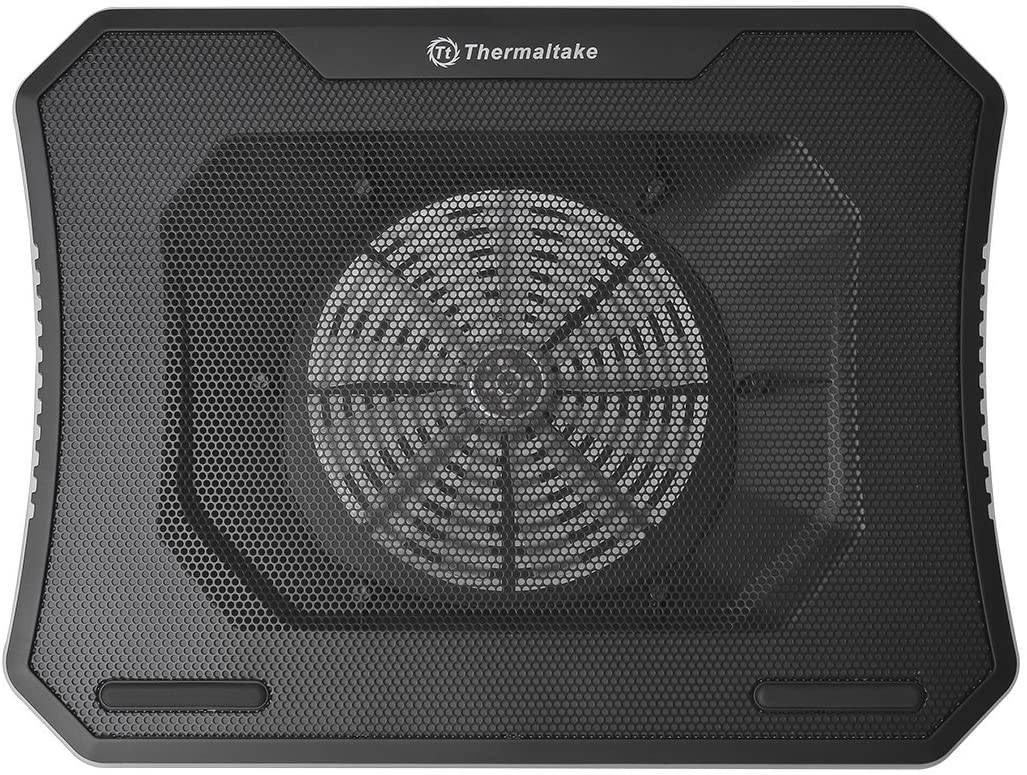
2. Thermaltake Massive 20 RGB - Best Laptop Cooling Pad Runner Up
A powerful cooling solution featuring a massive 200mm fan for intense gaming sessions. See it at Amazon See it at Walmart
Specifications: Fans: 1 x 200mm; Size: 18.54” x 13.96” x 1.83”
Pros: Powerful airflow, adjustable height. Cons: A little clunky.
The Massive 20 RGB boasts a large 200mm fan for substantial airflow, adjustable fan speed, and three height settings for ergonomic comfort. Its RGB lighting offers various modes and colors. Supports laptops up to 19 inches.
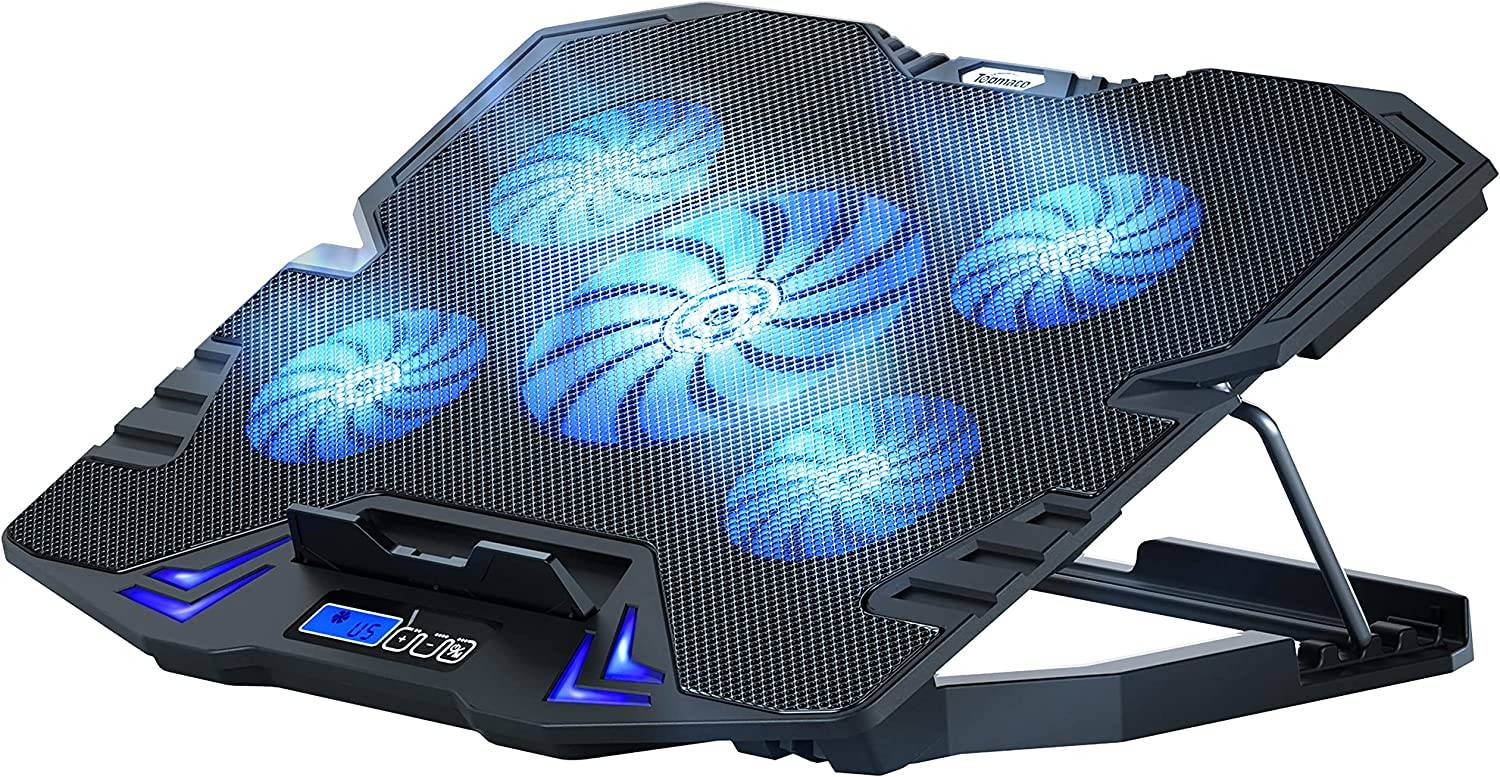
3. TopMate C5 Laptop Cooler - Best High-Airflow Laptop Cooling Pad
Five fans provide exceptional cooling for even the most demanding games. See it at Amazon
Specifications: Fans: 5; Size: 14.57" x 11.8" x 1.4"
Pros: Lots of fans, two USB ports. Cons: Not suitable for larger laptops.
This cooler utilizes five fans (one 140mm and four 70mm) for maximum airflow. It features an LCD control panel for adjustable cooling modes and displays wind speed. Offers five height adjustments and supports laptops up to 15.6 inches. Includes two USB 2.0 ports.
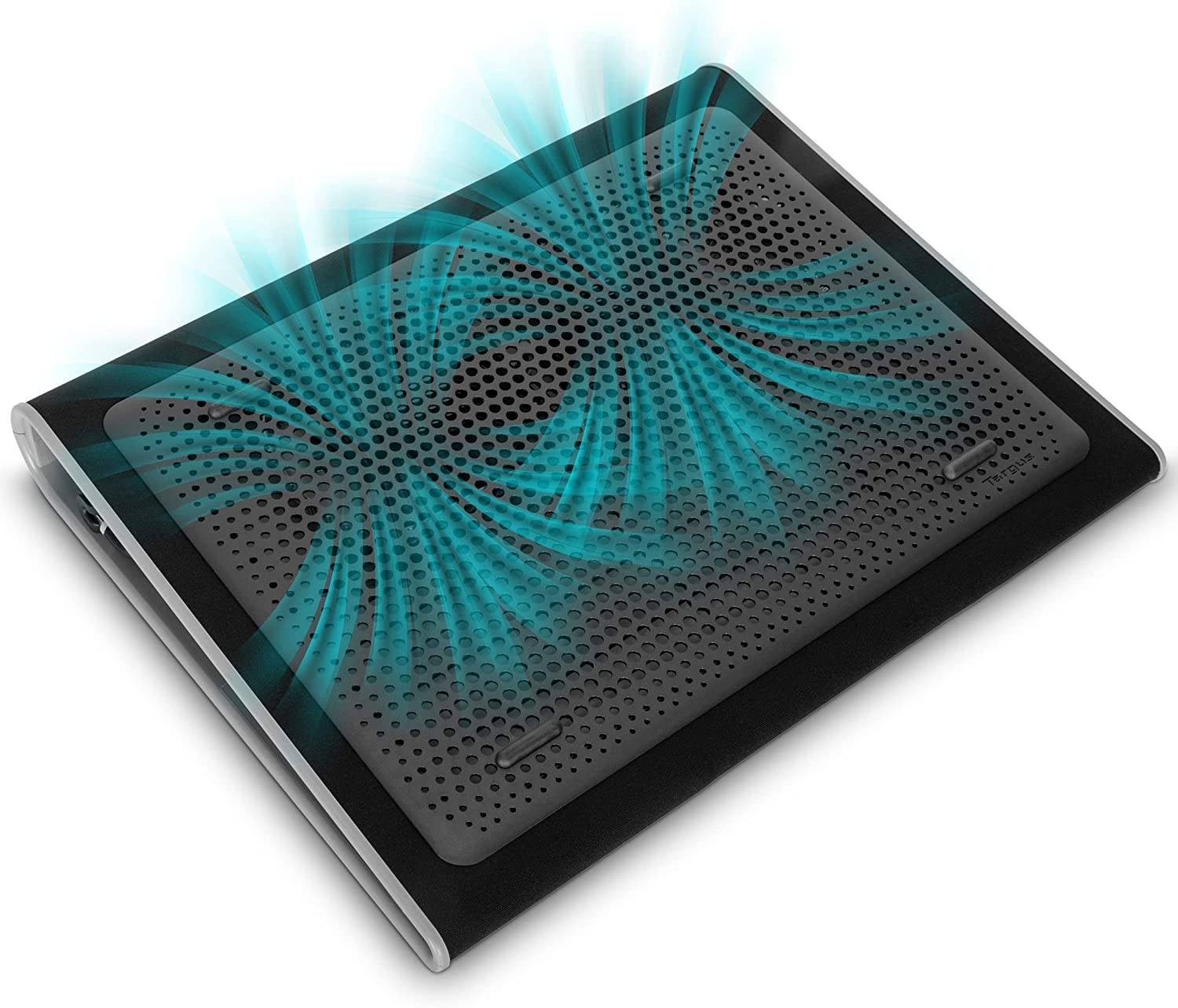
4. Targus Lap Chill Mat - Best Laptop Cooling Pad for Your Lap
A simple yet effective cooling solution for comfortable lap use. See it at Amazon See it at Walmart See it at Target
Specifications: Fans: 2; Size: 15" x 11.75" x 1"
Pros: Simple but effective, rubberized grip. Cons: No height adjustment.
This lightweight, comfortable pad features a mesh surface and hollow chamber for airflow, along with two built-in fans. A rubberized grip prevents slippage, and a four-port USB hub adds convenience. Velcro straps help manage cables.
5. Havit HV-F2056 - Best Budget Laptop Cooling Pad
An affordable cooling pad with three fans and dual USB passthroughs. See it at Amazon
Specifications: Fans: 3 x 120mm; Size: 14.96" x 11.02" x 1.18"
Pros: Affordable, USB passthrough ports. Cons: Limited to 3 fans.
This budget-friendly option features three 120mm fans and blue LEDs. It includes two USB passthrough ports for convenient connectivity.
6. Klim Tempest - Best Portable Laptop Cooler
A portable, high-RPM fan that attaches directly to your laptop. See it at Amazon
Specifications: Fans: 1; Size: 3.23" x 1.57" x 3.94"
Pros: Extremely portable, high RPM. Cons: Will only work on some laptops.
This compact cooler clamps onto the side of laptops with side vents, using a powerful 4,000 RPM fan. It features a built-in temperature sensor and adjustable power levels.
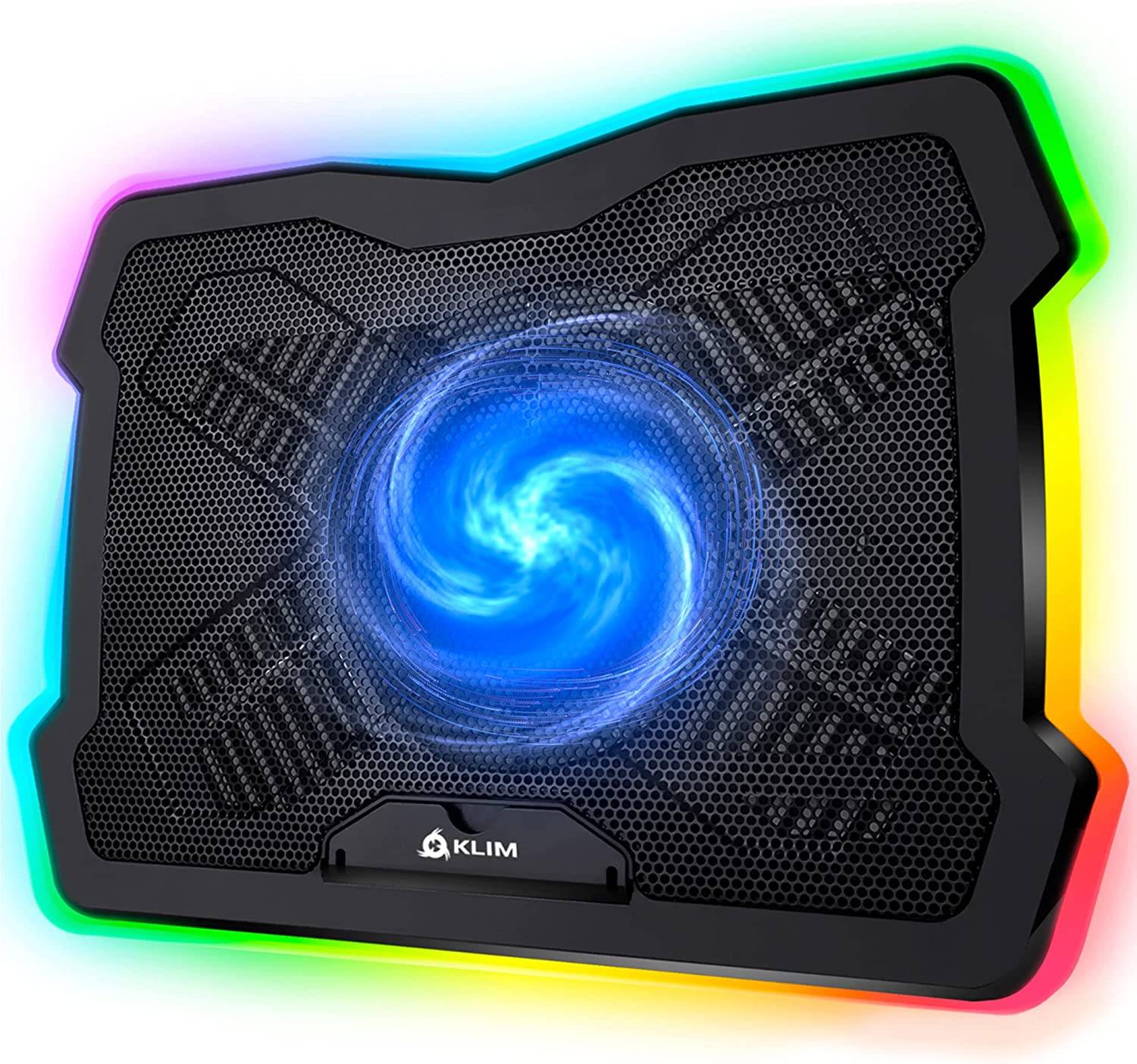
7. Klim Ultimate - Best RGB Laptop Cooling Pad
A stylish RGB cooling pad with a powerful 200mm fan. See it at Amazon
Specifications: Fans: 1 x 200mm; Size: 16.73" x 12.4" x 1.69"
Pros: RGB lighting, adjustable fan speed. Cons: Can't adjust RGB brightness.
This cooler features a 200mm fan, multiple inclination levels, and vibrant RGB lighting with various effects and colors. Supports laptops from 11 to 17.3 inches.
8. Miggoing Laptop Table - Best Laptop Cooling Stand
A versatile stand that doubles as a cooling pad. See it at Amazon
Specifications: Fans: 2; Size: 16.5" x 10" x 18.9"
Pros: Versatile, sturdy. Cons: Adjustment is a little awkward.
This adjustable stand provides cooling via dual fans and ventilation slots. It's sturdy enough to support laptops up to 33 pounds and includes a mouse plate.
9. Cooler Master NotePal X3 - Best Laptop Cooling Pad for Larger Laptops
A large-capacity cooling pad with a 200mm blue LED fan for laptops up to 17 inches. See it at Amazon
Specifications: Fans: 1 x 200mm; Size: 15.7” x 12.2” x 2.8”
Pros: Front vent, stylish design. Cons: Quite large.
This cooler features a large 200mm fan with blue LED lighting, two height adjustments, and USB passthrough ports.
UK Retailers:
 Thermaltake Massive 20
 Klim Ultimate
 TopMate C5 Laptop Cooler
 Targus Lap Chill Mat
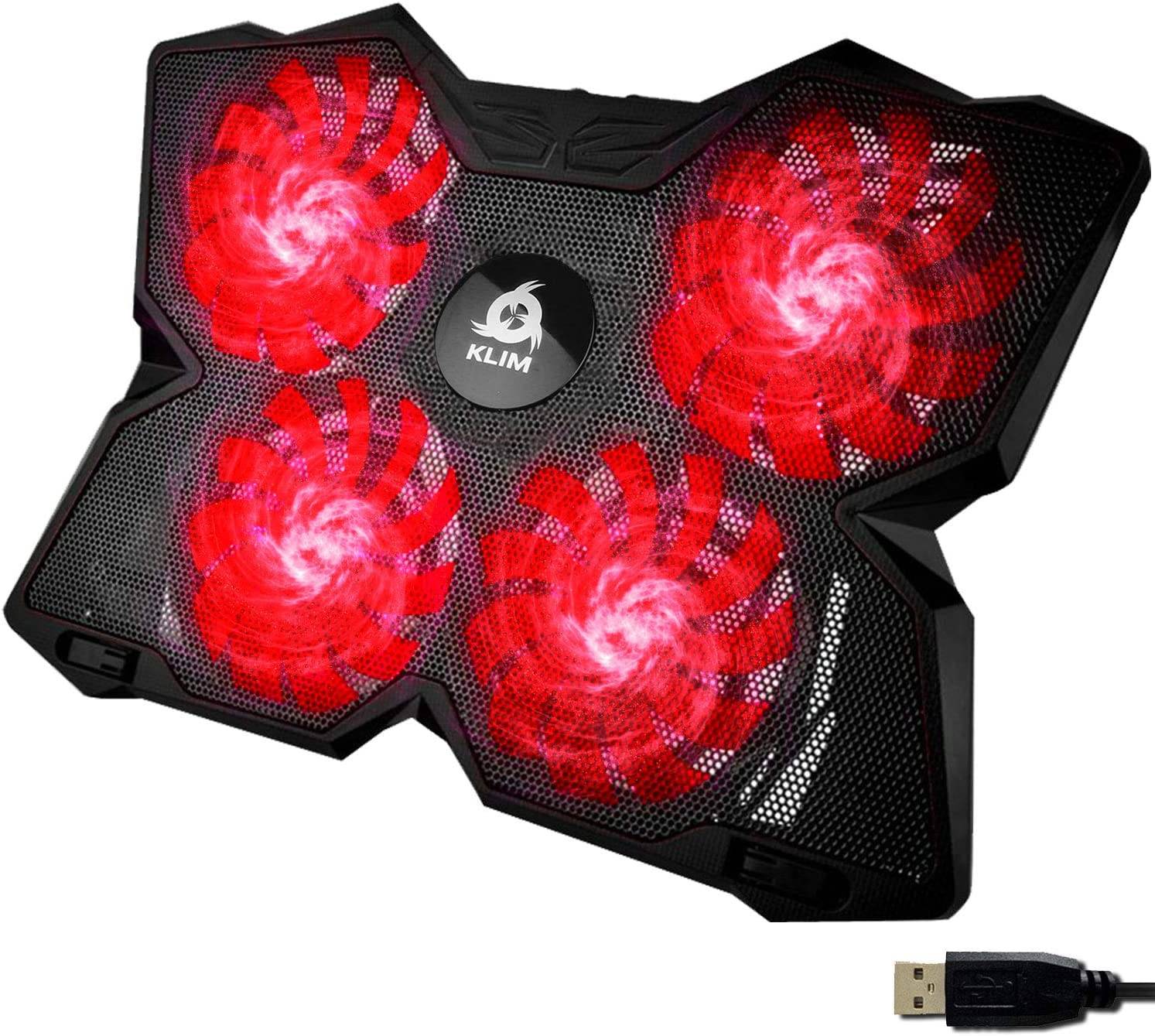 Klim Wind
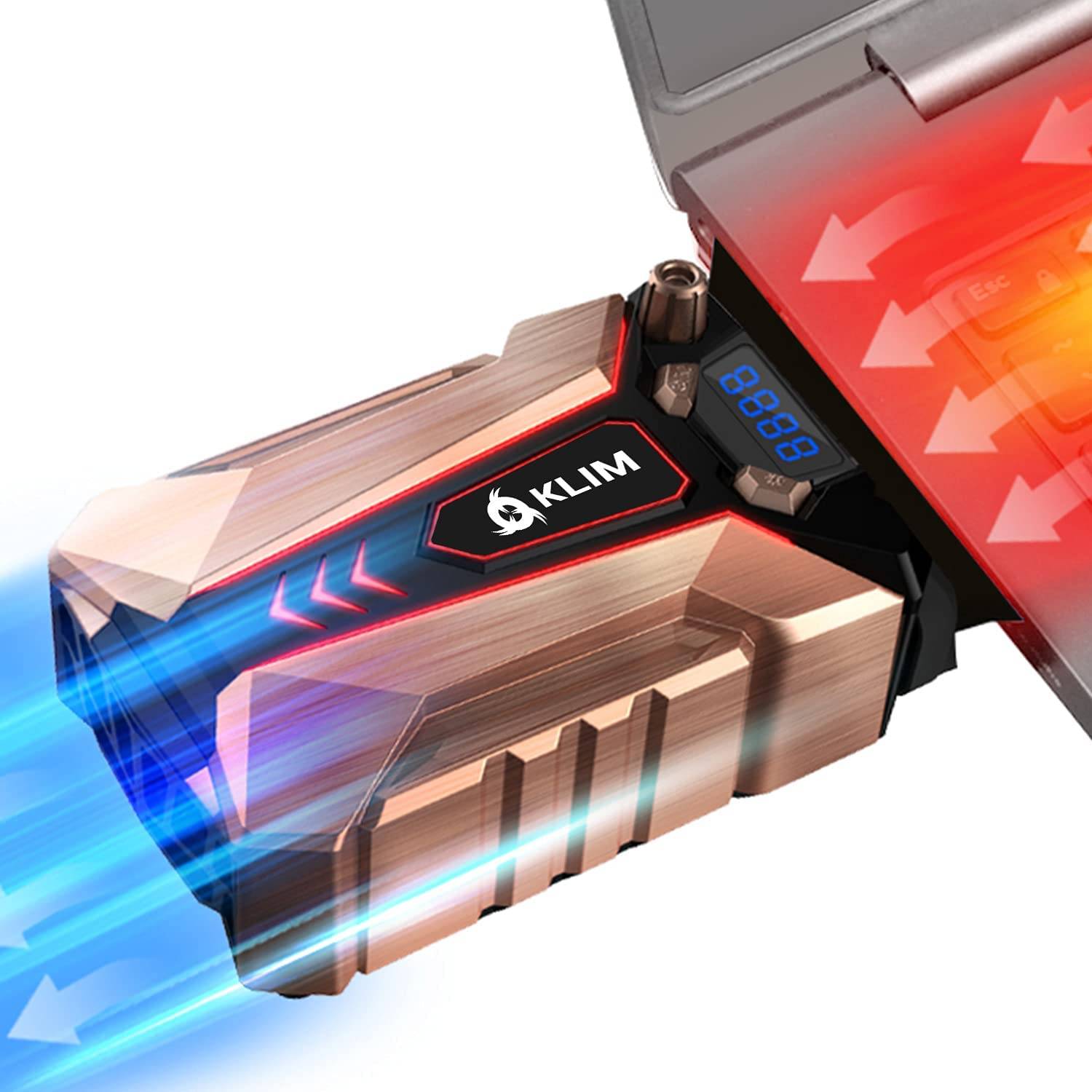 Klim Cool+
Selection Methodology: Our recommendations are based on a combination of hands-on testing, expert reviews, and extensive user feedback. We prioritized cooling performance, build quality, and additional features.
FAQs:
Do laptop cooling pads really work? Yes, they can prevent overheating and extend your laptop's lifespan, particularly for extended use. However, effectiveness varies depending on the pad's design and fan power.
Do laptop cooling pads improve performance? They can, especially if your laptop experiences thermal throttling. Monitor your CPU and GPU temperatures using system monitoring software or 3DMark to determine if throttling is occurring.
How well do laptop cooling pads work? Temperature reduction varies depending on the pad and laptop. High-quality pads can lower temperatures by 5° to 10° Celsius or more.