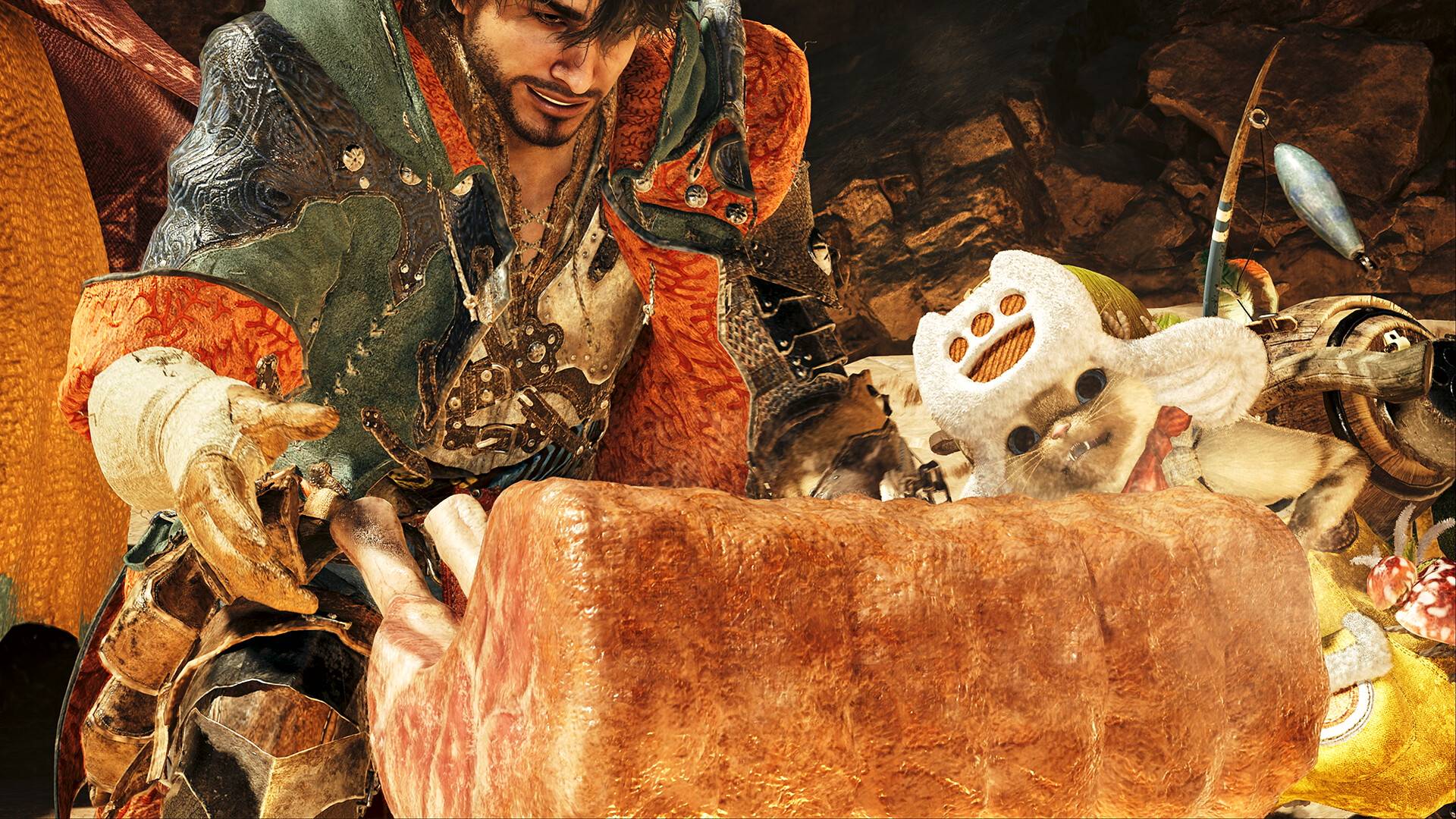
For those eager to dive into the action of *Monster Hunter Wilds* without lingering on the narrative, skipping cutscenes is a straightforward process. If you find the cutscenes a bit too lengthy, you can easily bypass them by holding the Y key on your keyboard or the back button on your controller. Just hold it down for about a second. If you're using a non-standard control setup, try pressing a few buttons during a cutscene; a prompt in the top-right corner will show you the correct input to skip.
It's also worth mentioning that you can pause cutscenes during playback. This feature is handy if you want to ensure you don't miss any crucial details. While previous *Monster Hunter* games often featured cutscenes that felt somewhat unnecessary, *Wilds* integrates them more deeply into the story. We suggest skipping them only if you're on a repeat playthrough.
On the flip side, if you want to relive those moments, you can rewatch cutscenes via the in-game menu. This option is perfect for revisiting the story at your own pace or capturing screenshots of those epic monster introductions. Although watching cutscenes out of sequence might feel a bit disjointed, the spectacular monster reveals in *Wilds* are definitely worth a second look.