
Unlock the Friendship Feature in Infinity Nikki: A Step-by-Step Guide
Many Infinity Nikki players may be unaware of the game's friend-adding feature. This guide will walk you through the process.
Adding Friends in Infinity Nikki
First, press the Esc key to access the main menu.
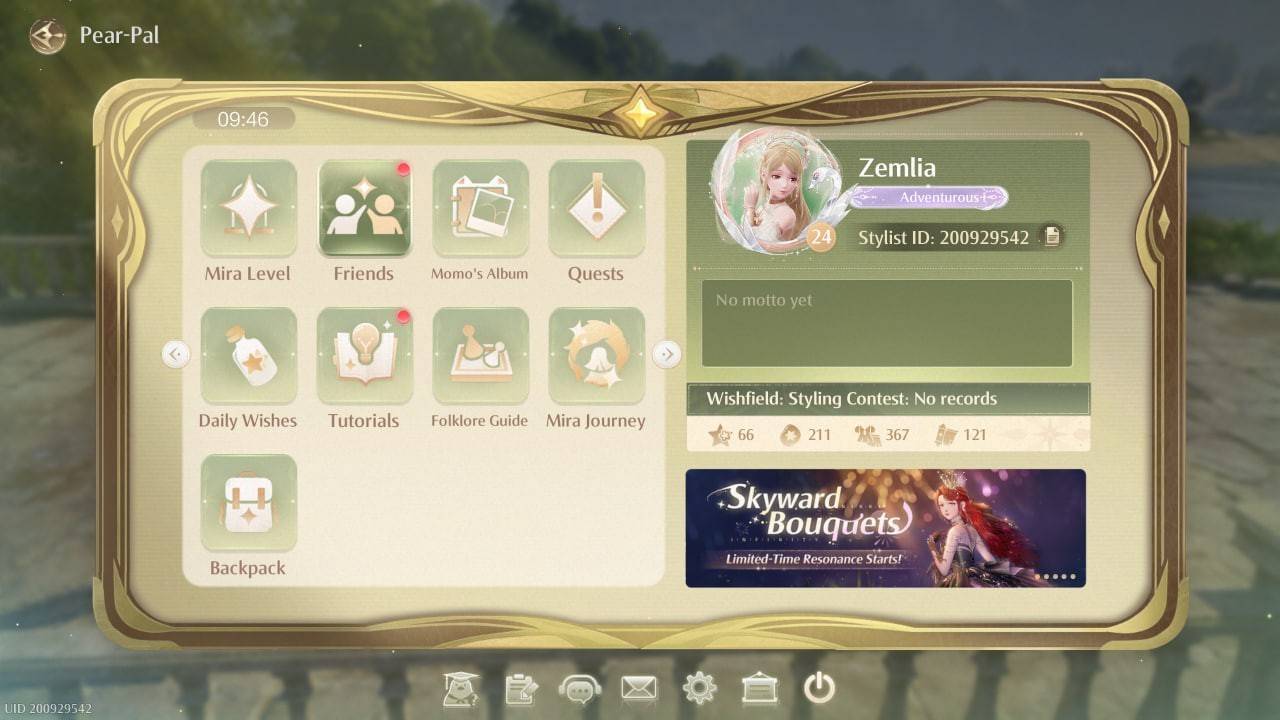 Image: ensigame.com
Locate the "Friends" tab. It's easily found within the game's menu.
Infinity Nikki offers a convenient name search function. Enter a player's name in the designated field to send a friend request. Once accepted, you'll be connected.
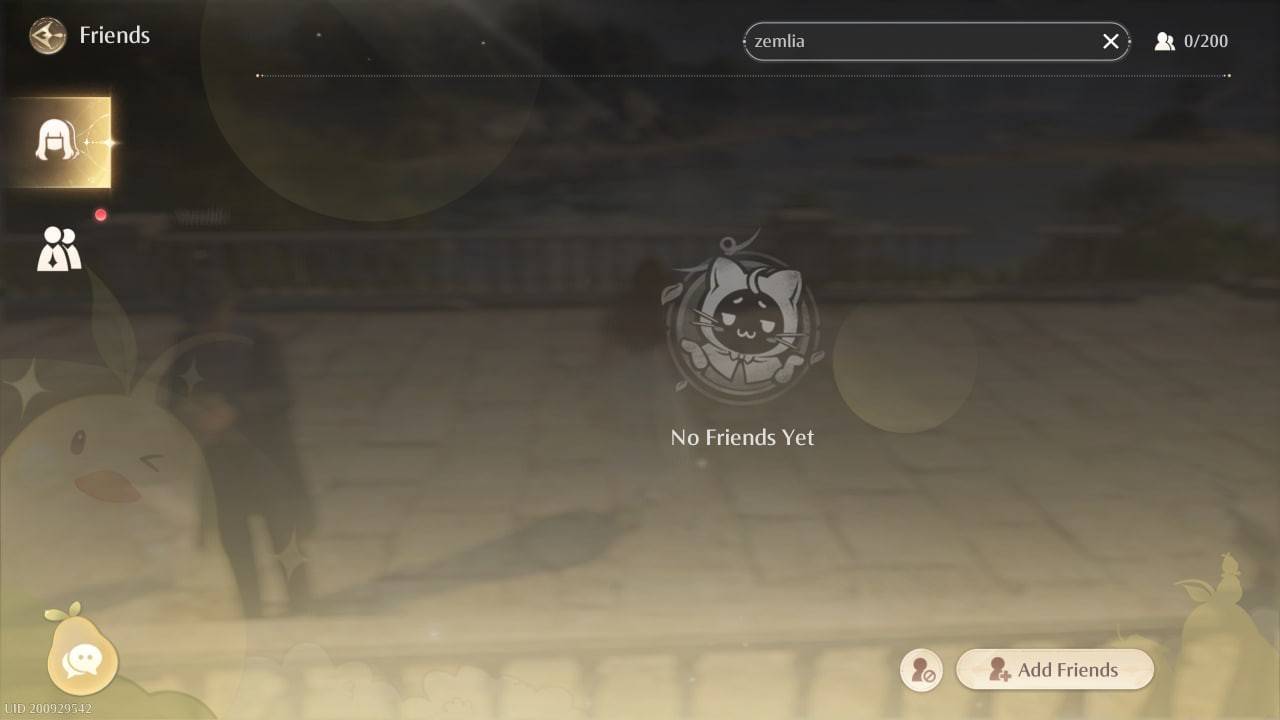 Image: ensigame.com
Alternatively, utilize friend codes. To obtain your code, double-click the button in the bottom right corner of the Friends screen. Share this code with other players to connect.
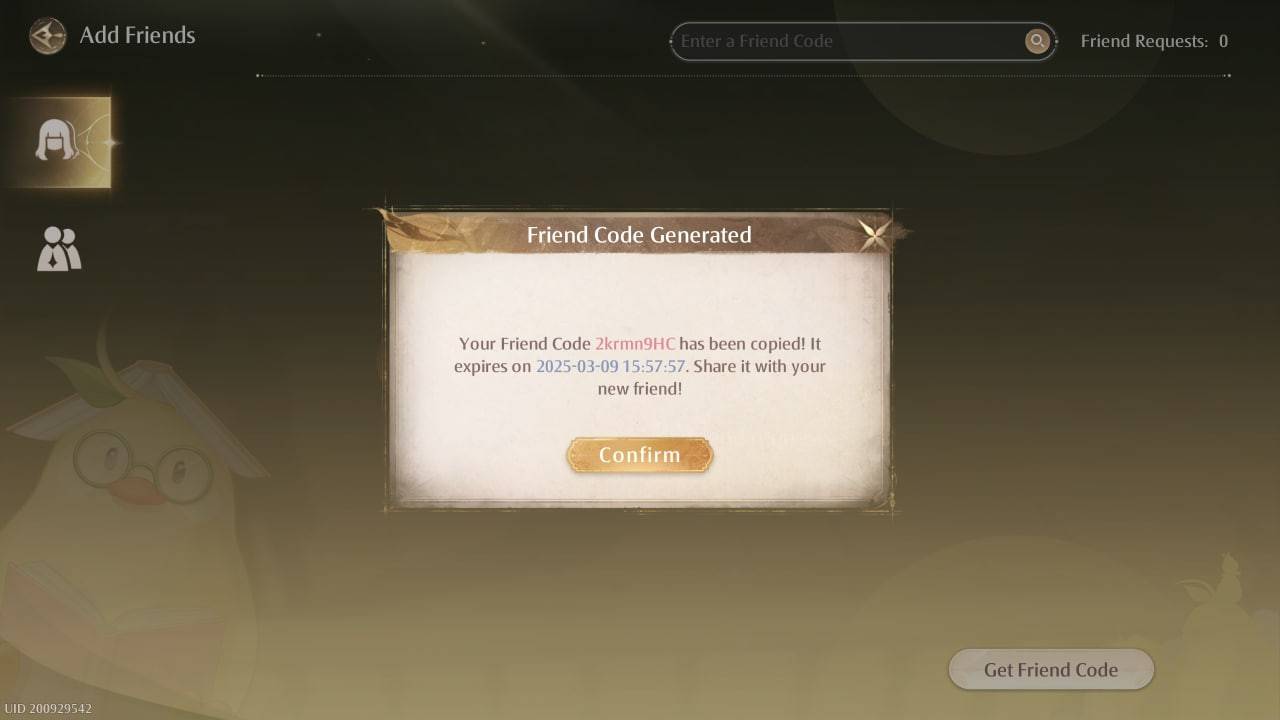 Image: ensigame.com
Connect with fellow stylists, exchange ideas, and showcase your creations!
Communication is facilitated through the in-game messaging system. Click the pear icon in the bottom left corner of the screen to access the chat function.
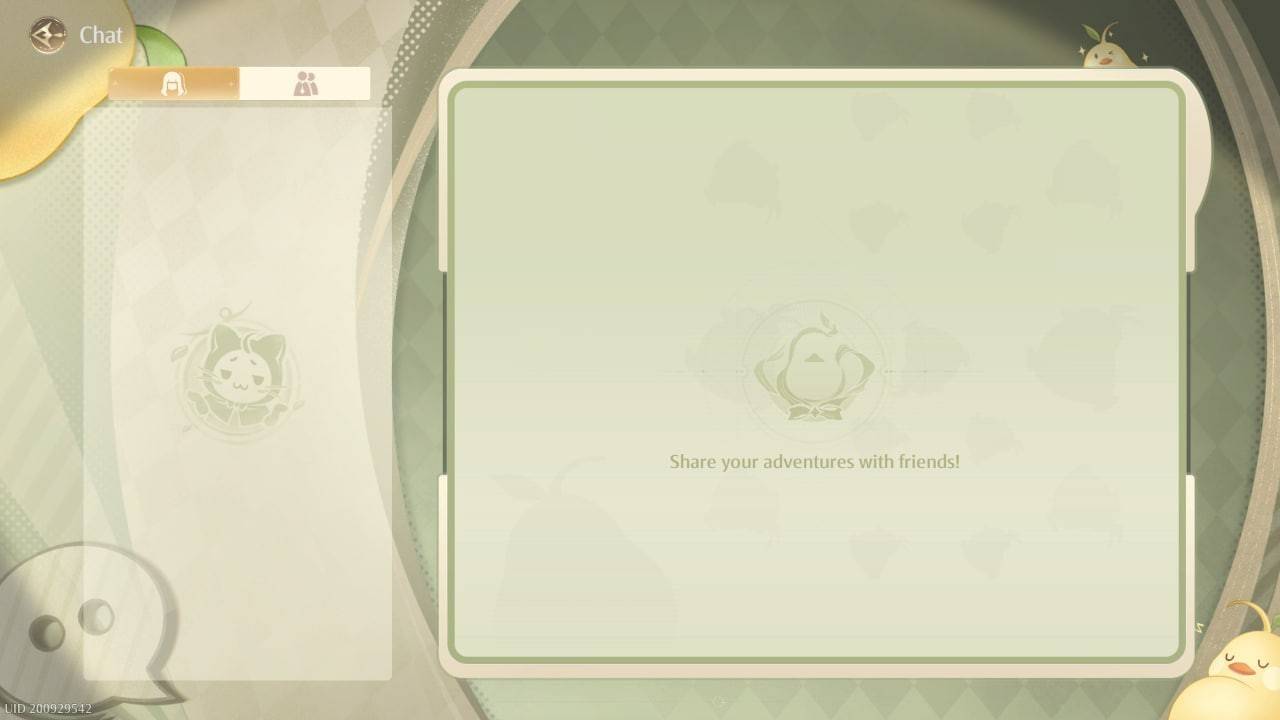 Image: ensigame.com
Engage in conversations with your friends.
Important Note: While Infinity Nikki allows for friend connections and messaging, it currently lacks a multiplayer mode. You cannot collaboratively play, complete quests, or gather items together. The developers haven't yet implemented this feature.
Now you know how to add friends in Infinity Nikki! Remember, friendship is available, but cooperative gameplay isn't.










