Quick Links
Monopoly GO's Juggle Jam is a captivating minigame hosted by Peg-E, Mr. Monopoly's robotic companion. Beyond its addictive gameplay, Juggle Jam offers substantial rewards. Earned Carnival Tickets can be exchanged for valuable prizes in a constantly rotating Carnival Store, making mastering the game highly rewarding. The key is understanding how to refresh the store's offerings.
How to Discard Current Front Items in Juggle Jam
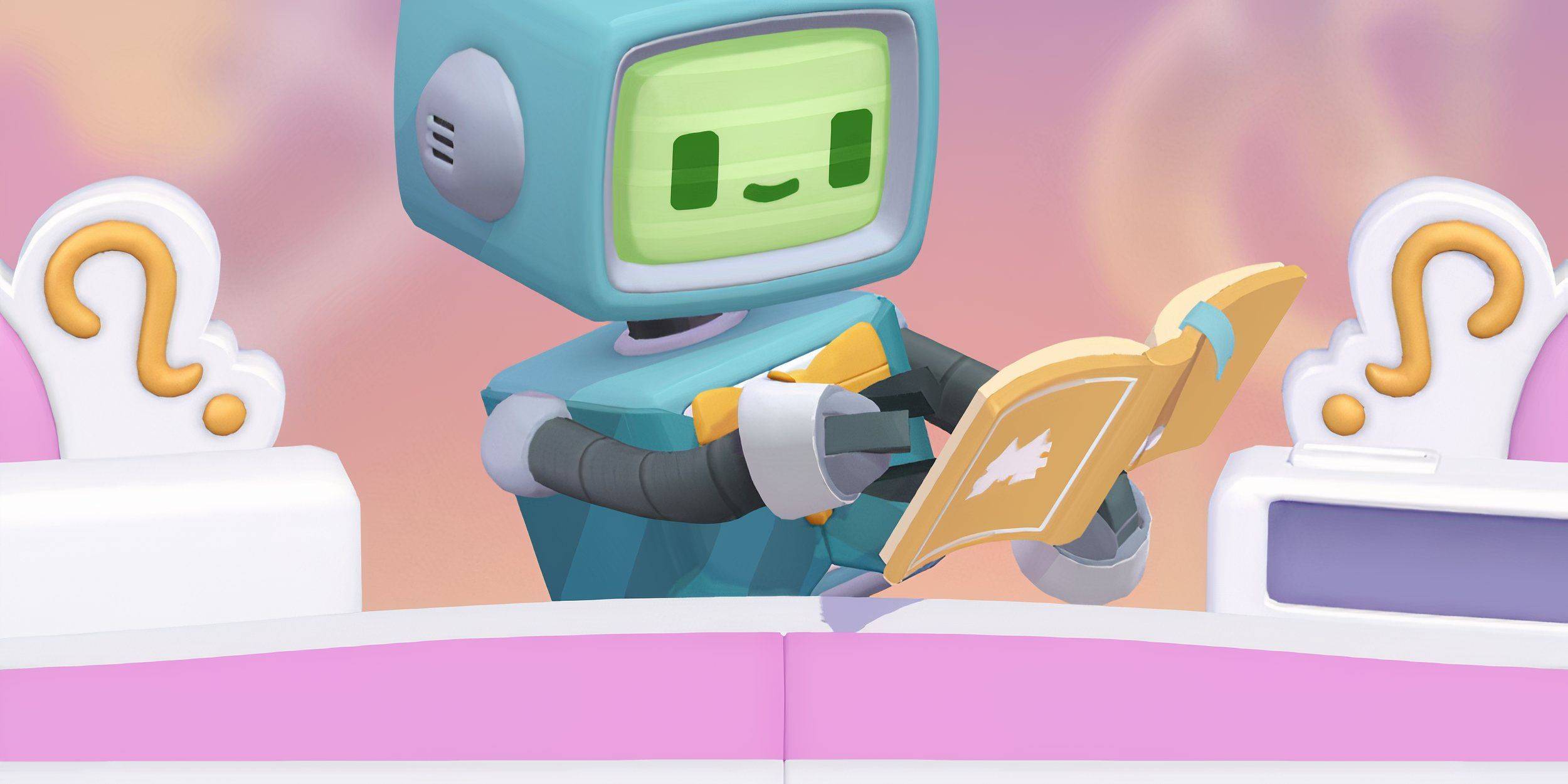 Successful completion of Juggle Jam's ball-sequencing challenge earns you Carnival Tickets, redeemable for various prizes: sticker packs, dice rolls, cash, and flash boosters.
If the current prize selection isn't appealing, you can refresh the store. This replaces the existing items with a new, randomized selection.
Locate the double arrow icon in the top-right corner of the screen (below your Carnival Ticket total). Clicking the "Shop Refresh" button initiates the refresh, typically at a cost of Carnival Tickets.
Remember, the Prize Store's contents are randomized. Refreshing offers a chance at more desirable prizes, such as valuable vaults.
What To Buy First in Monopoly GO’s Juggle Jam?
While optimal purchasing strategies vary, prioritizing dice rolls and vaults is generally recommended. Vaults consistently provide a mix of valuable items (dice rolls, sticker packs, flash boosters, and cash), making them a sound investment. Acquire them whenever possible.
However, individual needs and collection goals should inform your choices. If you're focused on completing a specific sticker set or require a particular Flash Booster, those items may take precedence over dice rolls and vaults.