The Microsoft Xbox Series X and Xbox Series S offer some of the best gaming experiences available today, and the best games demand the best gaming monitor. If you're ready to upgrade from a TV, or just want a display to match the killer quality of your favorite games, this list is for you. These are the best monitors for the Xbox Series X|S of 2025, designed to enhance your gaming experience with superior visuals and performance.
TL;DR - The Best Monitors for Xbox Series X|S:
 Our Top Pick### BenQ Mobiuz EX321UX
0See it at AmazonSee it at Best BuySee it at Newegg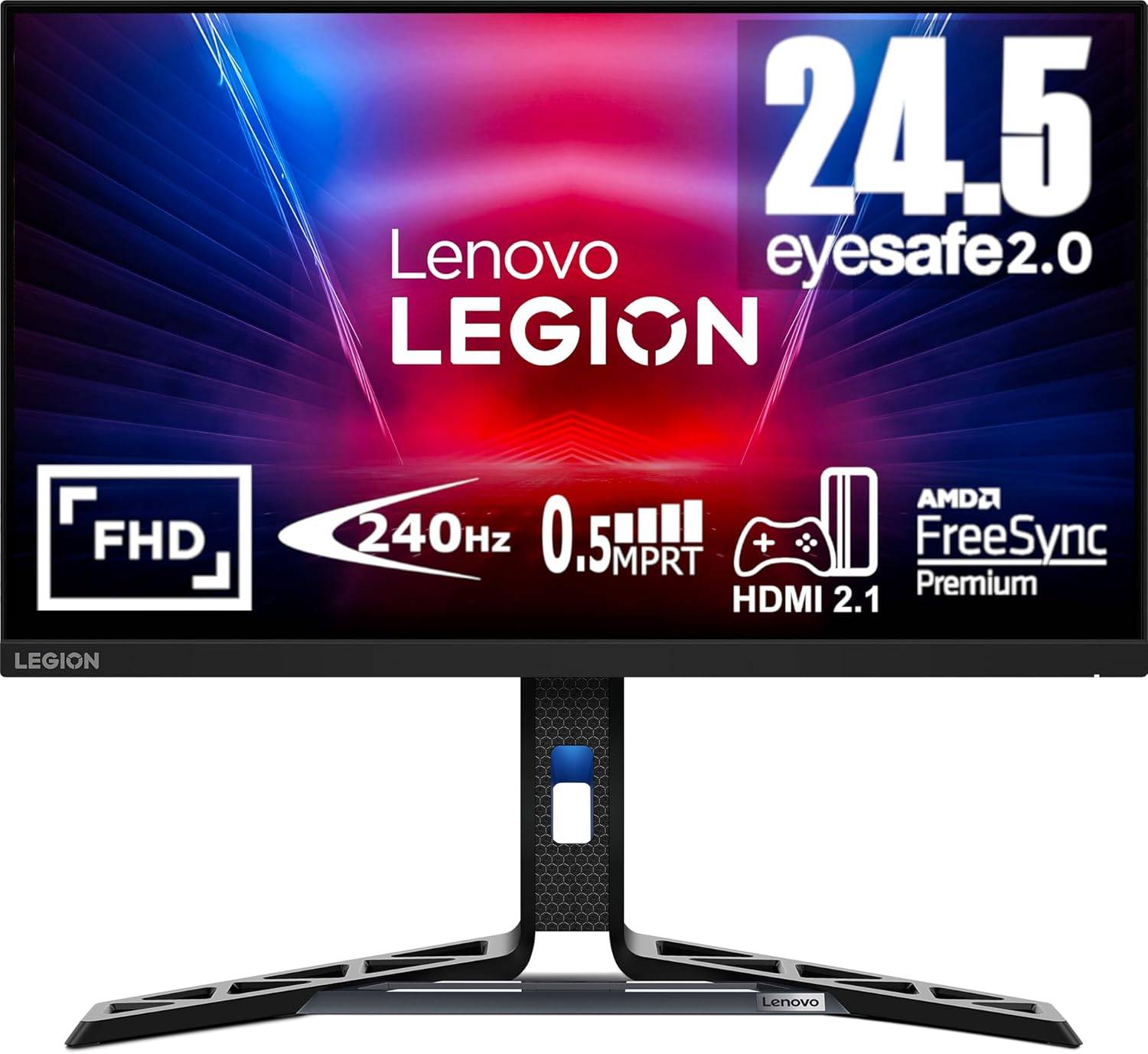 ### Lenovo Legion R25F-30
0See it at AmazonSee it at NeweggSee it at Lenovo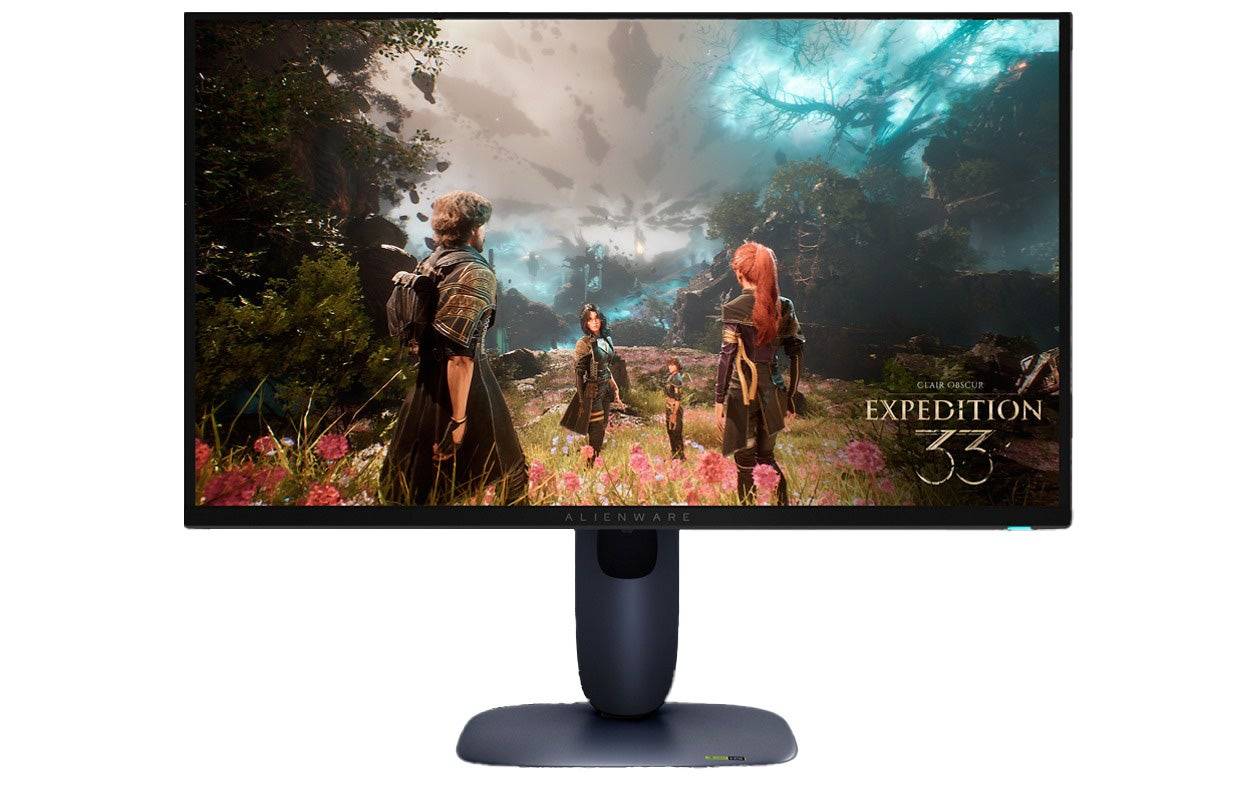 ### Dell Alienware AW2725Q
0See it at Dell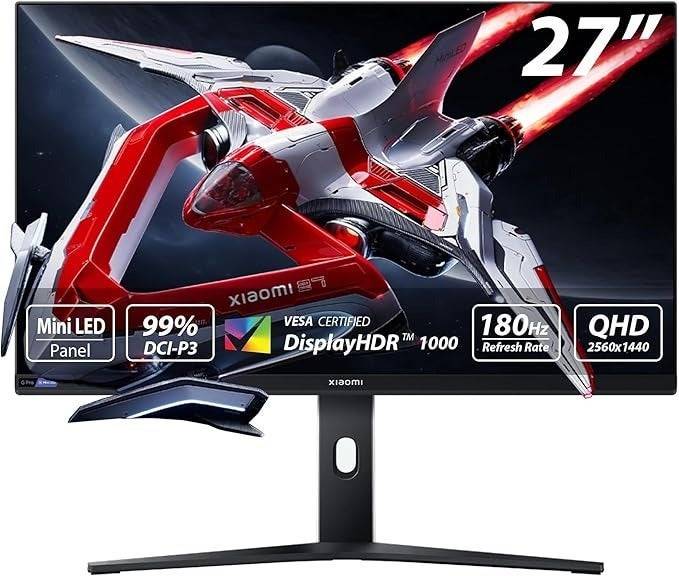 ### Xiaomi G Pro 27i
0$369.99 See it at Amazon ### Samsung Odyssey G8 (G80SD)
0See it at AmazonSee it at Best BuySee it at SamsungGaming monitors provide a superior gaming experience compared to TVs, offering better visuals and enhanced responsiveness. They are designed specifically for gaming, featuring optimized picture presets and additional gaming-focused features without the unnecessary bloat found in smart TVs. This results in superior picture quality, better performance, and a competitive edge in gaming.
For those with limited space or who also game on a PC, a gaming monitor is an ideal choice. Typically, these monitors are 32 inches or smaller, making them perfect for smaller spaces like bedrooms, dorms, and offices. Their compact size also allows for increased pixel density, which enhances the clarity and detail of games.
The Xbox Series X can output 4K resolution at up to 120fps, and monitors that support these specifications offer stunning visuals and a range of extra features and picture presets not found on gaming TVs. To fully utilize these capabilities, choose a monitor with HDMI 2.0 or higher for compatibility.
The Xbox Series S supports 1440p at 120fps, and there are numerous monitors available that meet or exceed these specifications. Opt for a monitor with HDMI 2.0 to ensure 1440p gaming, though a 1080p monitor may be a better choice for smoother gameplay due to the system's performance.
Choosing the right gaming monitor involves considering various factors, especially for first-time buyers. Below, you'll find the best picks to elevate your Xbox Series X|S gaming experience.
Looking to deck out your Xbox X|S? Check out our guides for the best Xbox headsets, controllers, SSDs, and other accessories.
 1. BenQ Mobiuz EX321UX
The Best Monitor for Xbox Series X|S
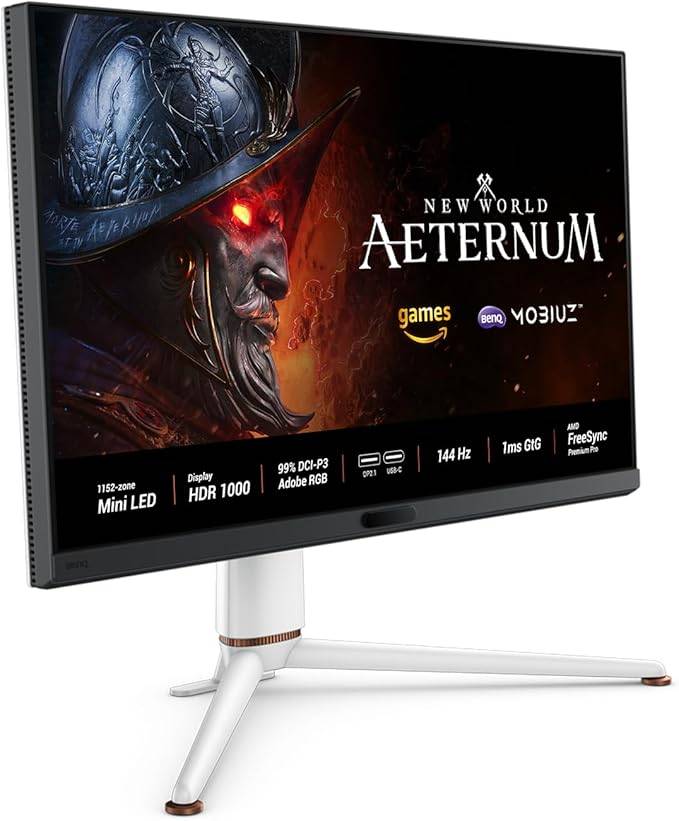 Our Top Pick ### BenQ Mobiuz EX321UX
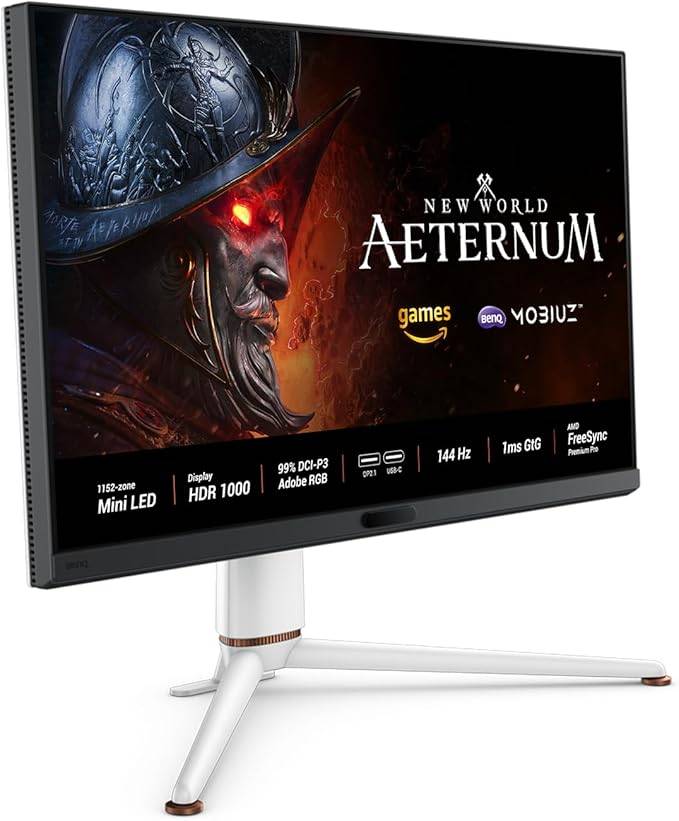
0A mini-LED marvel and the perfect companion for your XboxSee it at AmazonSee it at Best BuySee it at NeweggProduct SpecificationsScreen size32 inchesAspect ratio16:9Resolution3840 x 2160Panel typeIPS Mini-LEDHDR compatibilityHDR 10Brightness1,300 cd/m2Refresh rate240HzResponse time0.03msInputs1 x HDMI 2.1 (eARC), 2 x HDMI 2.1, 1 x DisplayPort 2.1, 1 x USB Type-C (DP, PD), 3 x USB 3.2 Type-A, 1 x USB 3.2 Type-C PROSIncredibly brightUnique picture modes Spacious and beautiful displayeARC support for soundbarsCONSMinor bloomingThe BenQ Mobiuz EX321UX is a standout choice for Xbox gaming, offering exceptional responsiveness and outstanding brightness with full-array local dimming via mini-LED technology. This results in unparalleled HDR gaming experiences. With a suite of gaming features, reactive image quality settings, and HDMI eARC support, it's the ultimate gaming monitor for Xbox users.
The EX321UX's IPS panel is enhanced with quantum dots, delivering vibrant colors and excellent viewing angles, perfect for sharing your screen. Unlike OLED panels, there's no risk of burn-in, and its mini-LED backlight achieves exceptional brightness up to 1,300 nits, enhancing color vibrancy and picture quality. Even in SDR mode, it maintains over 700 nits, providing ample flexibility for your preferred settings.
Its local dimming zones provide superior contrast, surpassing standard IPS panels. In my review, I noted that this monitor's picture quality rivals that of OLED panels, with an intelligent contrast setting that ensures visibility in dark scenes.
The monitor's unique approach to picture settings adjusts colors based on the game genre, such as vibrant colors for fantasy games and muted tones for sci-fi settings, enhancing immersion.
It offers extensive connectivity options with a USB hub and support for HDMI and DisplayPort 2.1, including an HDMI port with eARC for easy soundbar integration. For PC gamers, the one-click KVM functionality allows quick switching between systems, minimizing downtime.
While it lacks per-pixel dimming, it can exhibit minor blooming, especially with light text on dark backgrounds. However, its overall package is well-suited for both console and PC gamers.
Lenovo Legion R25F-30
Best Budget Xbox Series X|S Monitor
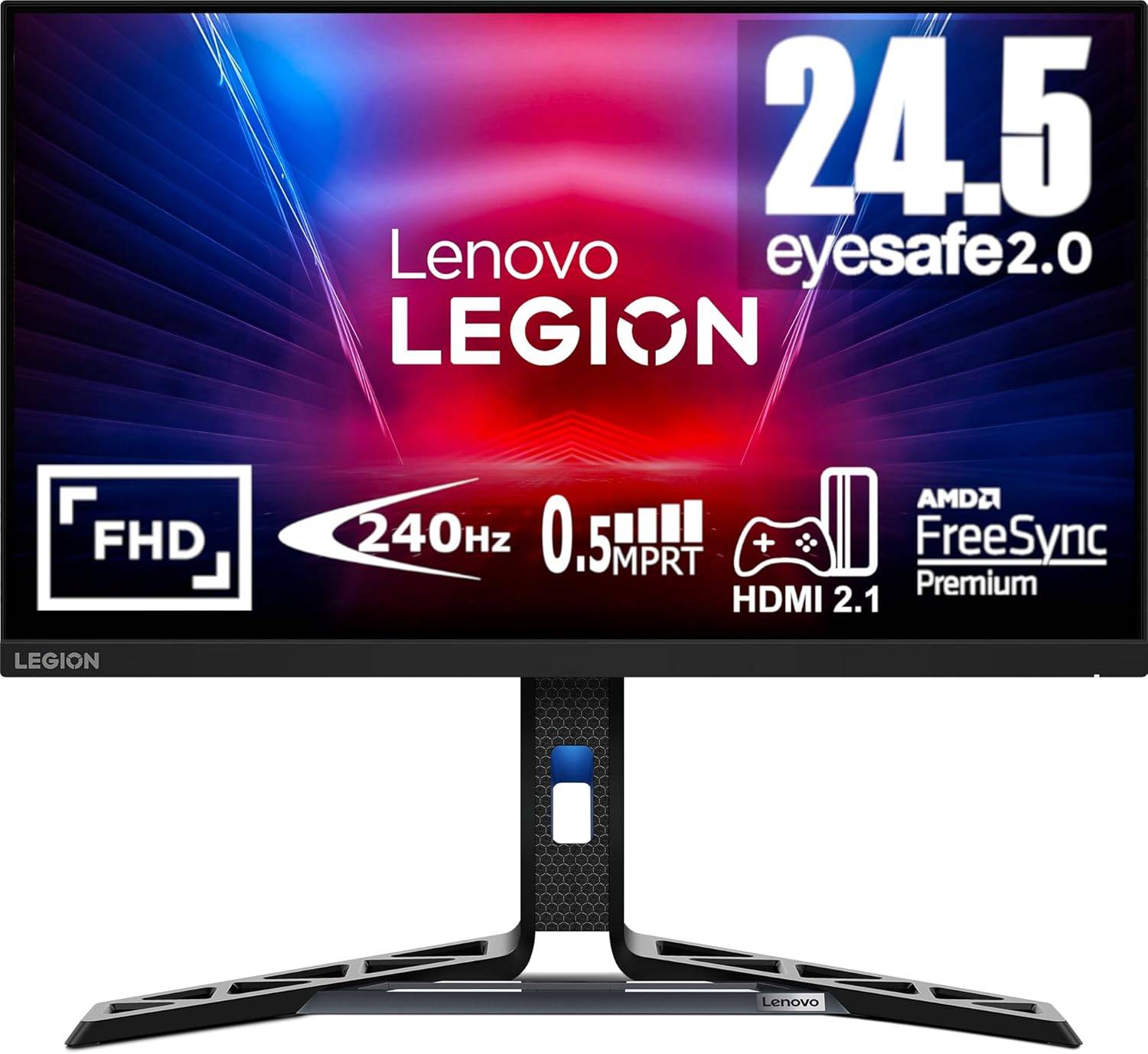 ### Lenovo Legion R25F-30
0Affordable and excellent, this monitor offers a great gaming experience without breaking the bank See it at AmazonSee it at NeweggSee it at LenovoProduct SpecificationsScreen size24 inchesAspect ratio16:9Resolution1920 x 1080Panel typeVABrightness380cd/m2Refresh rate280hzResponse time0.5msInputs2 x HDMI 2.1, 1 x DisplayPort 1.4PROSAffordable pricingGood colors and contrastAdjustable standHDMI 2.1CONSLimited brightnessThe Lenovo Legion R25F-30 is an affordable yet high-performing monitor for Xbox gaming. Priced under $170, it provides a balanced mix of image quality, responsiveness, and versatility. While not the brightest, it outperforms many competitors in its price range, offering great value for money.
This monitor stands out with its VA panel, which offers deeper blacks and more lifelike shadows compared to IPS panels. Although monitors with full array local dimming may surpass it, they come at a significantly higher cost.
Lenovo has optimized this monitor for responsiveness, featuring a 280Hz refresh rate that reduces input latency, although your Xbox will be limited to 120Hz. This is advantageous for PC gamers who can achieve higher frame rates. Both Xbox Series S and X users can enjoy fluid gameplay at 120Hz, and AMD FreeSync Premium support eliminates screen tearing.
For those who prefer not to use a headset, it includes two 3-watt speakers, providing a convenient audio solution. My upcoming review will further highlight its value proposition, making it a strong recommendation for Xbox gamers seeking an affordable yet fast monitor.
Alienware AW2725Q - Photos
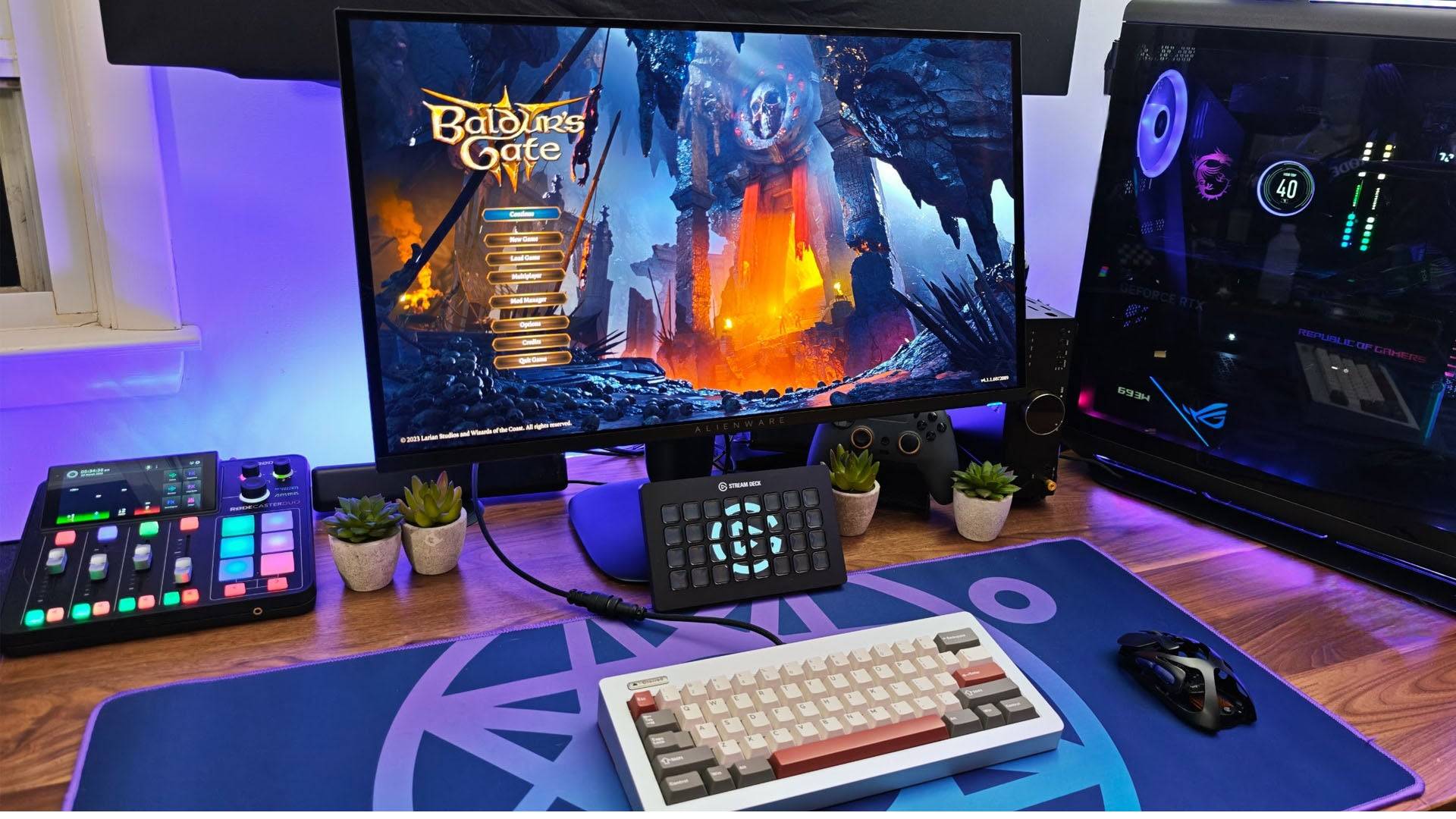
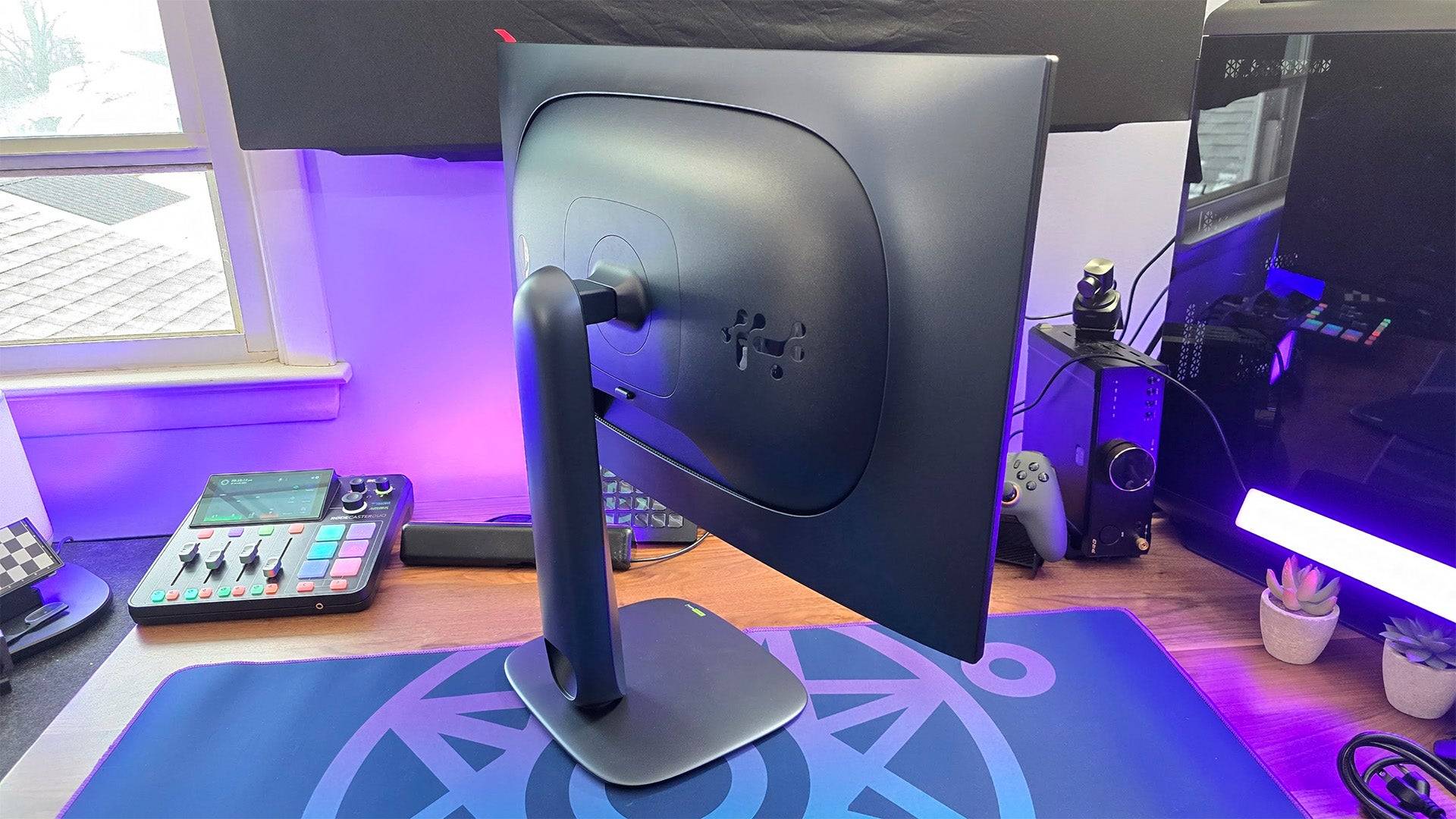 15 Images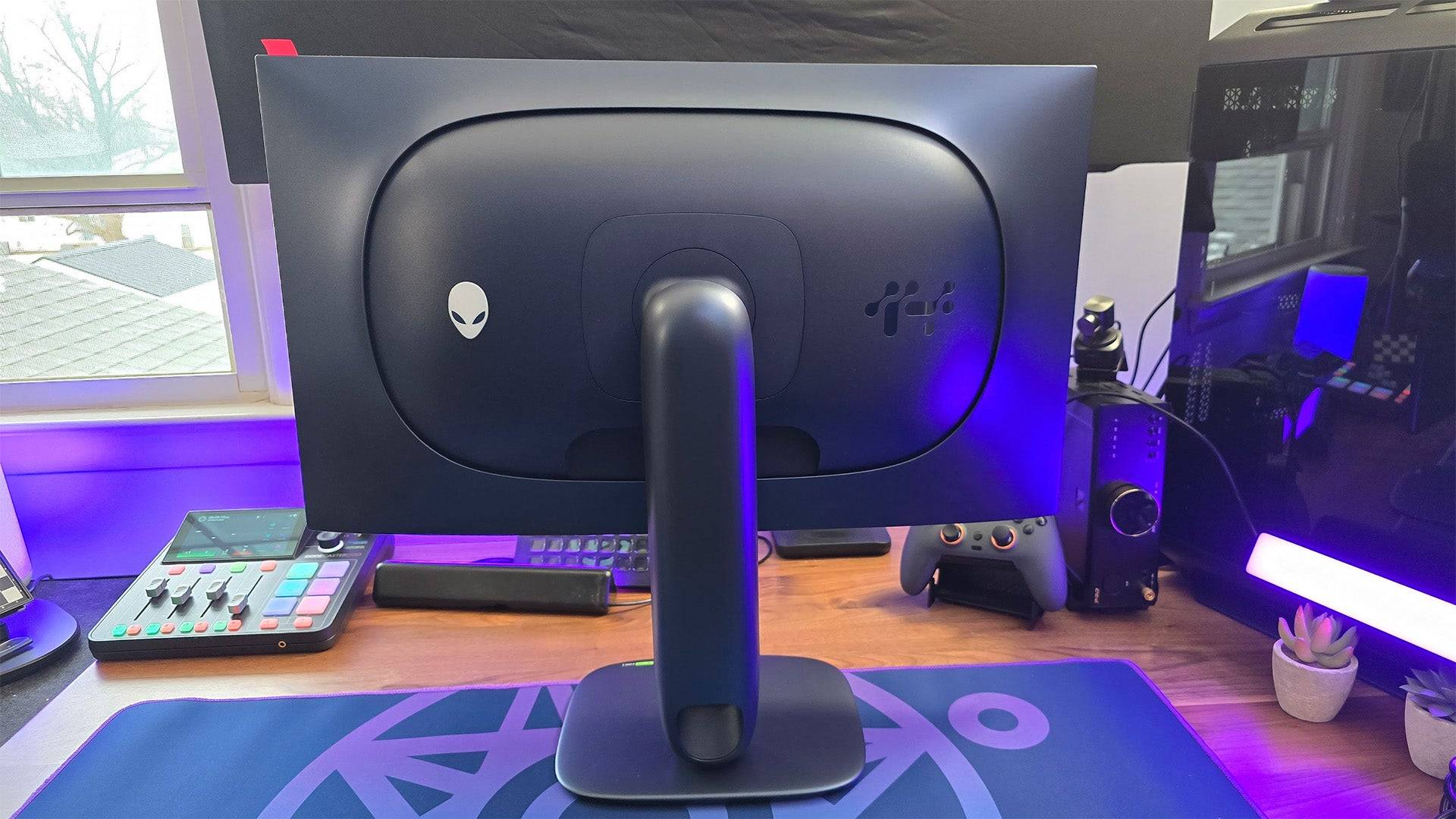
 3. Dell Alienware AW2725Q
Best 4K Xbox Series X|S Monitor
 ### Dell Alienware AW2725Q
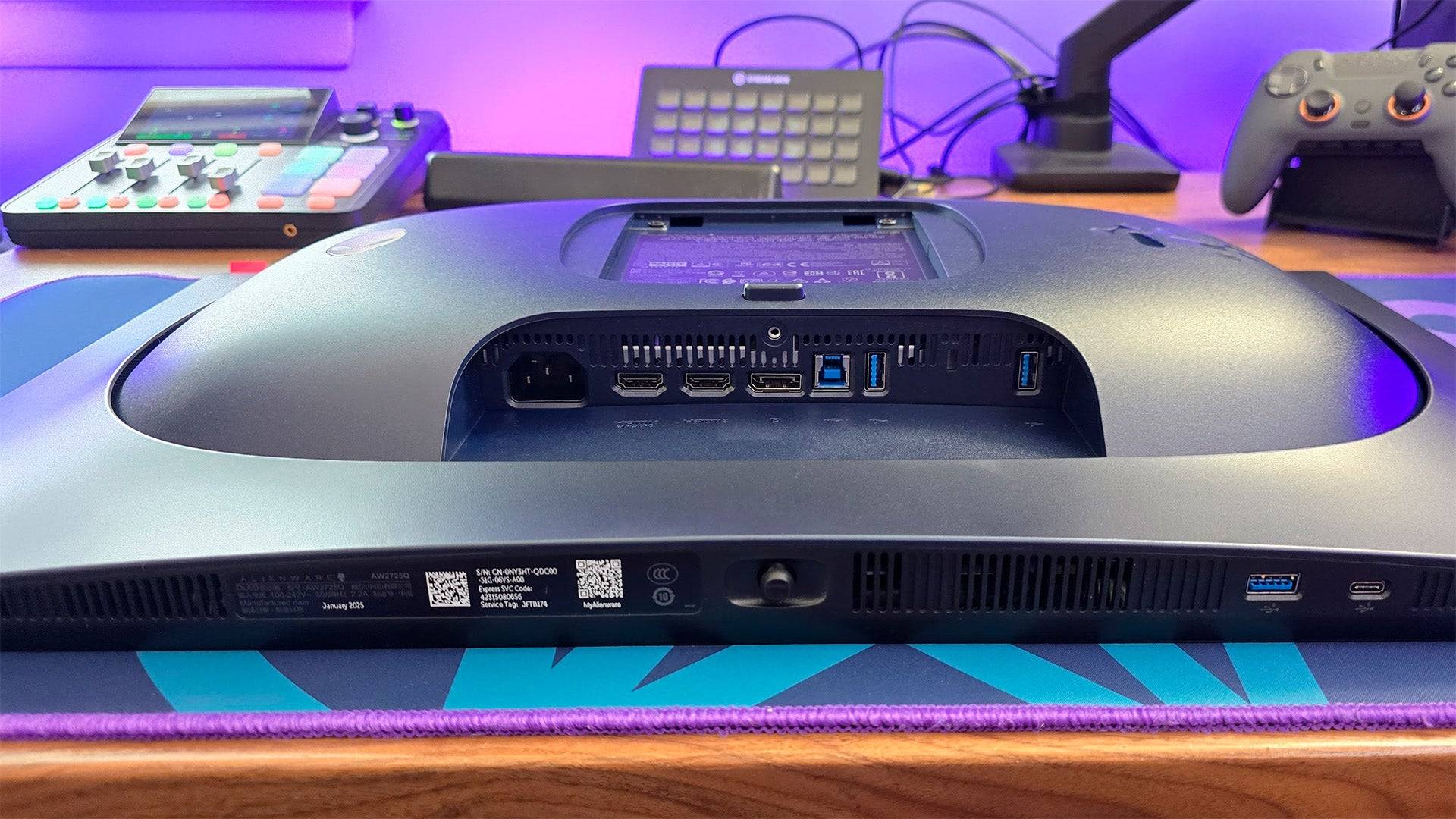
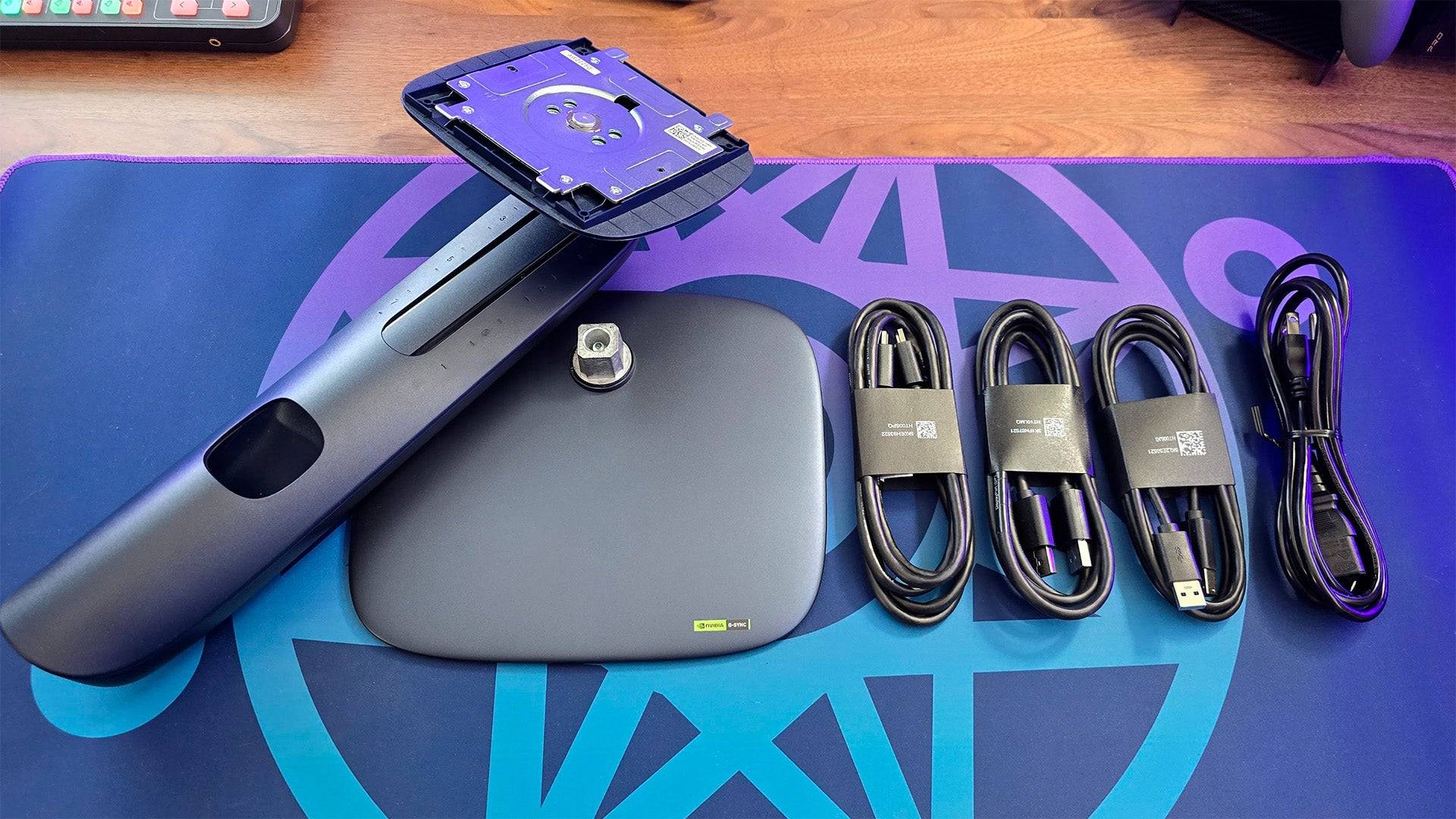
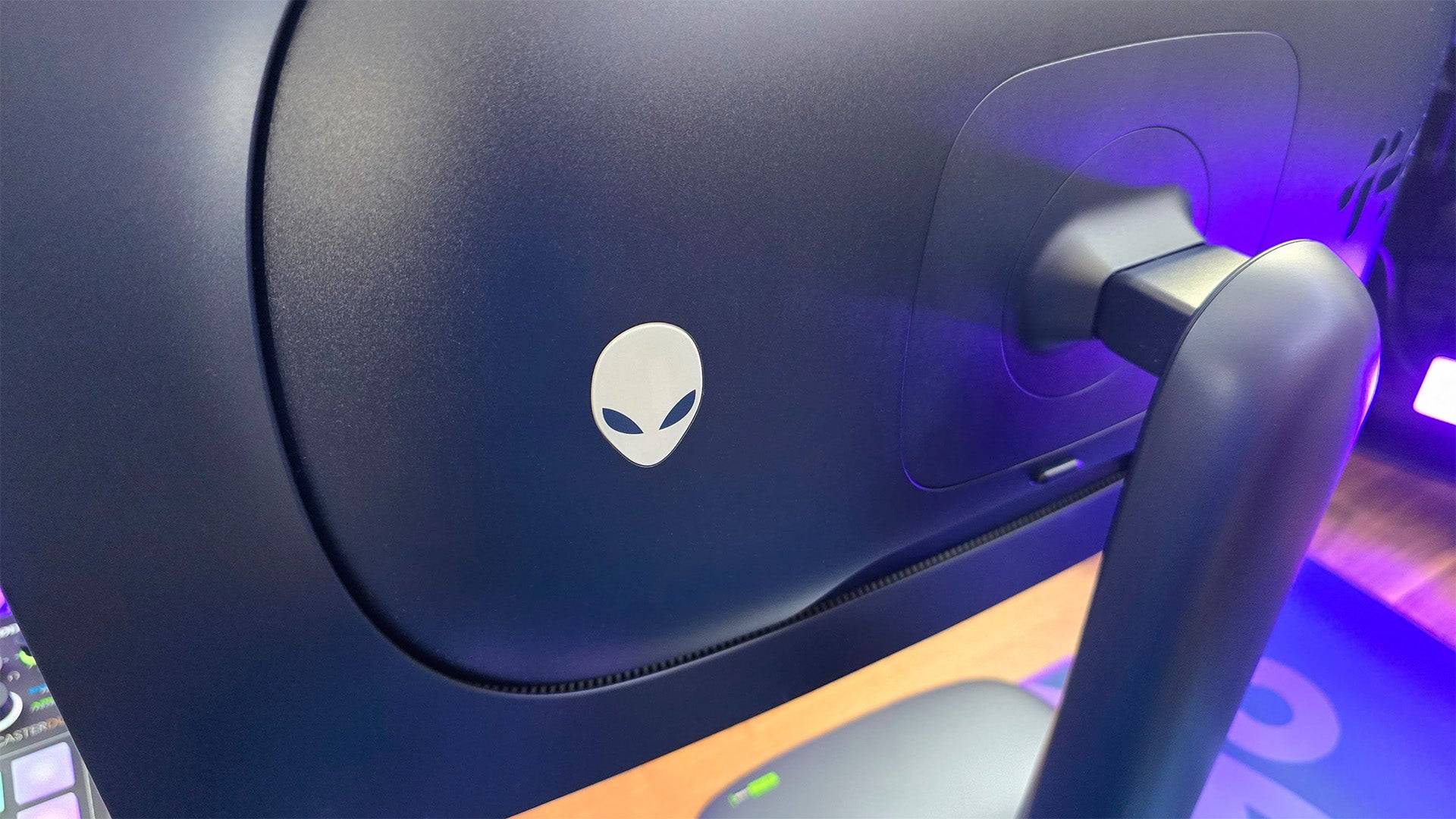
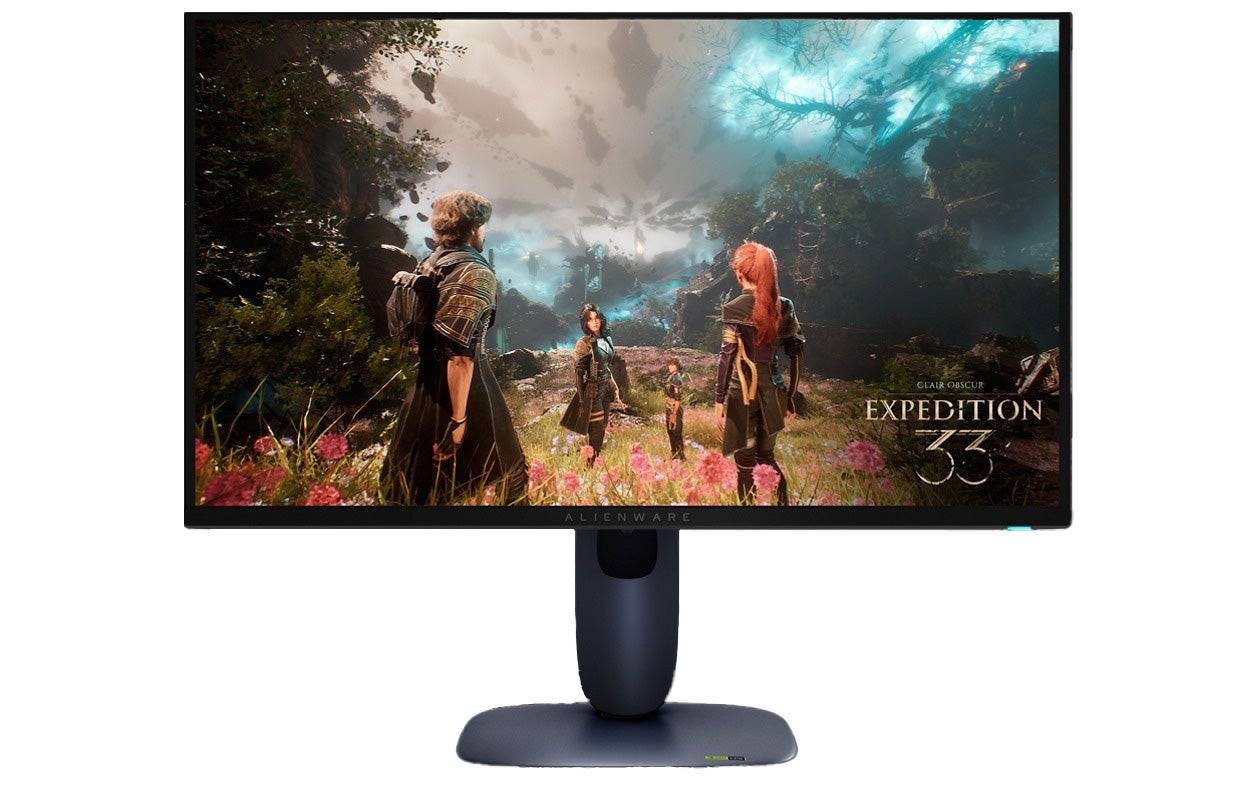
0This Alienware gaming monitor offers a great, QD-OLED picture for lessSee it at DellProduct SpecificationsScreen size26.7 inchesAspect ratio16:9Resolution3840 x 2160Panel typeQD-OLEDHDR compatibilityVESA DisplayHDR True Black 400Brightness250cd/m2Refresh rate240HzResponse time0.03msInputs 1 x HDMI 2.1 (eARC), 1 x HDMI 2.1, 1 x DisplayPort 1.4, 1 x USB Type-C (5Gbps, PD 15W), 3 x USB Type-A (5Gbps) 2 x USB 3.2PROSFantastic picture with support for Dolby VisionExceptionally responsiveSupports Xbox Series X at 4K, 120HzCONSNo KVMAlienware's AW2725Q, priced under $1,000, showcases the brand's leadership in gaming monitors. Its 27-inch screen delivers a crisp 4K picture with a quantum dot-enhanced OLED panel, offering deep blacks and vibrant colors with peak brightness up to 1,000 nits for stellar HDR performance.
In my earlier review, I was impressed by its picture quality and feature set. This model is part of Alienware's strategy to make QD-OLED technology more accessible, yet it doesn't compromise on quality. Once adjusted, the monitor's picture quality rivals more expensive counterparts, with rich colors and a wide dynamic range.
Its HDMI 2.1 support ensures seamless 4K gaming at 120Hz on Xbox Series X, while its Dolby Vision HDR compatibility, rare among gaming monitors, enhances the visual experience. One HDMI port supports eARC and Dolby Atmos for immersive sound without a gaming headset.
The monitor lacks a KVM for quick accessory switching, which may not be an issue for controller users. OLED users should be mindful of SDR brightness limitations and burn-in risks, though the monitor includes protective features to mitigate these concerns.
For 4K gaming, the AW2725Q is a top choice.
4. Xiaomi G Pro 27i
Best 1440p Xbox Series X|S Monitor
 ### Xiaomi G Pro 27i Mini-LED Gaming Monitor
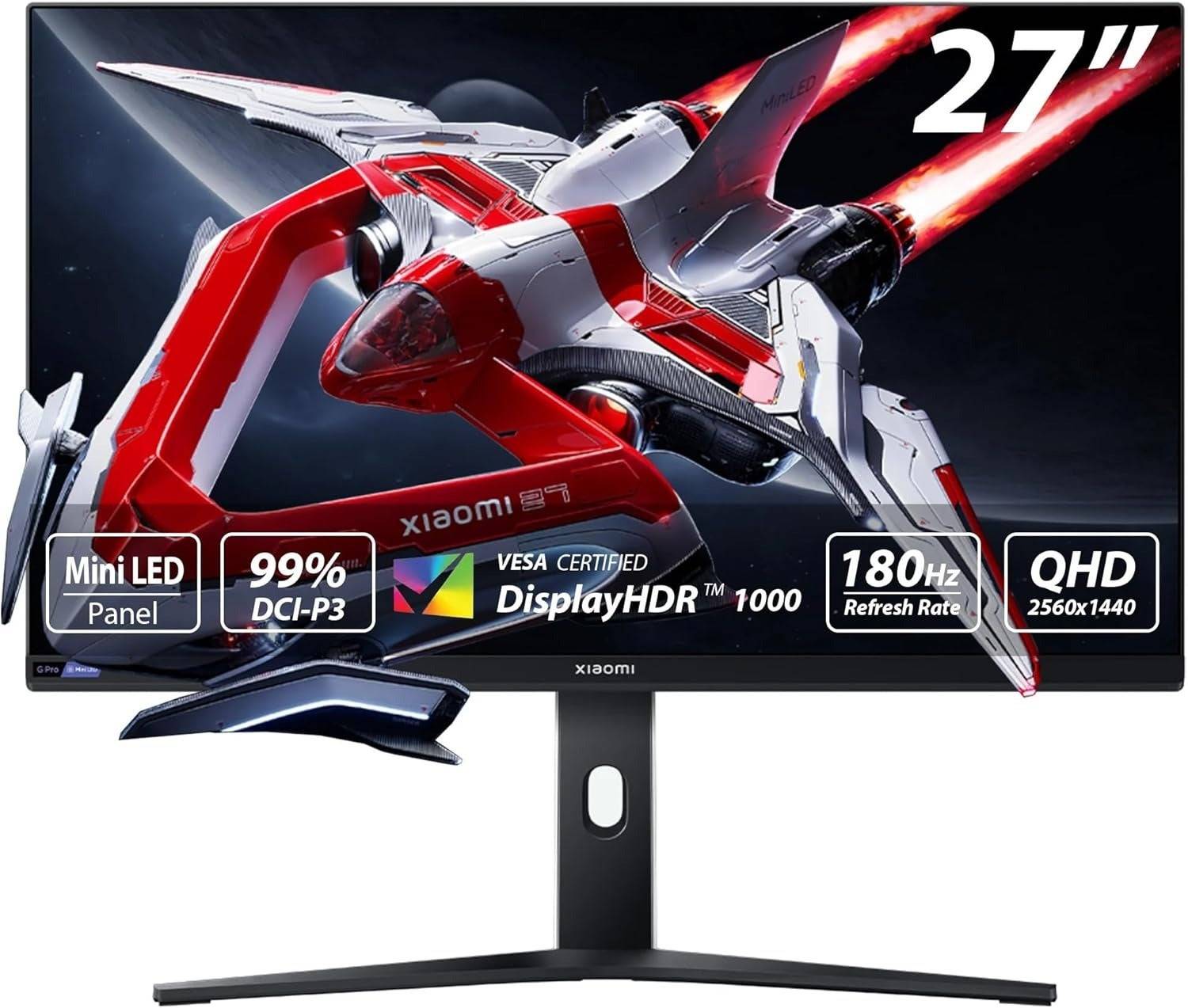
2Incredible picture quality at an awesome price. See it at AmazonProduct SpecificationsScreen size27"Aspect ratio16:9Resolution2,560 x 1,440Panel typeIPSHDR compatibilityHDR1000Brightness1,000 nitsRefresh rate180HzResponse time1ms (GTG)Inputs2 x DisplayPort 1.4, 2 x HDMI 2.0, 1 x 3.5mm AudioPROSTremendous value1,152 local dimming zones delivers outstanding contrast and HDR1,000 cdm/2 peak brightnessStylish design with versatile standCONSNo added gaming featuresNo built-in USB hubXiaomi's G Pro 27i delivers exceptional picture quality for under $400, making it an outstanding choice for 1440p and HDR gaming on Xbox Series S and X. Its mini-LED backlight and quantum dot-enhanced IPS panel produce vibrant, accurate colors.
The monitor's 1,152 local dimming zones ensure precise full-array local dimming, minimizing blooming even on its 27-inch screen. In my review, I noted that blooming was only noticeable on dark gray backgrounds but was easily ignored, allowing me to keep local dimming enabled.
With a peak brightness of over 1,000 nits, the G Pro 27i excels in HDR gaming, with highlights that truly pop. Its standard brightness surpasses that of pricier OLED competitors.
While the monitor's low price is impressive, it lacks USB ports and additional gaming features beyond its picture presets. However, it supports AMD FreeSync, HDR, and 1440p gaming at 120Hz.
Overall, the G Pro 27i offers unparalleled value and performance, earning my high praise since testing it.
 5. Samsung Odyssey G8 (G80SD)
Best Smart Monitor/TV Replacement for Series X|S
### Samsung Odyssey G8 (G80SD)
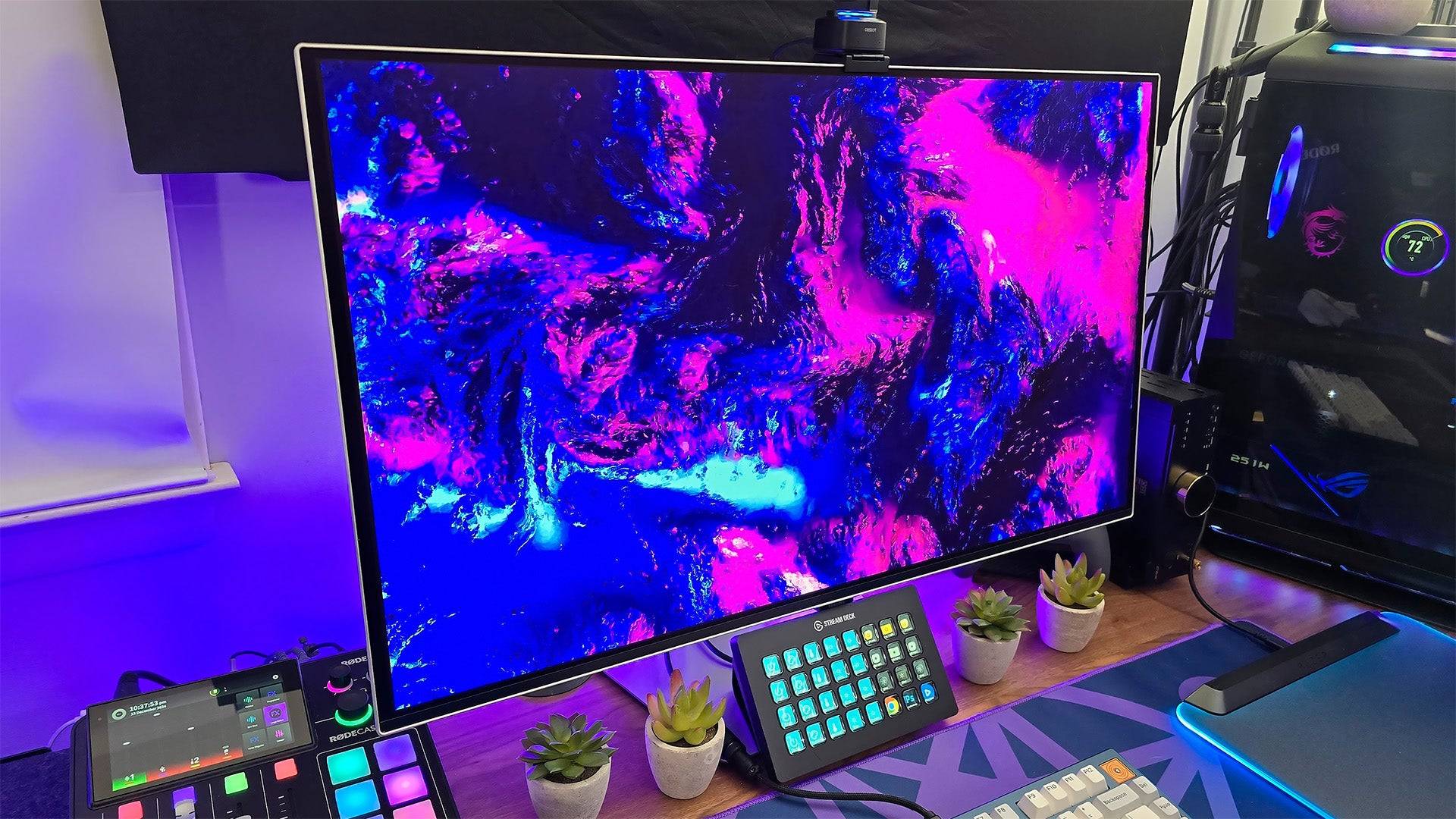
0Part TV, part gaming monitor, all of the performance.See it at AmazonSee it at Best BuySee it at SamsungProduct SpecificationsScreen size32 inchesAspect ratio16:9Resolution3840x2160Panel typeQD-OLED, Adaptive-Sync, G-Sync CompatibleHDR compatibilityHDR10, HDR10+Brightness250cd/m2Refresh rate240hz Response time0.3msInputs2 x HDMI 2.1, 1 x DisplayPort 1.4, 2 x USB Type-APROSSpacious screenBuilt-in video and game streaming servicesCan act as a complete TV replacement CONSTizen OS can feel intrustiveThe Samsung Odyssey G8 (G80SD) is a pioneering smart monitor that blends TV and gaming monitor functionalities. While its Tizen OS can feel intrusive for PC gamers, it's an excellent choice for Xbox users, offering a complete TV replacement.
Upon setup, the G80SD functions like a smart TV, allowing you to connect to Wi-Fi, log into accounts, and access streaming and game streaming apps like Xbox Cloud and Nvidia GeForce Now. When connected to your Xbox, it delivers the performance of a high-end gaming monitor.
Its QD-OLED panel provides infinite contrast, vibrant colors, and high peak brightness, with user-friendly picture settings. The gaming performance is top-notch, offering rich colors, deep blacks, and realistic highlights. While not ideal for content creation out of the box, a bit of color tweaking can yield great results.
For those in space-constrained environments needing a single screen for all entertainment needs, the Samsung Odyssey G8 (G80SD) is an excellent option.
Gaming Monitors for Xbox Series X|S FAQ
Is a gaming monitor better than a TV for Xbox?
Gaming monitors generally offer higher performance than TVs, but the best choice depends on your preferences. If you prefer the big-screen experience and couch gaming, a high-quality TV might be better. However, for superior responsiveness and up-close image quality, a gaming monitor is the way to go, despite potentially higher costs.
Can I use an ultrawide monitor with my Xbox?
Technically, yes, but it's not recommended. Xbox consoles support 16:9 aspect ratios, so using an ultrawide monitor will result in black bars on the sides. Additionally, such monitors may lack features like HDMI eARC, which are beneficial for console gaming.
What is the best resolution for a gaming monitor for Xbox?
For Xbox Series S, a 1440p or 1080p monitor may be more suitable due to its performance. For Xbox Series X, 4K is ideal. Consider refresh rate as well; while 4K at 120fps is possible, it's often expensive and many games upscale from 1440p. A 1440p monitor with HDMI 2.0 can be a cost-effective alternative.
When can you find discounts on Xbox Series X|S monitors?
The best times to find discounts on Xbox-compatible monitors are during Black Friday, Amazon Prime Day, and tech clearance sales at major retailers like Best Buy and Walmart.