So, you just ran through a whole mission in Ready or Not, cleared all the enemies, rescued the hostages, and did everything right. But then – boom – "Mission Not Complete." Frustrating, right? Well, you're not alone. Here's how to fix "Mission Not Complete" in Ready or Not.
1. Double-Check Your Objectives
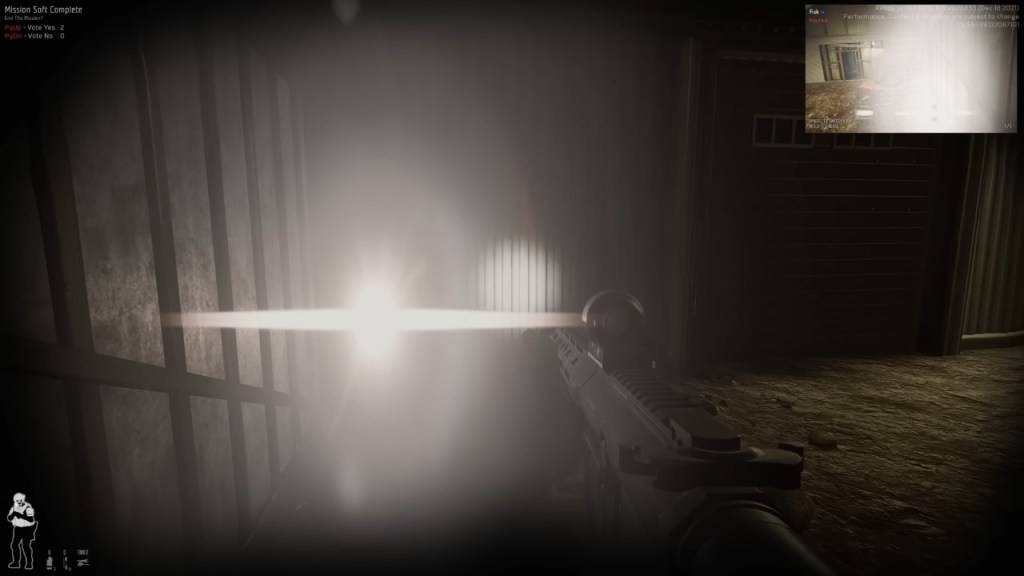
The first step is to thoroughly review your objectives. Even if you think you've completed everything, sometimes the game disagrees. If you don't complete all your objectives, you can still vote to end the mission.
How to Check:
Press the Tab button to open the mission menu and examine the objective list. If anything is red or incomplete, that's your issue. Some common objectives that players often overlook include:
- Reporting downed suspects or civilians – If you incapacitate or kill a suspect, you need to report it by interacting with them (F by default). The same applies to civilians.
- Securing evidence (weapons, bombs, etc.) – Dropped weapons must be secured. If a suspect drops a gun, make sure you pick it up.
- Completing optional objectives – Some missions have additional tasks, like disabling security systems. Skipping these can prevent the mission from being counted as complete.
- Ensuring all hostages are safe – If a civilian is still tied up somewhere, you need to ensure they're properly rescued.
Fix: Go back through the map and check if you've missed anything.
Related: All Soft Objectives in Ready or Not, Listed
2. The Vote-to-End Issue (Multiplayer)
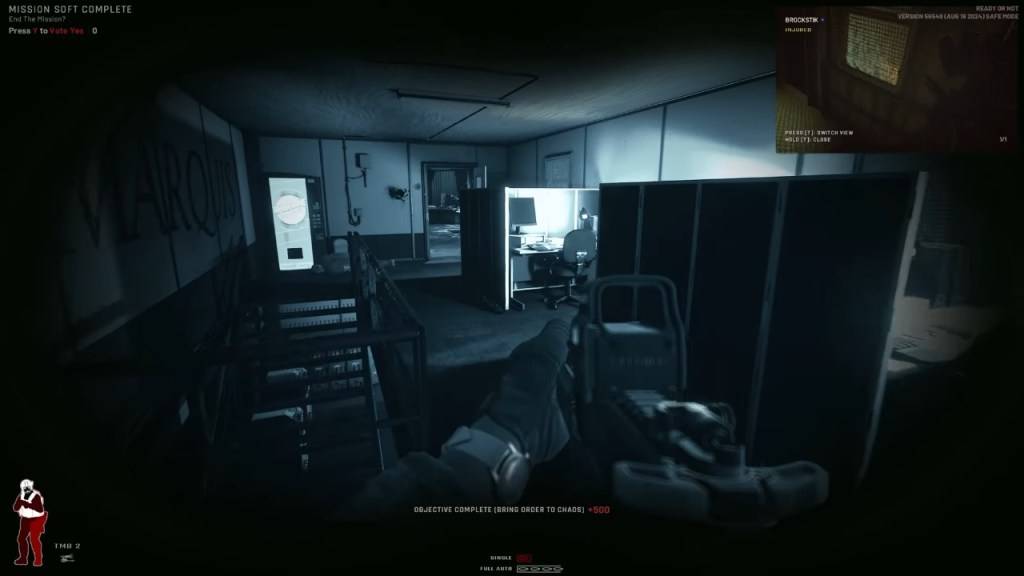
This issue often trips up players. In co-op mode, everyone must vote to end the mission. If even one player misses the vote prompt, you'll see the "Mission Not Complete" error in Ready or Not.
How to Fix:
- Ensure all players press Y (default key) when the vote prompt appears. If someone isn't voting, remind them via voice or text chat.
- If a player is AFK, you might need to wait it out or kick them from the session.
- Check out our article on how to fix 'Can't Connect to Host' in Ready or Not.
- Restart the mission if the vote screen isn't showing up for some players.
3. Objective Bugs
Sometimes, you've completed everything, but the game still won't recognize it.
Common Bugs:
- The game doesn't register secured weapons.
- A hostage isn't counted as rescued even though they are.
- An objective remains incomplete even when you've met the conditions.
How to Fix:
- Restart the mission and try again.
- In multiplayer, switch the host (sometimes, the game registers objectives differently for different players).
- Verify your game files: Go to Steam > Right-click Ready or Not > Properties > Local Files > Verify Integrity of Game Files. This can fix missing or corrupted files that might cause issues.
The Classic ‘Restart and Hope’ Method
If none of the above solutions work, sometimes the only option is to restart the mission.
Yes, it's not ideal, but Ready or Not is still in development, and mission completion bugs are not uncommon. If a mission refuses to complete no matter what, restarting is often the quickest solution.
And that's how to fix "Mission Not Complete" in Ready or Not.
Ready or Not is available now on PC.