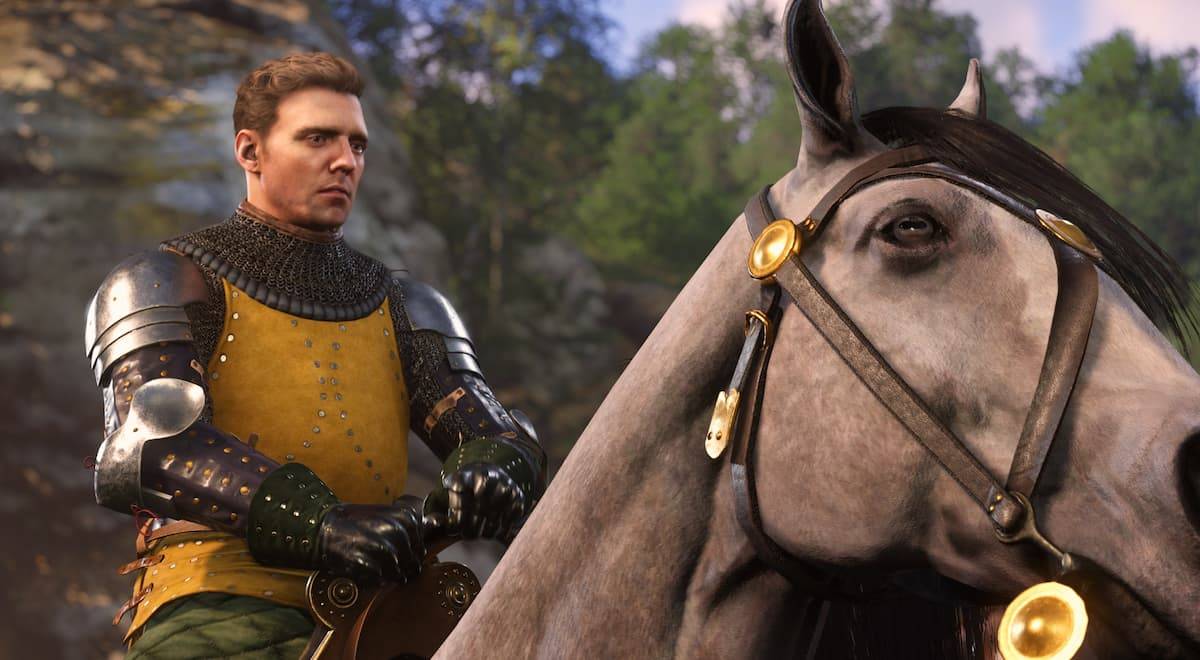
Playing Kingdom Come: Deliverance 2 on PC offers a fantastic opportunity to fine-tune your settings for optimal gameplay. Assuming your system meets the requirements, here's how to achieve high FPS:
Table of contents
Best PC Settings for Kingdom Come Deliverance 2 Graphics Settings Advanced Settings
Best PC Settings for Kingdom Come Deliverance 2
The good news? Kingdom Come: Deliverance 2's minimum PC specs are relatively low, meaning a decent gaming experience is achievable on many systems. However, the game is RAM-intensive; consider at least 32GB for best results.
Here are the settings for maximizing your framerate:
Graphics Settings
- Window Mode: Fullscreen
- Overall Image Quality: Custom
- V-Sync: Off
- Horizontal FOV: 100
- Technology: DLSS (Quality Mode)
- Motion Blur: Off
- Near DOF: Off
Advanced Settings
- Object Quality: High
- Particles: Medium
- Lighting: Medium
- Global Illumination: Medium
- Postprocessing Quality: Low
- Shader Quality: Medium
- Shadows: Medium
- Textures: High
- Volumetric Effects Detail: Medium
- Vegetation Detail: Medium
- Character Detail: High
With these settings and a system meeting the recommended specifications, you should achieve a smooth 100 FPS in populated areas, and even higher in less demanding environments.
If you experience screen tearing and framerate isn't paramount, enabling V-Sync will help. With V-Sync on, you can also consider increasing overall graphic quality for higher resolution at 60 FPS.
These settings provide the best balance for high FPS in Kingdom Come: Deliverance 2. For more game tips, including romance options and optimal perk selections, check out The Escapist.