
In the terrifying universe of *R.E.P.O.*, the items you collect can be the difference between advancing to the next level or facing the dreaded Disposal Arena with your teammates. Among these crucial items, Recharge Drones stand out as a key to success, and here's a detailed guide on how to obtain and utilize them effectively.
What Recharge Drones Do
In *R.E.P.O.*, while some items like Mines and Grenades are one-and-done, others, such as weapons and drones, come with a rechargeable "battery life." You'll notice a container in your truck from the get-go, which you can use to recharge these items using Energy Crystals. When you buy more Energy Crystals, they seamlessly integrate into the container, ready for use without any manual intervention. To rejuvenate a chargeable item, simply place it in the yellow bucket next to the container, and watch it regain its vitality. This feature is invaluable for maintaining your gear's health, ensuring you're well-equipped to face the horrors of the next level.
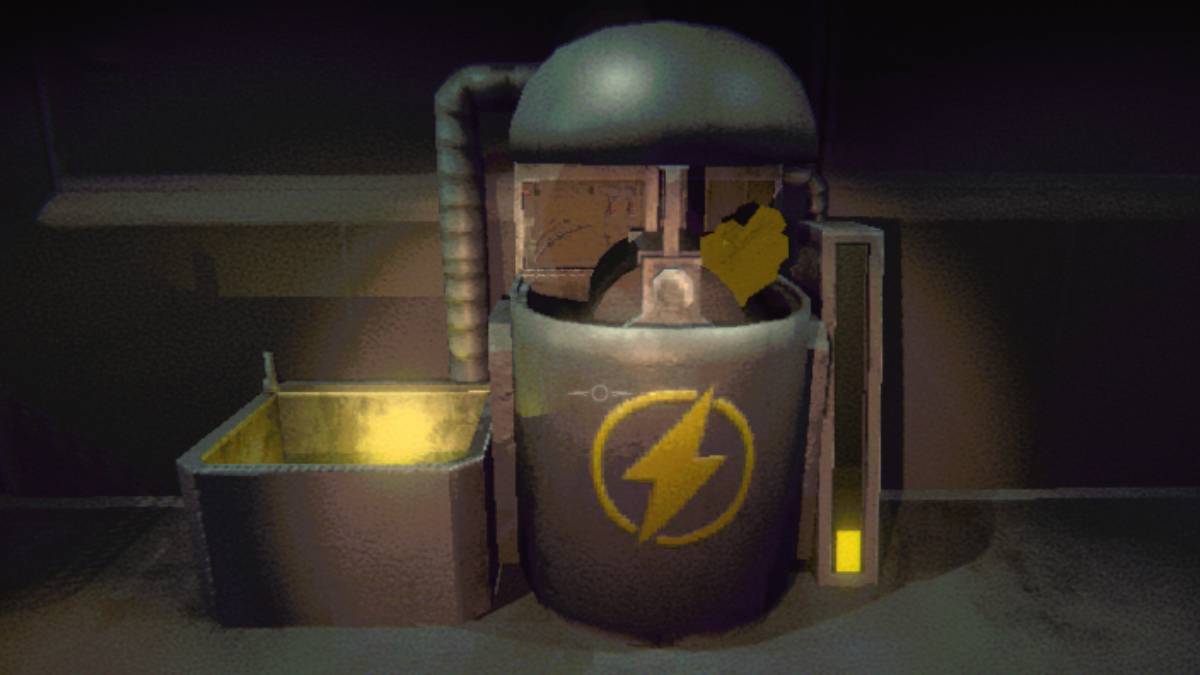
However, not all levels are created equal. Some can be particularly challenging, causing your items to wear down rapidly. While you can recharge them at the truck using Energy Crystals, you won't always be close to it. That's where the Recharge Drone comes into play, serving as a mobile solution to keep your gear powered up.
How to Get and Use the Recharge Drone in R.E.P.O.
The Recharge Drone, like other items and upgrades, becomes available at the Service Station, which you reach after successfully completing a level. This is your chance to gear up for the next challenge, provided you have the funds. Due to the random nature of item spawns at the Service Station, it might take several visits before the Recharge Drone appears, but patience will be rewarded. When it does show up, it's priced between $4-5K and occupies one of your inventory slots. You can assign it to slot 1, 2, or 3 after purchase.
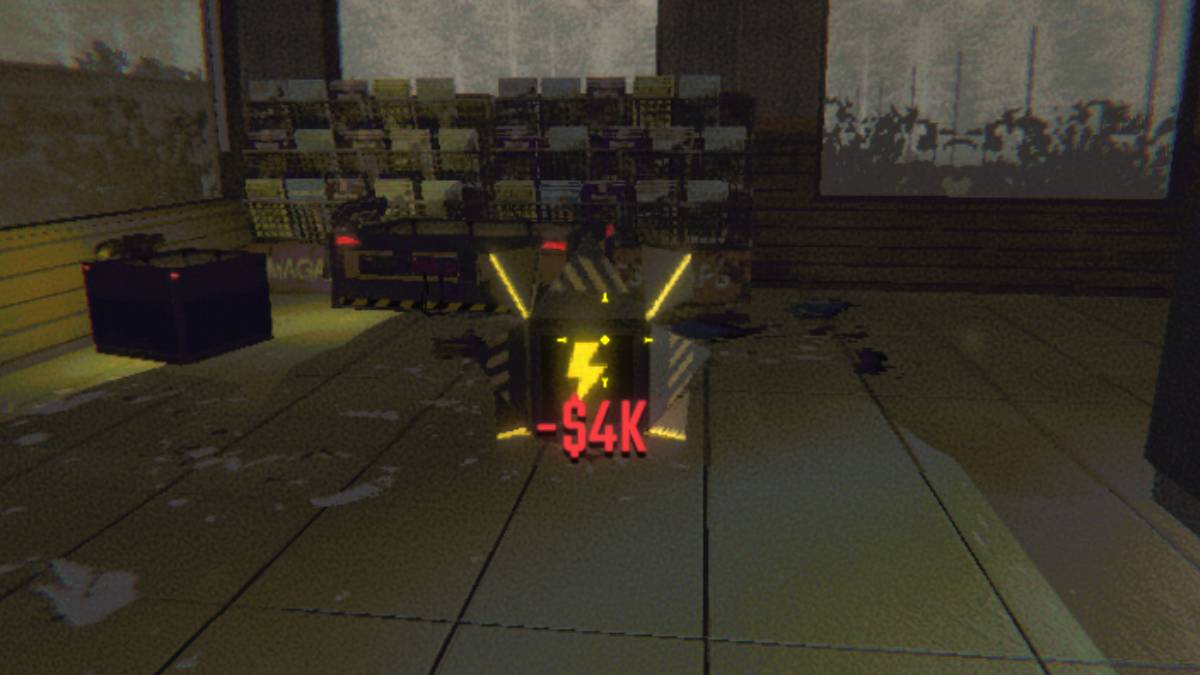
You can monitor your item's condition via the battery bar displayed beneath it. When it's time to recharge, select the Recharge Drone, activate it with the 'E' key, and attach your depleted item. Let the drone work its magic! Once the drone's battery runs dry, you can recharge it back at the truck using the container and Energy Crystals.
Now you're well-versed in locating and effectively using the Recharge Drone in *R.E.P.O.*










