In modern gaming, progress saves are often automatic, featuring seamless auto-save to protect players from losing hard-won achievements. But in Freedom Wars Remastered, where players confront towering Abductors and risk penalties for exceeding Panopticon time limits, manual saving becomes a necessity.
Given the game’s fast-paced and intense action, securing your progress whenever possible is wise. Whether you're gearing up for a tough mission or taking a quick break, knowing the save process is key. Here’s a guide on saving your game in Freedom Wars Remastered.
How to Save In Freedom Wars Remastered
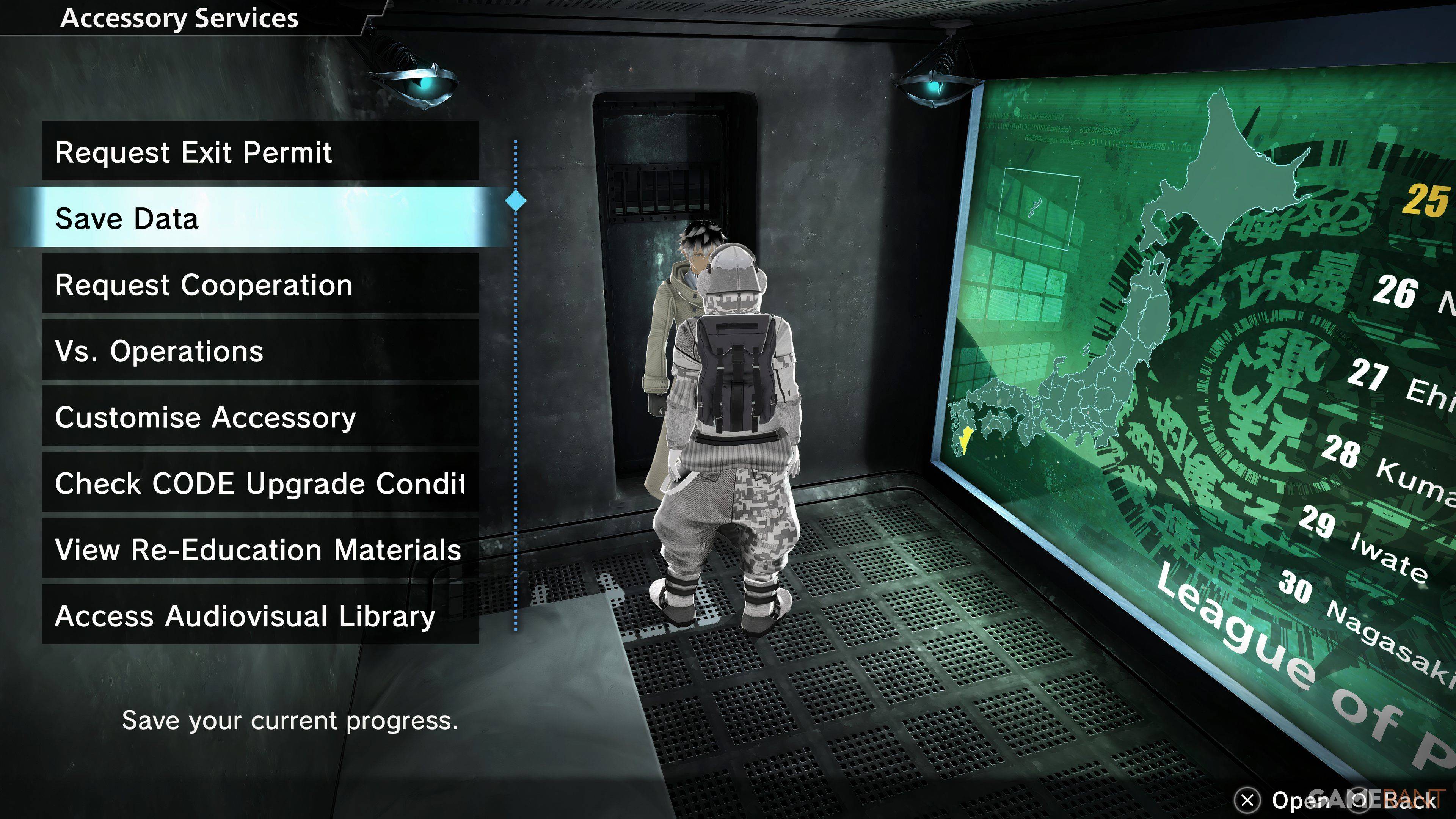
Early in the game, a tutorial covers basic controls and systems. While helpful, the volume of information provided may feel overwhelming. You might spot a small save icon on the right side of the screen from time to time. Fortunately, an Autosave system triggers after missions, major dialogue sequences, and cutscenes. Autosaves don’t cover all situations, which is why Manual Saving is useful.
Freedom Wars Remastered includes a Manual Save option, but only one save file is available. That means you can’t keep multiple versions of your progress or revisit earlier story moments via separate saves. To manually save, speak to your Accessory in your Panopticon cell and choose "Save Data"—the second option in the menu. The Accessory will confirm, and your progress will be stored.
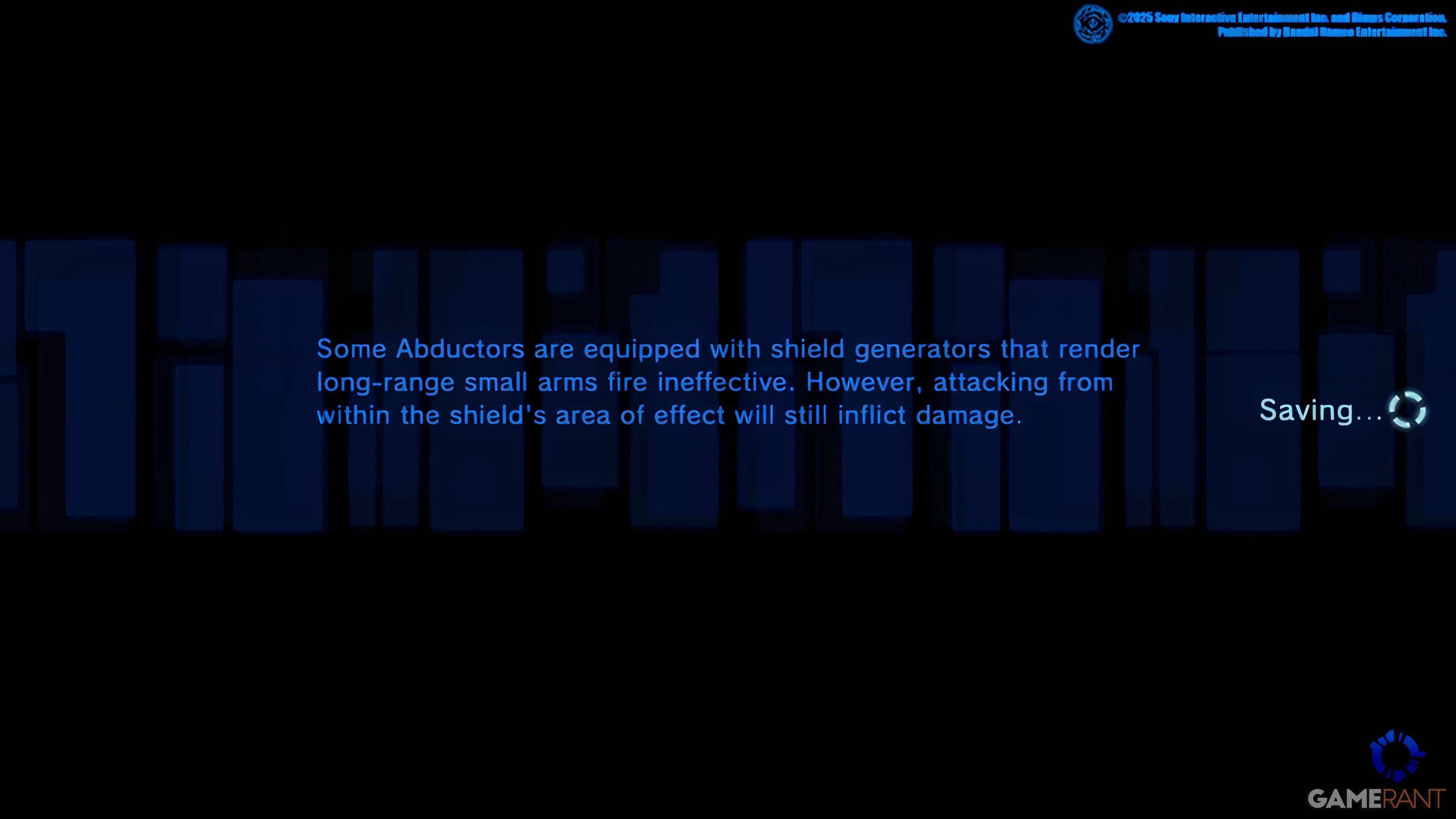
This single-save restriction commits you to key plot decisions that shape the game’s outcome, so you can’t reverse them later. PlayStation players with PlayStation Plus can upload their save to the Cloud and download it as needed, offering a practical way to revisit pivotal moments or keep your progress secure.
Due to reports of occasional game crashes, frequent saving is recommended to prevent losing your progress.