One of Fortnite's key attractions is its extensive character customization, letting players express their unique style. This guide details how to change your character's appearance, covering skin selection, gender, and various cosmetic items.
 Image: x.com
Table of Contents
- Understanding the Character System
- How to Change Your Character in Fortnite
- Changing Gender
- Acquiring New Items
- Footwear
- Using Other Cosmetic Items
Understanding the Character System
Unlike games with rigid class systems, Fortnite offers extensive cosmetic customization through skins. These skins purely alter appearance, not gameplay, allowing players to stand out and showcase their personality. Many skins stem from collaborations with franchises like Marvel and Star Wars.
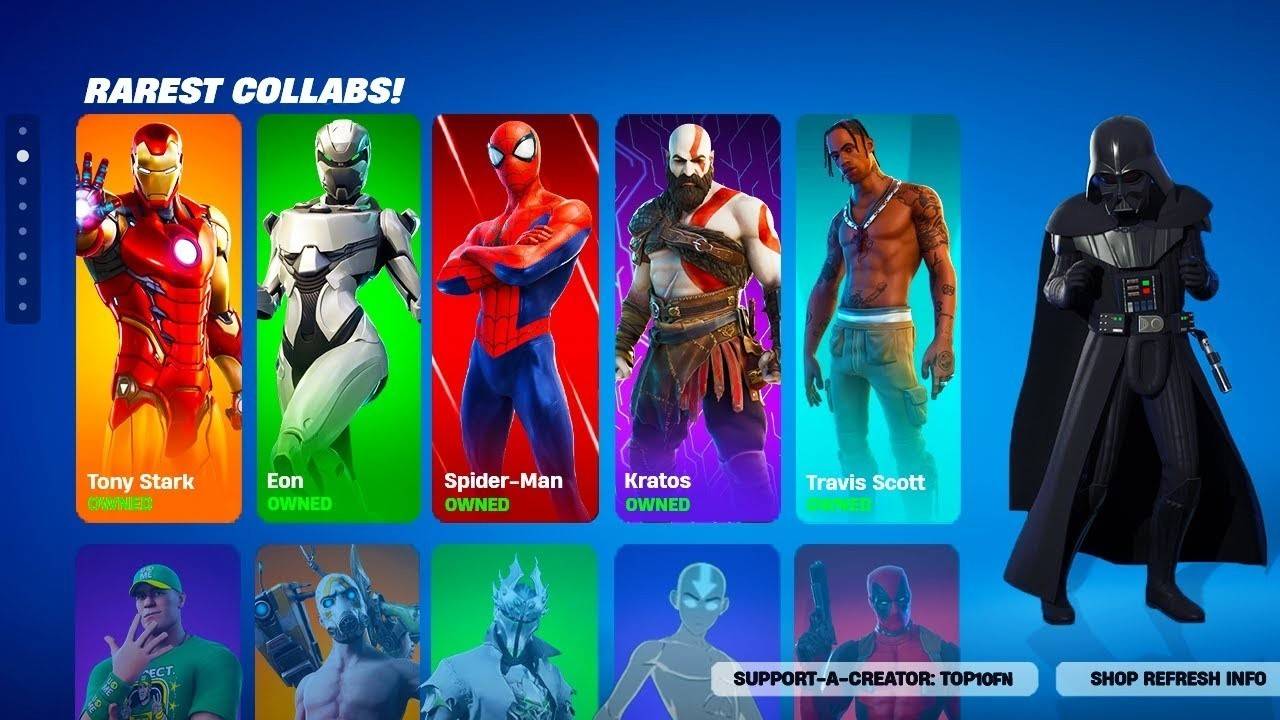 Image: youtube.com
How to Change Your Character in Fortnite
Modifying your character's look is straightforward:
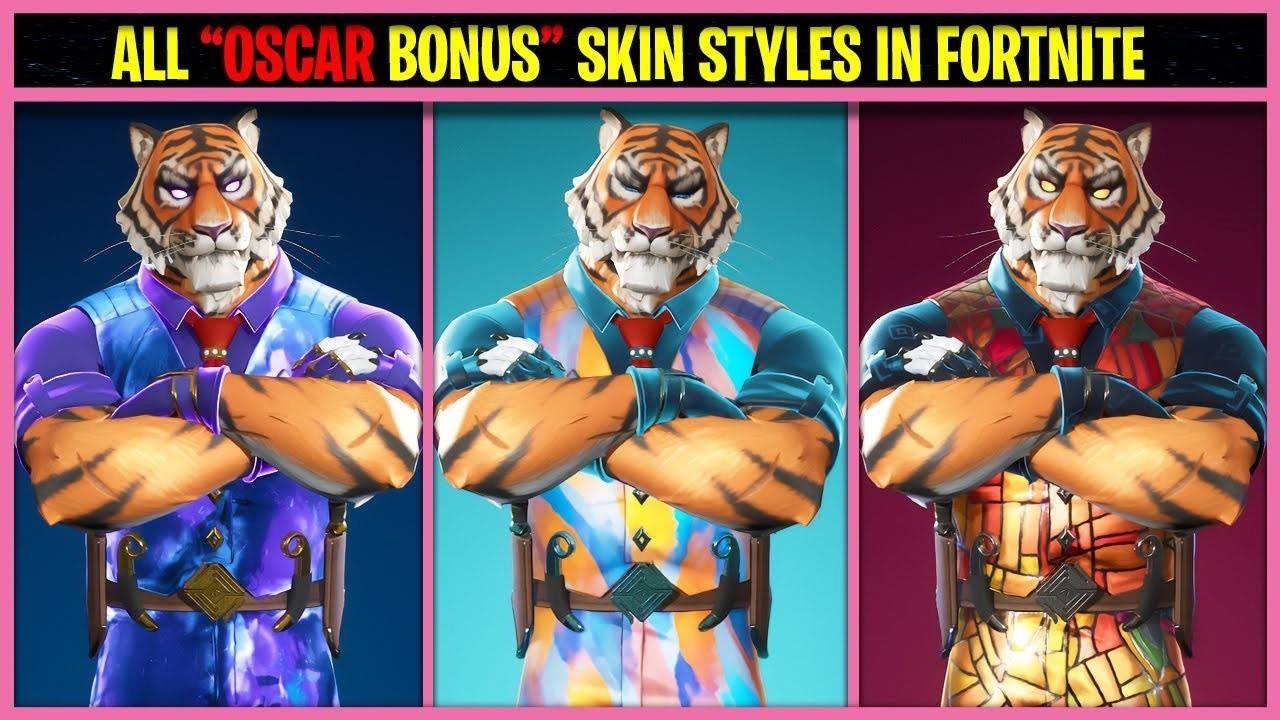 Image: youtube.com
- Open the Locker: Access the "Locker" tab at the top of the screen. This houses all your cosmetic items.
- Select a Skin: Choose from the available skins in the first slot. Browse the list and select your desired skin.
- Choose a Style (if applicable): Many skins offer style variations, changing colors or the overall look. Select your preferred style.
- Apply the Skin: Save and exit the menu. Your character will now sport the new skin.
- Default Skins: If you own no skins, a random default skin is assigned. A 2024 update allows you to select a preferred default skin in the Locker.
Changing Gender
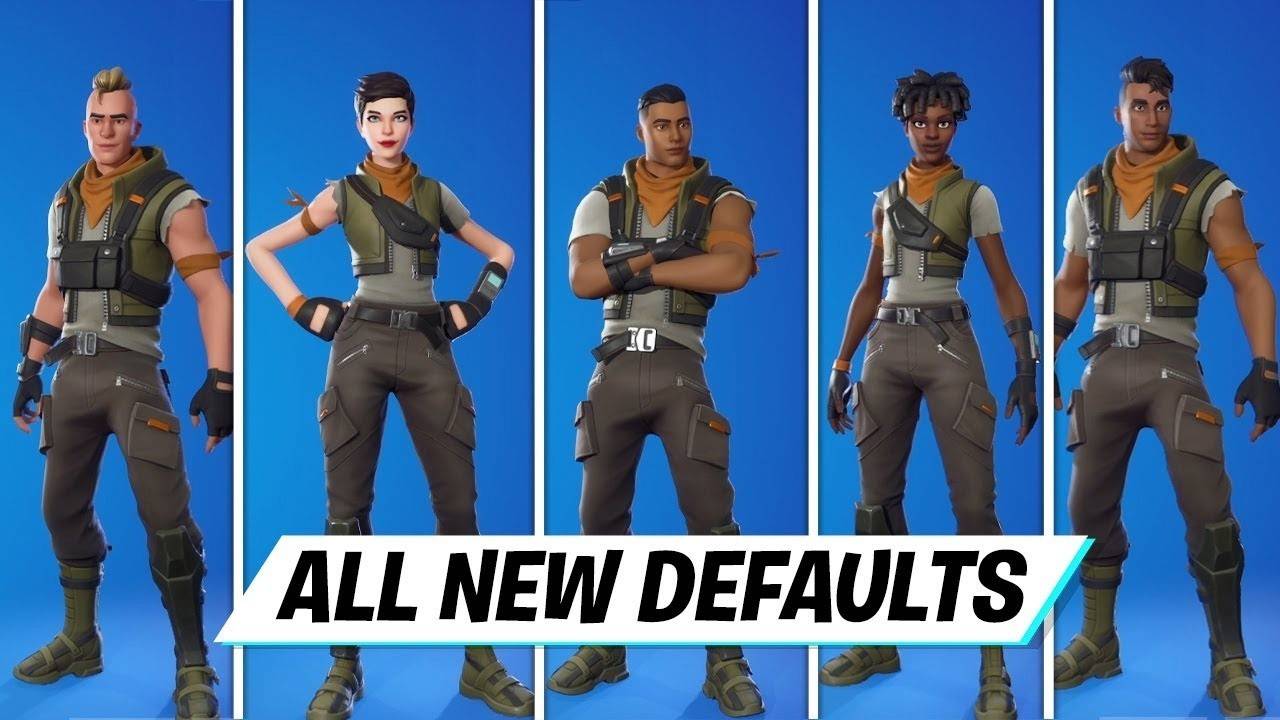 Image: youtube.com
Your character's gender is determined by the selected skin. Each skin has a predefined gender, not independently changeable unless style variations offer an option. To play as a specific gender, choose an appropriate skin. Purchase skins from the Item Shop (using V-Bucks) if needed; the Item Shop updates daily with various male and female options.
Acquiring New Items
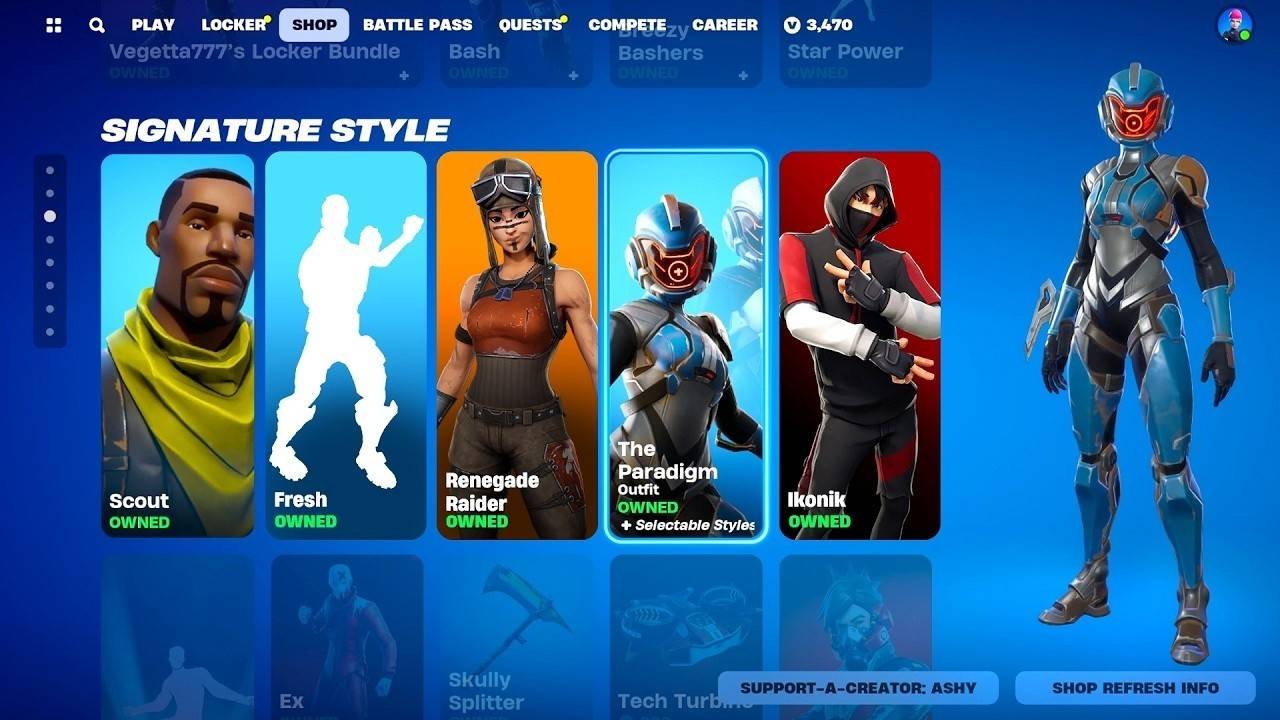 Image: youtube.com
Expand your wardrobe through:
- Item Shop: Purchase skins and cosmetics using V-Bucks.
- Battle Pass: Unlock exclusive rewards by leveling up throughout the season.
- Events and Promotions: Participate in events and challenges for unique skins.
Footwear
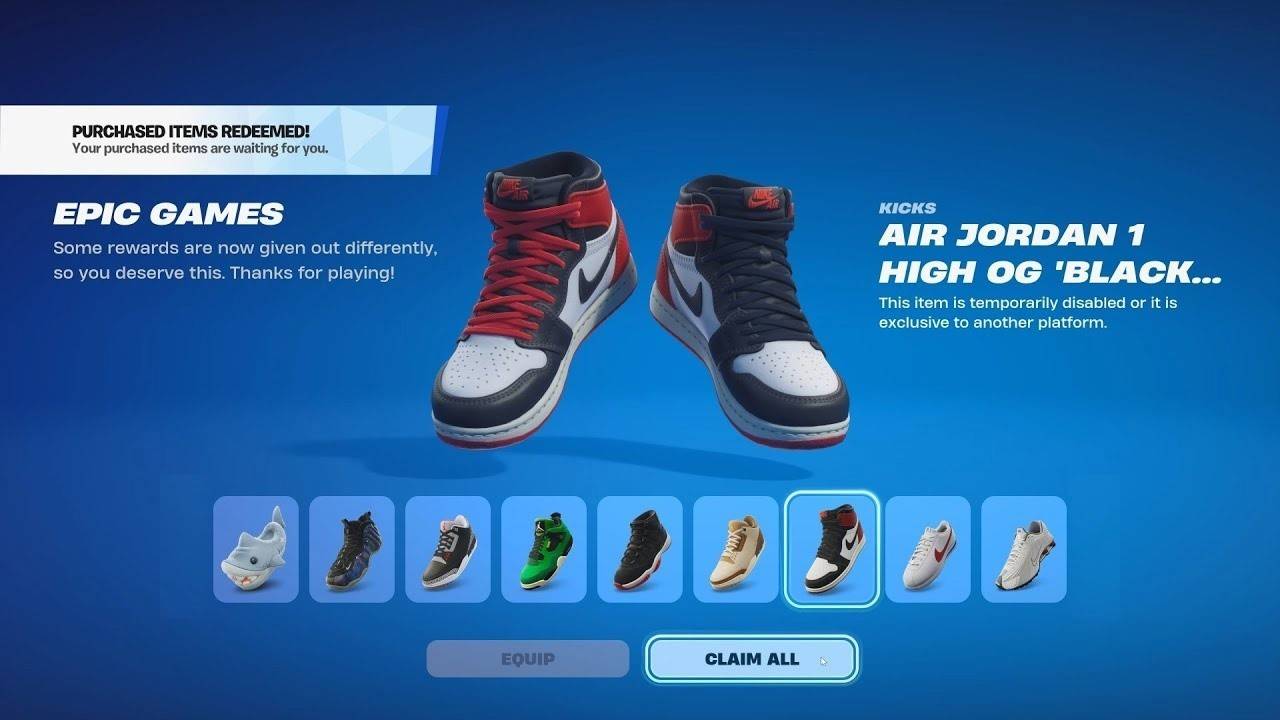 Image: youtube.com
Introduced in November 2024, "Kicks" lets you equip stylish footwear, including real-world brands like Nike. Change footwear in the Locker; however, not all outfits support this feature. Use the "Shoe Preview" to check compatibility before purchasing.
Using Other Cosmetic Items
 Image: fortnitenews.com
Beyond skins, personalize your character with:
- Pickaxes: Customizable tools for harvesting and melee combat.
- Back Blings: Decorative back accessories.
- Contrails: Effects during gliding.
Customize these items in the Locker using similar steps to skin selection.
Character customization enhances the Fortnite experience. Use these tips to create a truly unique in-game persona.