Quick Links
- Switching Characters in Dynasty Warriors: Origins
- Playing as Companions in Dynasty Warriors: Origins
In Dynasty Warriors: Origins, you primarily play as the Wanderer on his peace-seeking quest. This involves significant story choices, and battles often include companions fighting alongside you.
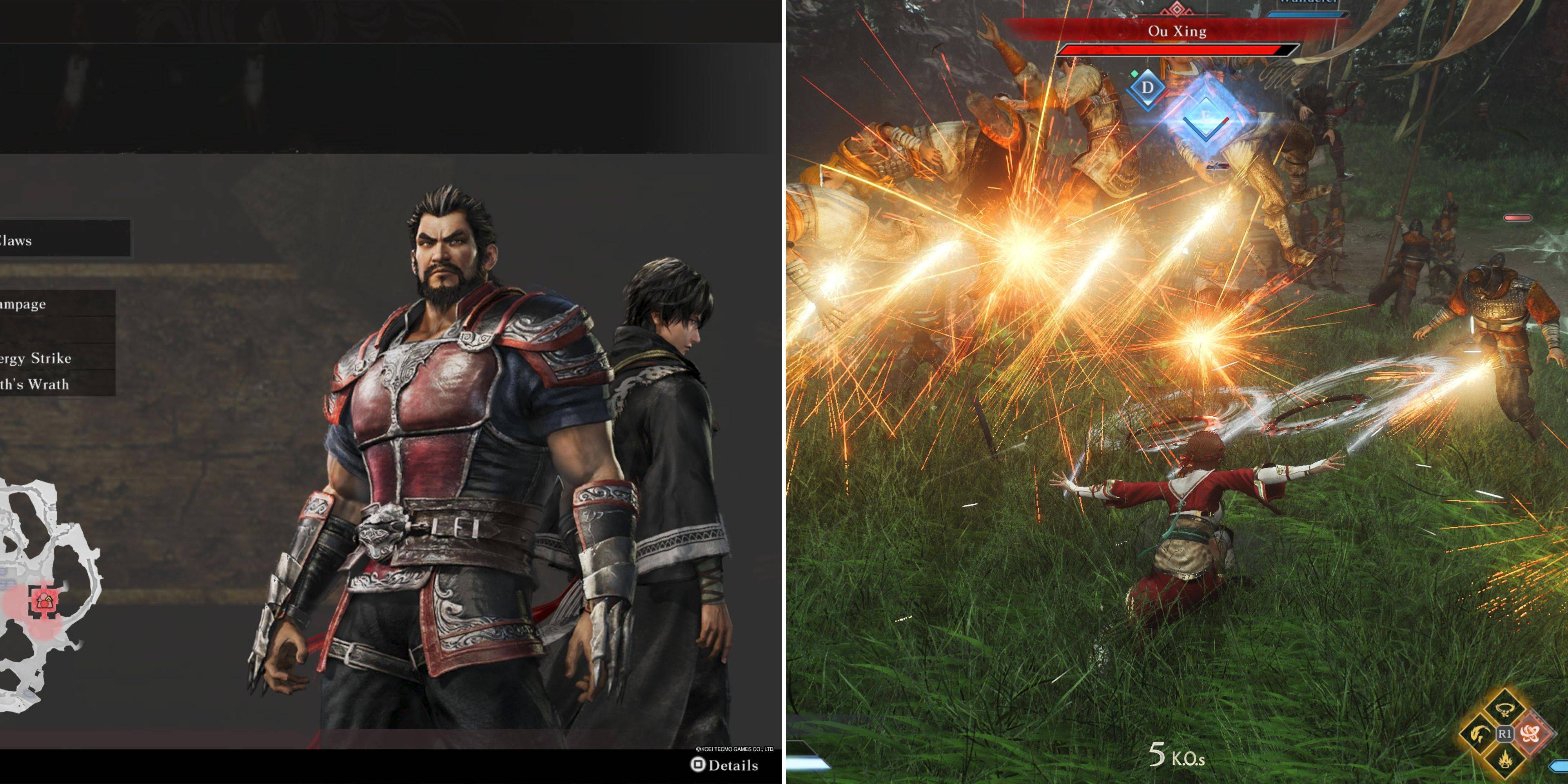
While companions remain at your side throughout the battlefield, you can temporarily take control. Companions are exceptionally powerful, often outperforming the Wanderer, even with upgrades. Here's how to switch:
Switching Characters in Dynasty Warriors: Origins
Character switching is limited to battles where you have a companion. Before a battle, the final menu option lets you choose your companion or fight solo; you cannot select a companion beforehand. Once the battle starts, your companion's health bar appears below yours in the bottom right corner.
Below the health bar is a blue bar (similar to your Musou gauge). This fills as you:
- Parry attacks
- Perfectly dodge
- Assault officers
- Utilize Weapon Arts
Most combat actions contribute, albeit at varying speeds.
A full blue bar activates the "Change Character" button. Press and hold this button (View on Xbox, C on PC, Touchpad on PlayStation) for approximately one second to switch.
Playing as Companions in Dynasty Warriors: Origins
Switching characters should be strategically timed for large-scale battles, as companions are exceptionally strong, and control lasts roughly a minute. The blue bar, once full, gradually depletes, indicating remaining control time. Your new character starts with full Bravery and a range of effective combat arts.
The character switch initiates with a powerful attack, so aim carefully. Your companion also retains a full Musou gauge and health bar, ready for their own devastating special attack.