Minecraft offers a variety of travel methods, but Elytra stands out as the ultimate tool for soaring through the skies. This rare piece of equipment opens up new dimensions of exploration, allowing players to traverse vast distances swiftly and execute dazzling aerial maneuvers. In this comprehensive guide, we'll walk you through the steps to acquire Elytra in various game modes, and provide detailed instructions on using, repairing, and enhancing them to maximize your gliding experience.
Table of Contents
- Basic Information
- How to Get Elytra in Minecraft in Survival Mode
- Preparing for Battle
- Activating the Portal to the End
- Finding the Stronghold
- Battle with the Dragon
- Inside the Ship
- Creative Mode
- Commands
- How to Fly with Elytra
- Flight Controls
- Fireworks Boost
- How to Upgrade and Repair Elytra
- Using Anvil
- Using the Mending Enchantment
Basic Information
Elytra is not just any item; it's a game-changer that lets you glide across the Minecraft world. When paired with fireworks, it transforms your exploration into an exhilarating adventure. Visually, Elytra resembles wings when deployed and a cloak when folded.
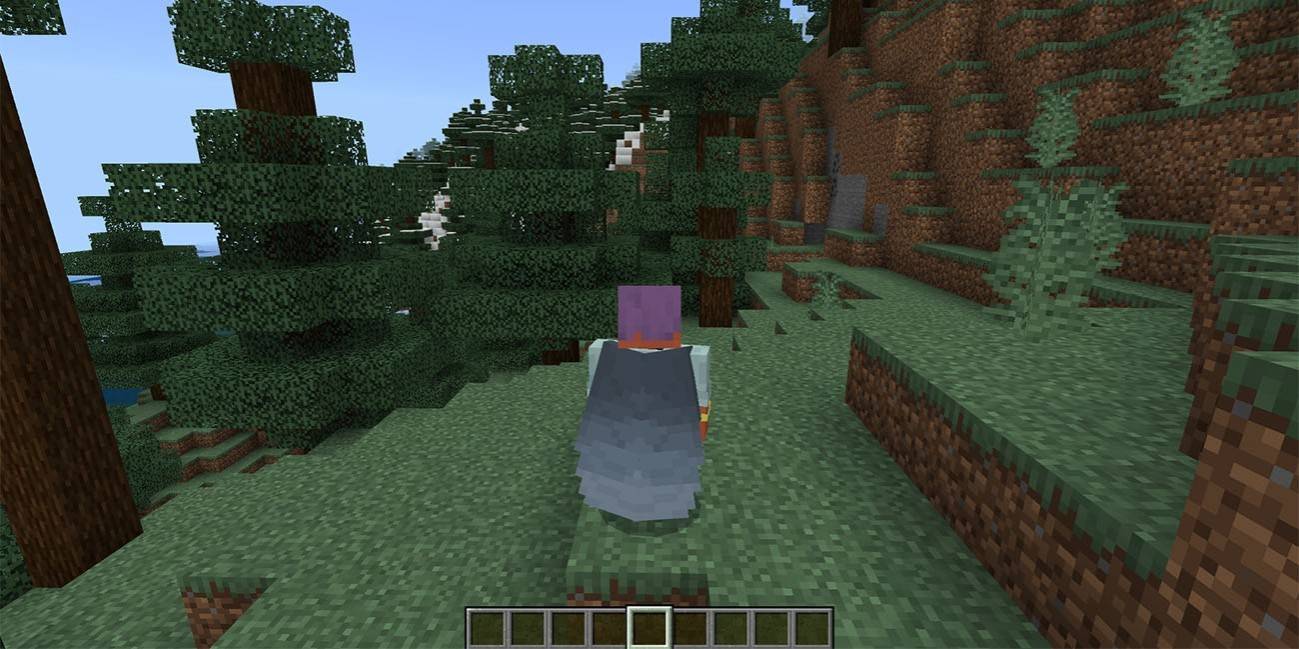 Image: ensigame.com
While Elytra can only be found naturally in the End dimension, specifically within Ships near End Cities, there are alternative methods to obtain them in different game modes, which we'll explore in detail.
How to Get Elytra in Minecraft in Survival Mode
Preparing for Battle
Before you embark on your quest for Elytra, thorough preparation is essential. Equip yourself with Diamond or Netherite armor, ideally enchanted for maximum protection. Arm yourself with an enchanted sword and a bow, possibly with Infinity or Power enchantments for ranged combat against the Ender Dragon.
Stock up on arrows or a crossbow loaded with fireworks for effective attacks. Potions of regeneration, strength, and slow falling will aid in healing, boosting damage, and softening falls. Carry food, especially golden apples, for emergency healing, and blocks to reach the End Crystals. To avoid Endermen aggression, wear a carved pumpkin on your head during the battle.
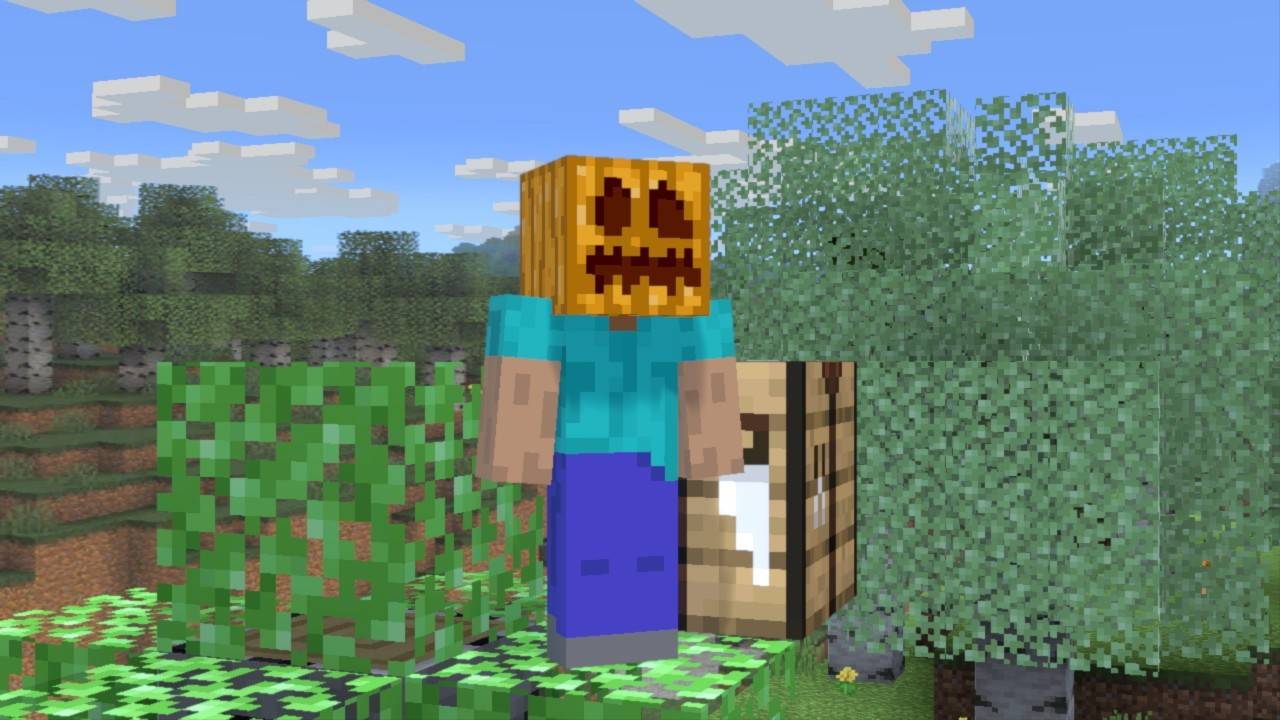 Image: gamebanana.com
Activating the Portal to the End
To reach the End, you'll need to activate the portal using 12 Eyes of Ender, which also help locate the Stronghold. Crafting an Eye of Ender requires Blaze Powder from Blaze Rods, dropped by Blaze mobs in the Nether Fortress, and Ender Pearls, obtained from Endermen. Blaze Powder is relatively easier to acquire, but Ender Pearls can be challenging to gather without an automatic farm.
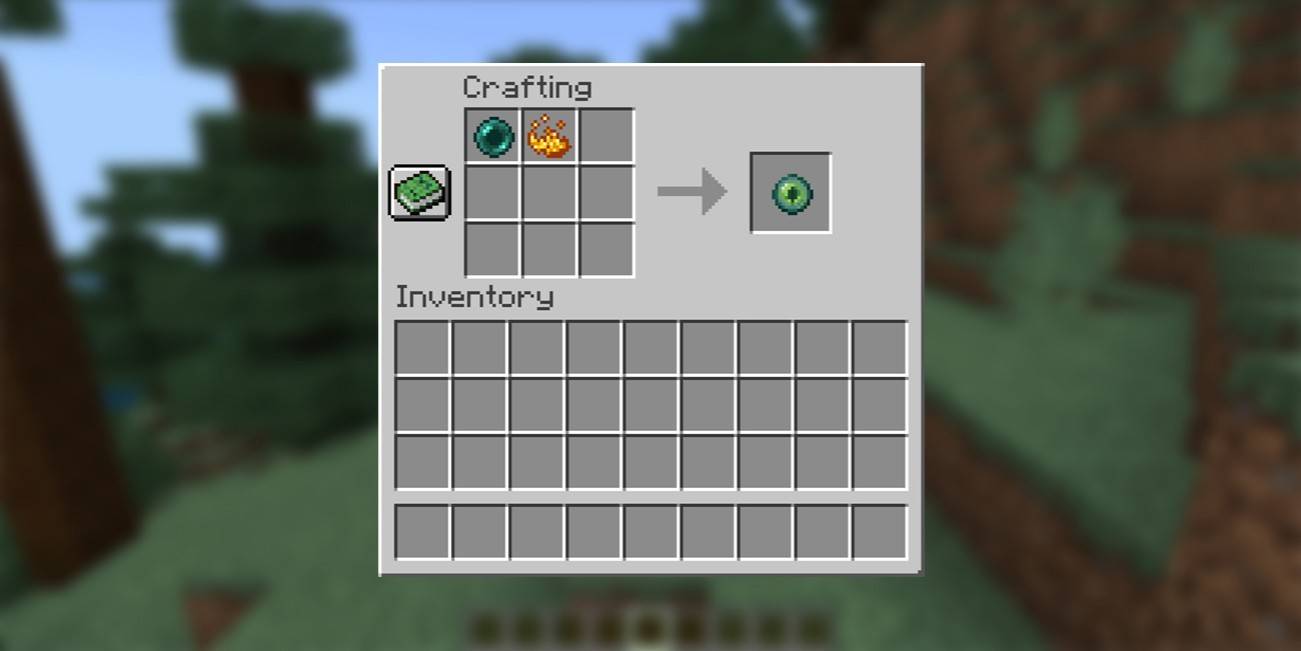 Image: ensigame.com
Finding the Stronghold
Use the Eye of Ender to pinpoint the Stronghold's location. It will fly toward the structure when thrown, guiding you to dig down and navigate through the dark, ancient corridors filled with hostile mobs like skeletons, creepers, and cave spiders. Inside the Stronghold, locate the portal room and insert the Eyes of Ender into the frame to activate it.
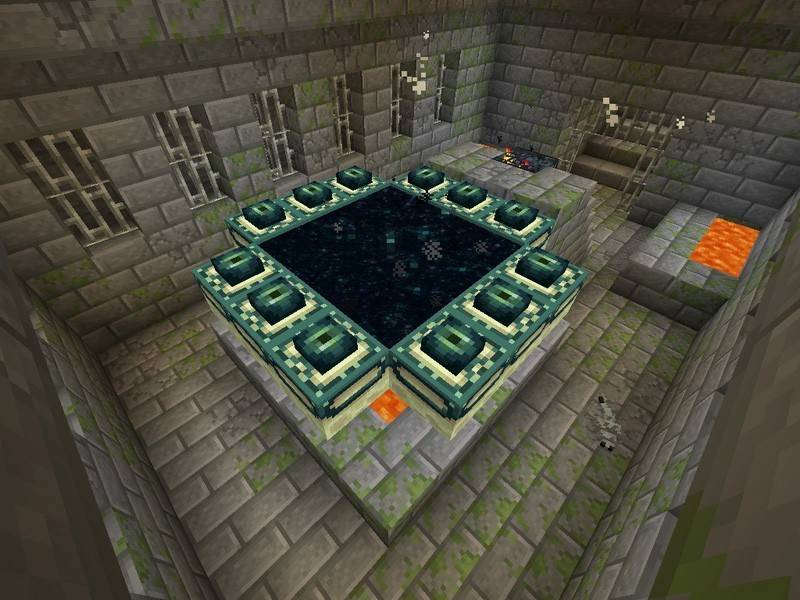 Image: peminecraft.com
Battle with the Dragon
Upon entering the End, you'll immediately face the Ender Dragon. Your first task is to destroy the End Crystals to prevent the dragon from regenerating health. Use your bow and arrows for ranged attacks or approach them directly to break them manually. Engage the dragon when it's airborne or landing on the portal, using your bow for distance and sword for close combat.
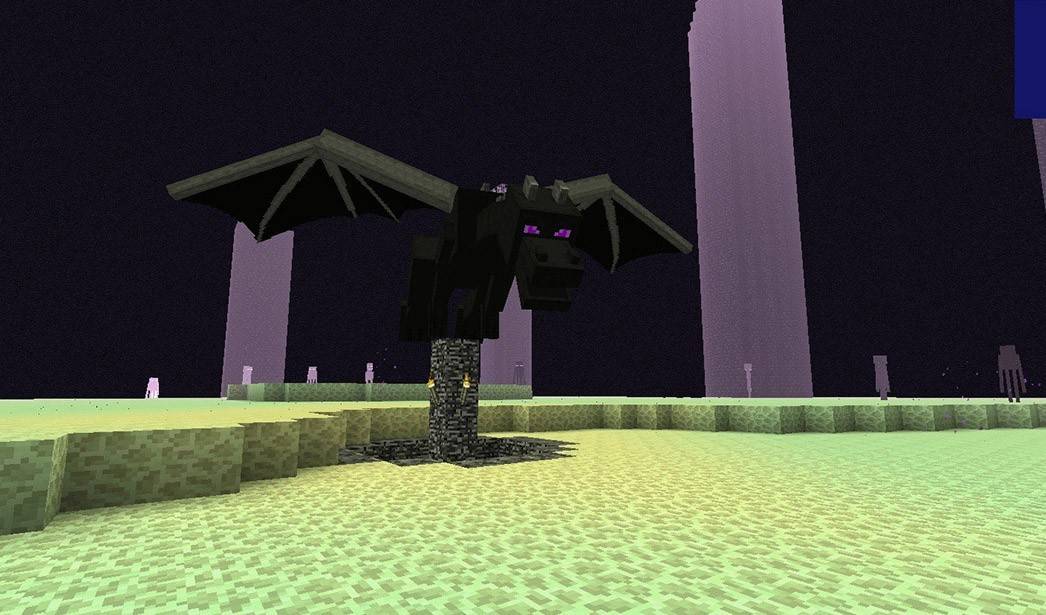 Image: peminecraft.com
After defeating the dragon, an End Gateway portal will appear. Throw an Ender Pearl into it to teleport to the outer islands, where you'll search for End Cities and their adjacent Ships, which may contain Elytra.
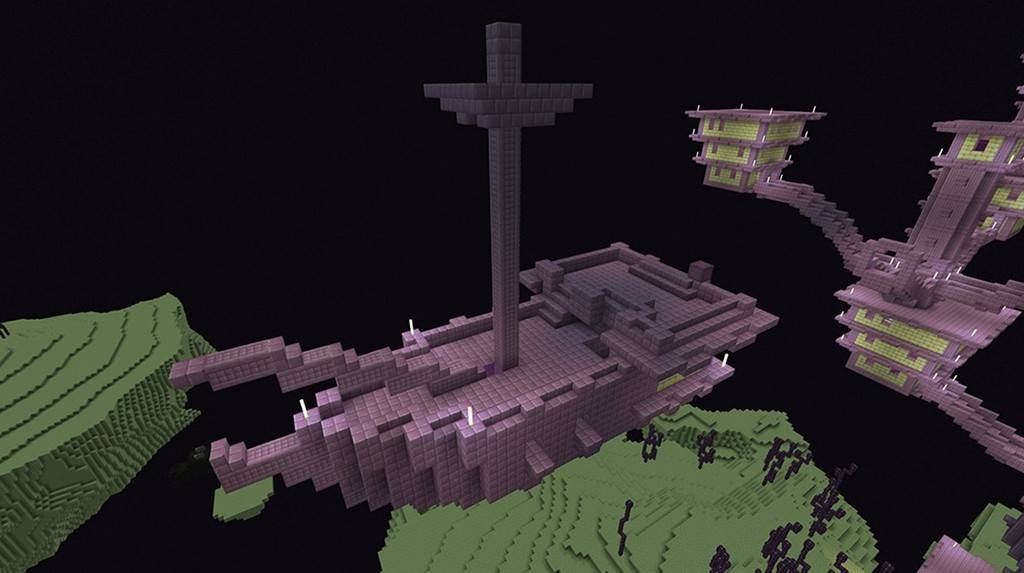 Image: youtube.com
Inside the Ship
Within the Ship, locate an Item Frame on the wall, break it to claim the Elytra, and collect any additional rewards from the chests. Be prepared to deal with Shulkers guarding the area.
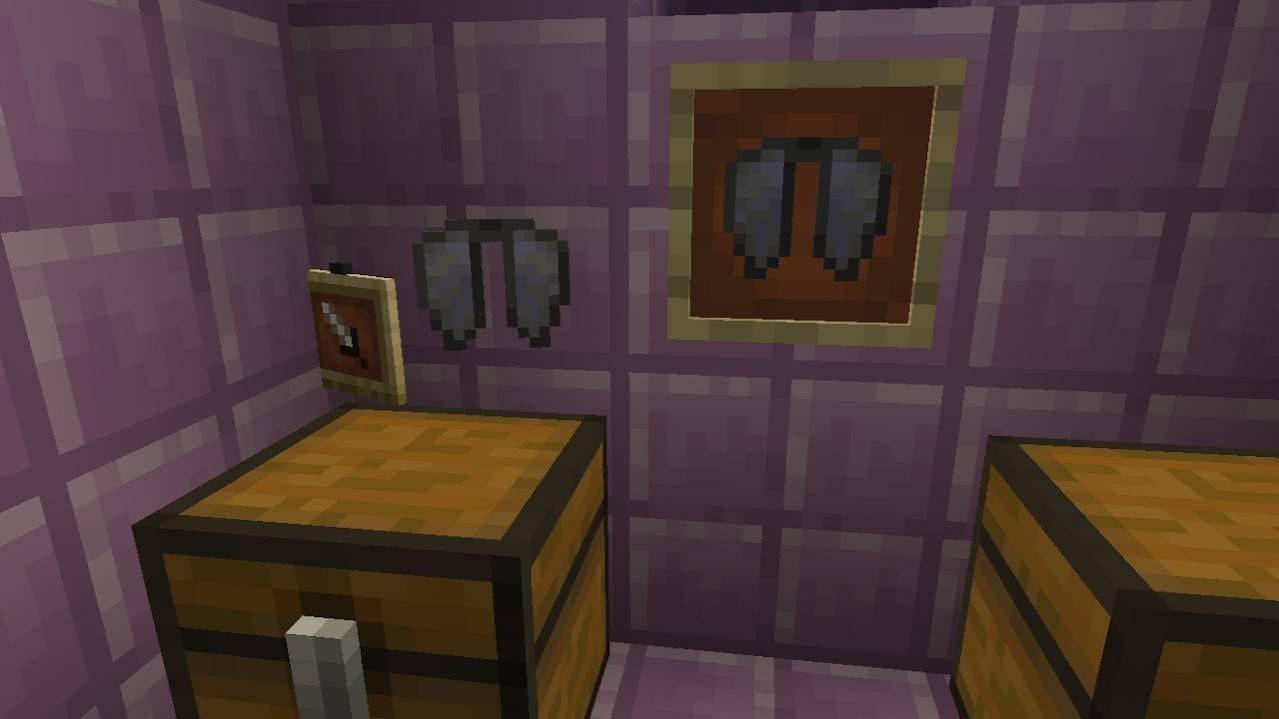 Image: reddit.com
Creative Mode
If you prefer a less challenging approach, obtaining Elytra in Creative Mode is straightforward. Open your inventory, search for "Elytra," and add it to your inventory for instant access. While this method lacks the thrill of the hunt, it's perfect for those who want to enjoy flying without the survival elements.
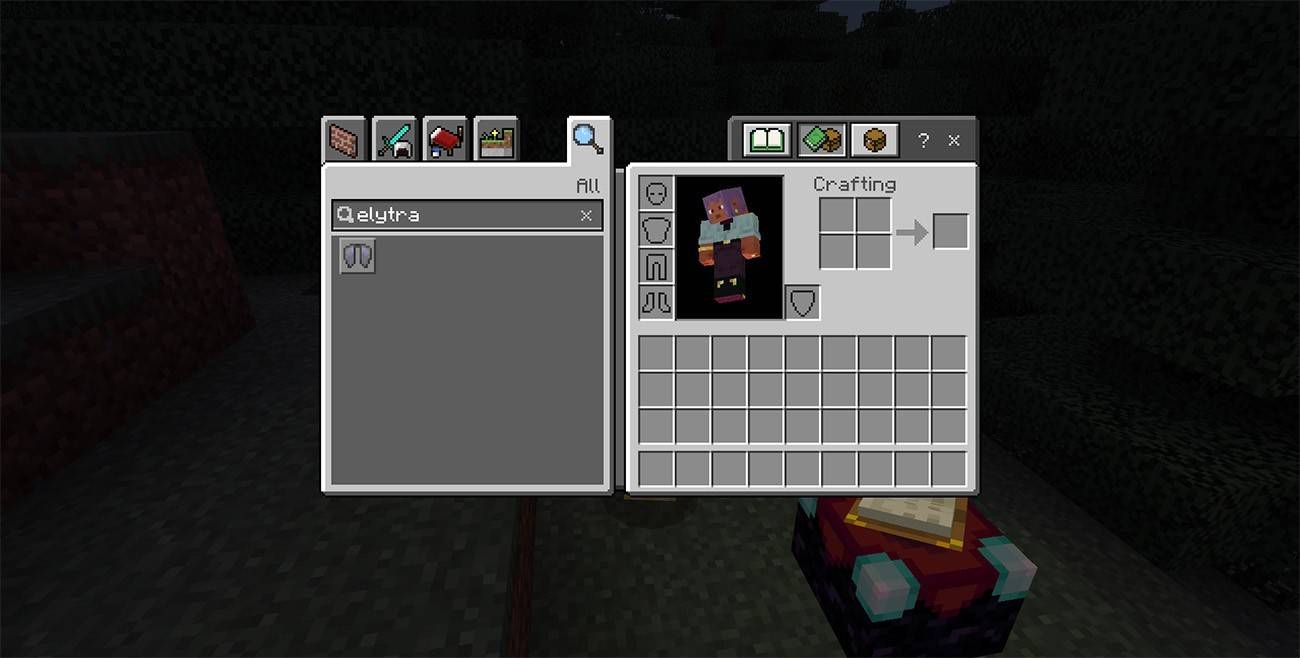 Image: ensigame.com
Commands
For those who prefer commands, ensure cheats are enabled in your world settings or by opening it to LAN. Open the chat with the "T" key and enter the command /give @s minecraft:elytra. This will instantly add Elytra to your inventory, bypassing the need for exploration or combat.
How to Fly with Elytra
Equip the Elytra by moving it to the chest armor slot in your inventory. To start flying, jump from a high point and press the Space key to glide. Mastering Elytra control enhances your flying experience significantly.
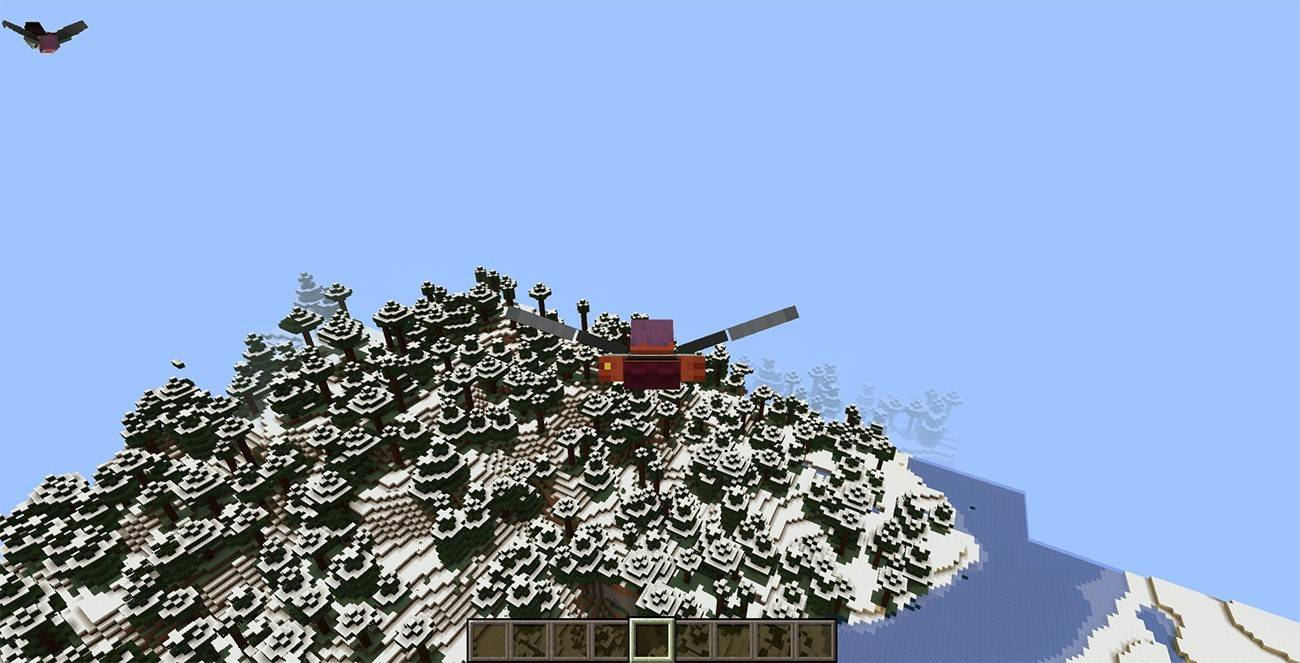 Image: ensigame.com
Flight Controls
Control your flight using the following keys:
- W – Move forward
- A – Turn left
- S – Slow down or descend
- D – Turn right
Fireworks Boost
To boost your speed, craft Fireworks using 1 Paper and 1 Gunpowder. The more ingredients, the longer the boost. Hold the Fireworks and press the action button to accelerate your flight.
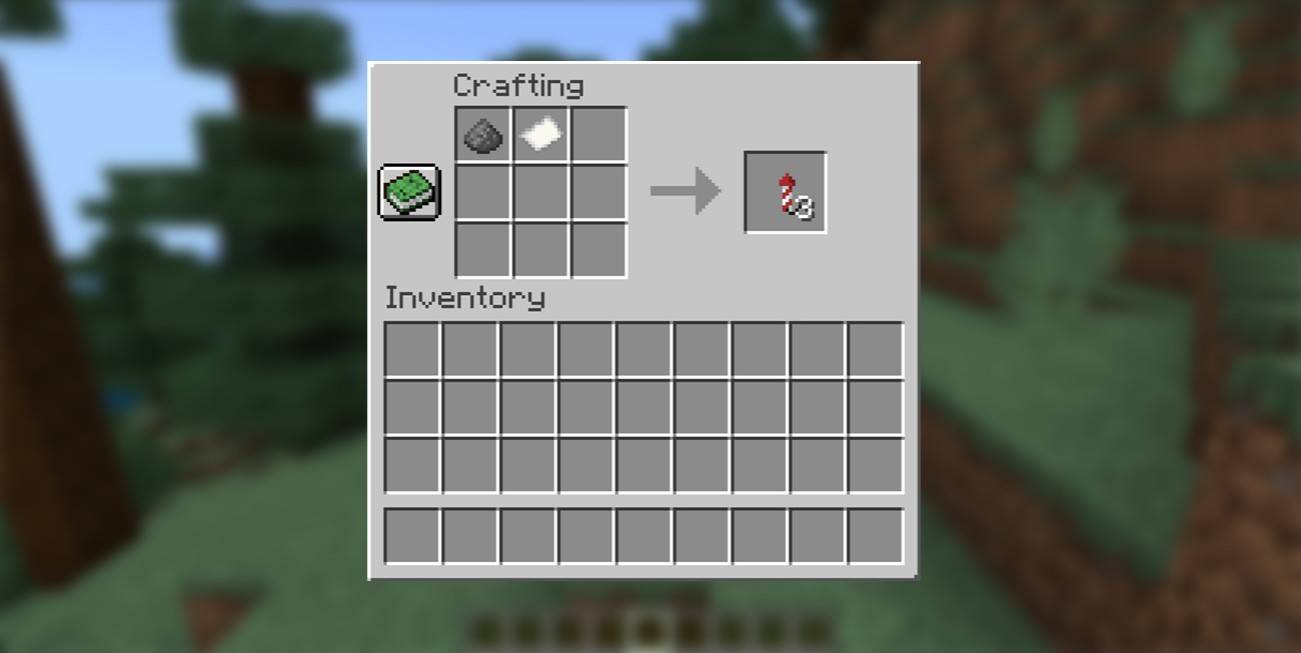 Image: ensigame.com
How to Upgrade and Repair Elytra
To prolong the life of your Elytra, consider using the Unbreaking enchantment to increase its durability. Place the Elytra and an Enchanted Book with Unbreaking in an Anvil and combine them.
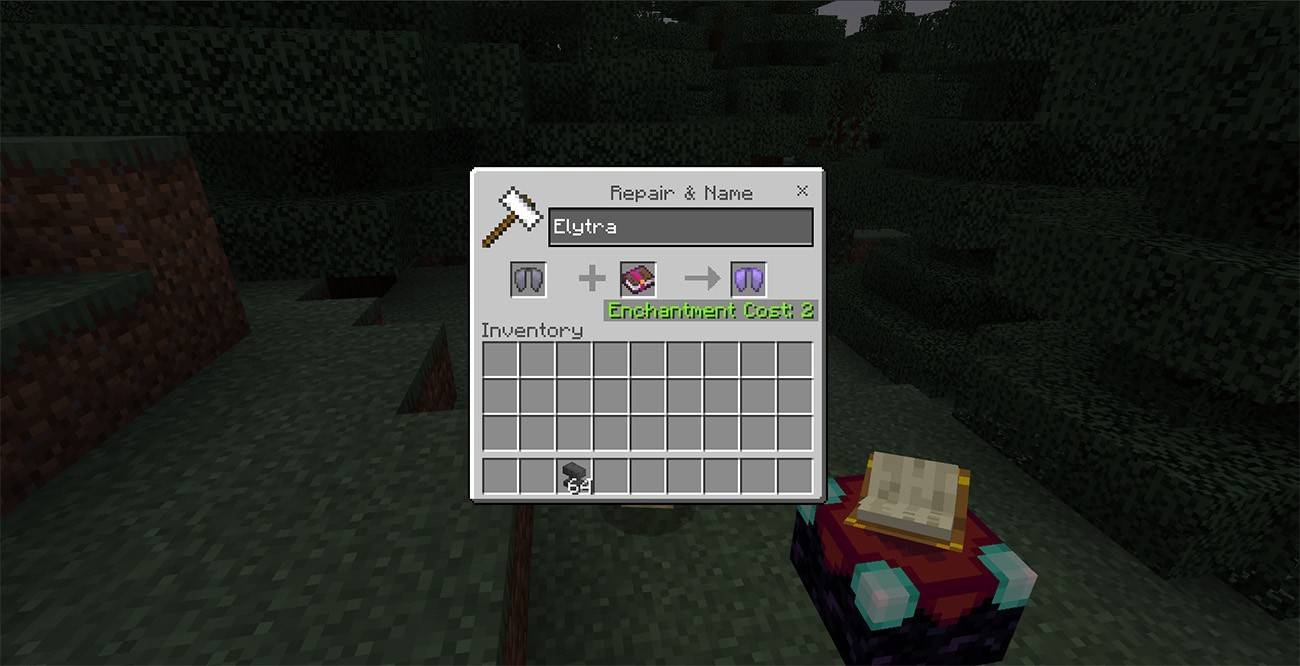 Image: ensigame.com
Using Anvil
For repairs, use an Anvil. Place the Elytra in the left slot and leather in the right slot, then confirm the repair to retrieve your restored Elytra.
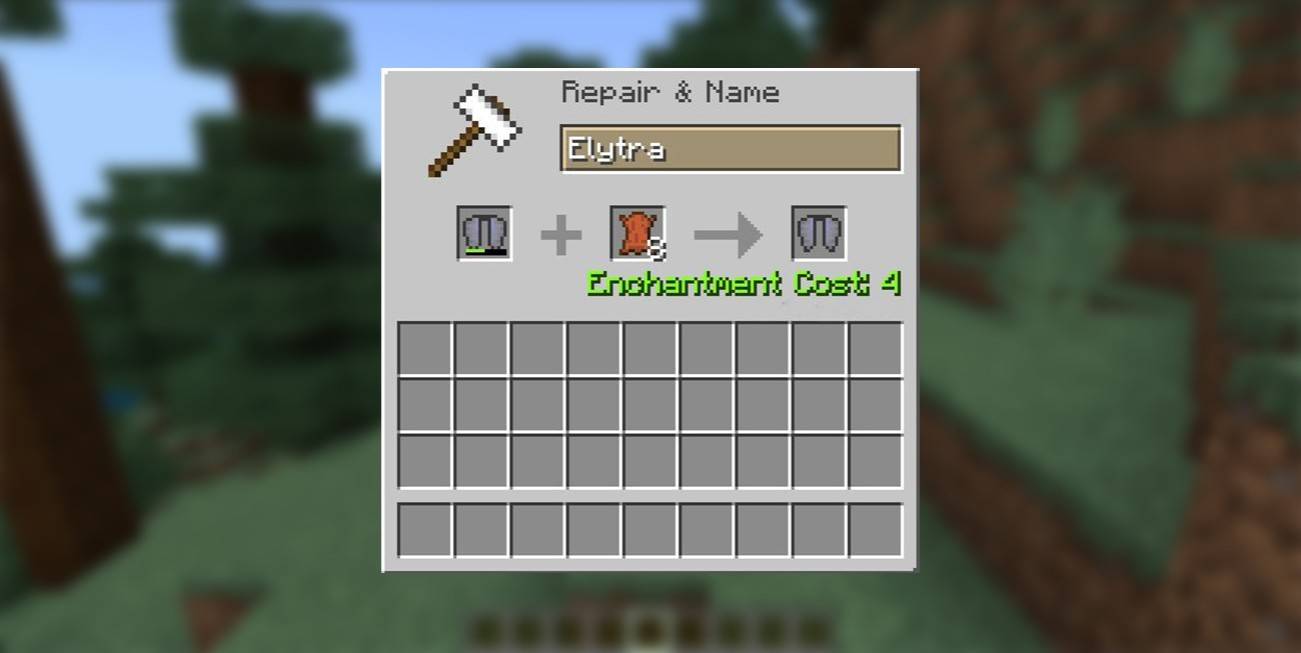 Image: ensigame.com
Using the Mending Enchantment
To apply the Mending enchantment, find an Enchanted Book with Mending, which can be found in chests, fished, or traded. Use an Enchanting Table or Anvil to apply it to your Elytra. With Mending, your Elytra's durability will automatically restore as you collect experience points.
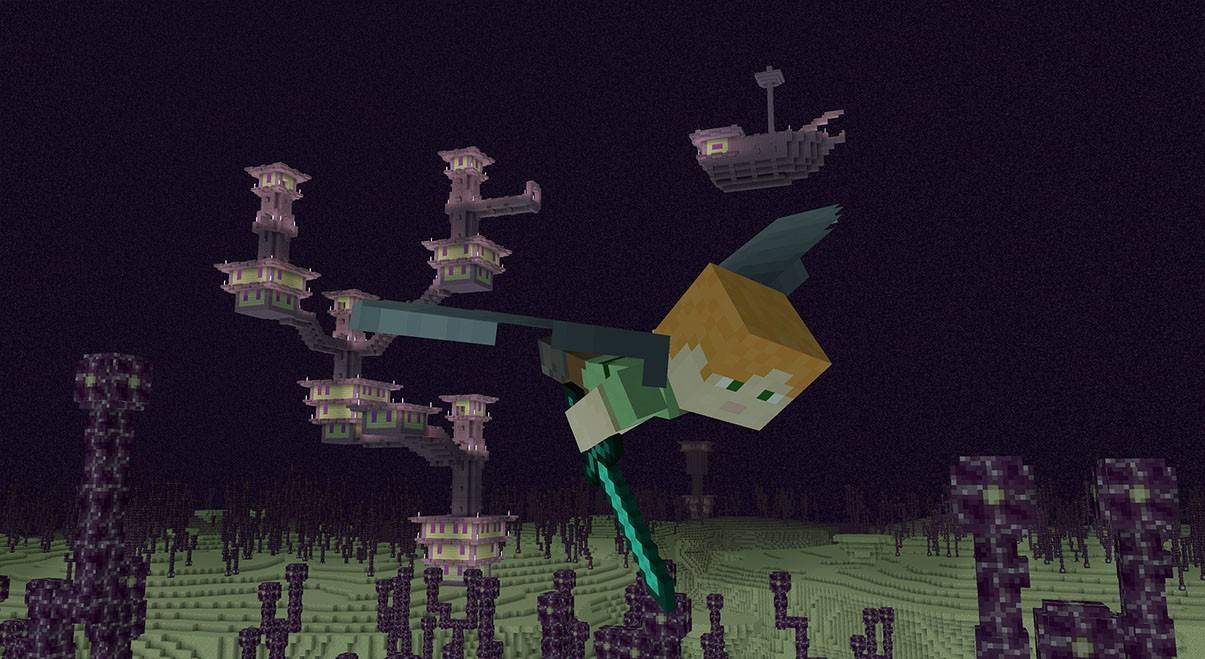 Image: ensigame.com
Elytra in Minecraft revolutionizes travel, turning the game world into your personal playground. With practice, you'll master the art of gliding and explore the vast, cubic landscapes like never before. Equip your Elytra, gather your resources, and take to the skies!