GCam (Google Camera Port)
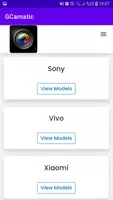
GCam (Google Camera Port) refers to modified versions of the Google Camera app, originally designed for Google Pixel devices. These ports aim to bring the advanced camera features and image processing capabilities of GCam to a wider range of Android smartphones. Users can benefit from features like Night Sight, HDR+, and enhanced portrait modes, which improve photo quality and overall camera performance.
Features of GCam:
- HDR+: Offering clearer photos with improved dynamic range.
- Portrait Mode: Creating a professional camera-like effect with foreground focus and background blur.
- Motion Photos: Capturing moments in motion for a dynamic photo experience.
- Panorama: Stitching together stunning wide-angle views.
- Lens Blur: Allowing for creative focus and depth effects.
- Video Features: Including 60fps video, slow motion, and more.
Tips for Users:
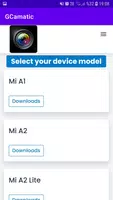
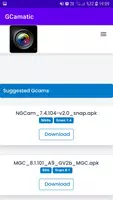
- Choosing the Right Version: Select the recommended Gcam version for your specific device for optimal performance.
- Installing and Configuring: Follow the provided instructions for installation and setup to ensure proper functionality.
- Testing and Feedback: Be part of the community by testing different versions and sharing feedback to help developers improve the app.
- Enjoying Enhanced Photography: Explore the various features to enhance your photography experience on your smartphone.
Conclusion:
Discover the world of modded Google Camera apps with Gcam Google Camera Port, offering advanced features like HDR+, Portrait Mode, Motion Photos, and more. With a vibrant community of developers continuously improving and refining the app, users can enjoy an enhanced photography experience on their devices. Download GCam today to unlock its full potential and capture stunning images with ease.
What's New in the Latest Version 1.0
Last updated on Jul 31, 2024
Minor bug fixes and improvements. Install or update to the newest version to check it out!