Home Apps Personalization Gaming Mode - Game Booster PRO
Gaming Mode - Game Booster PRO

Gaming Mode - Game Booster PRO

4.4
Download
Download
Application Description

The Ultimate GAME BOOSTER! Experience Gaming Without Interruptions!

Ultimate Game Mode

Play your favorite games like a PRO. Use our game booster and enjoy a fantastic gaming experience!

Powerful Game Booster!

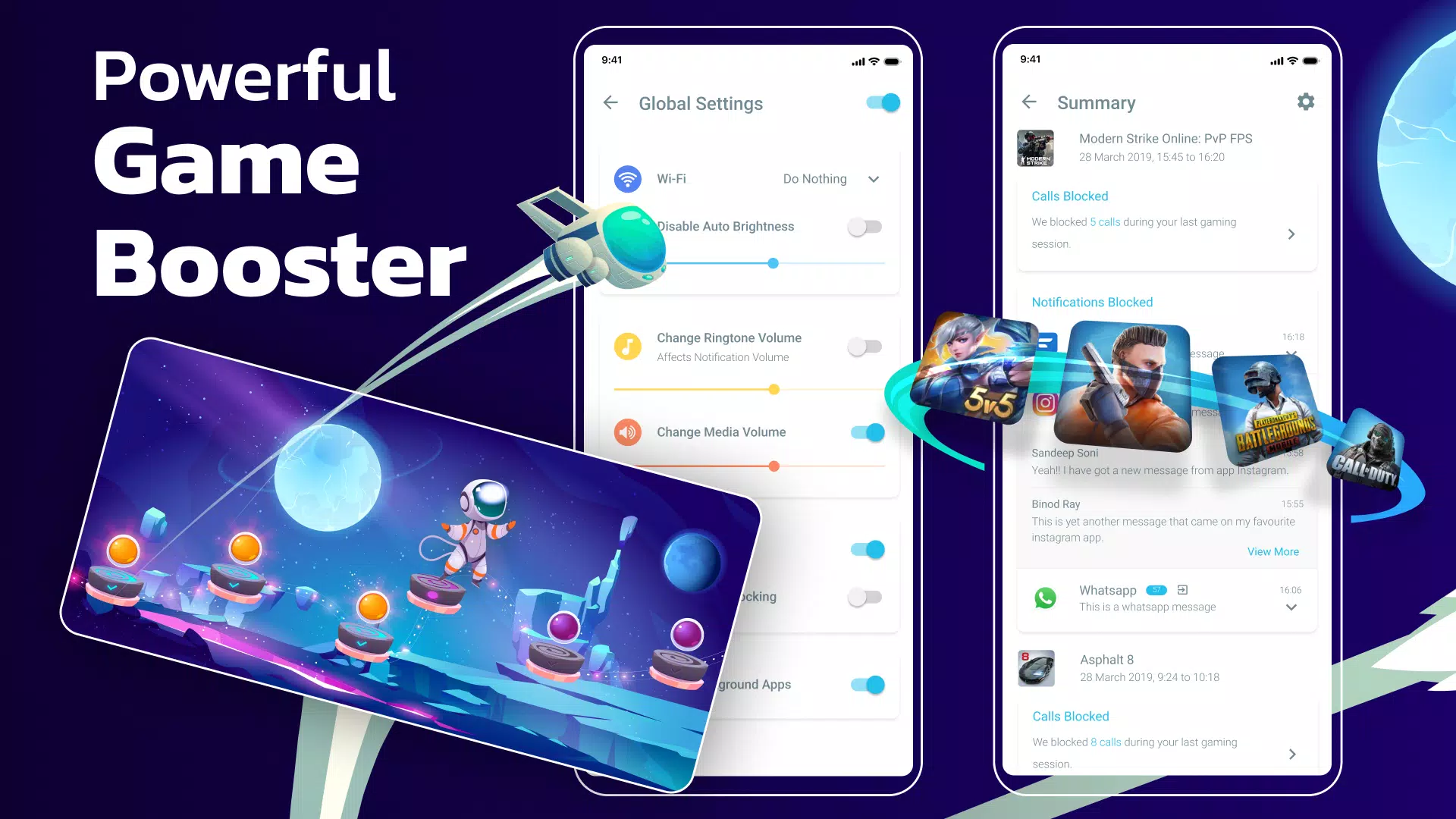
The one and only Gaming Mode app on Play Store comes with a nifty set of features to enhance your gaming experience. Configure it once, and Gaming Mode will automatically do the rest for you. Your ultimate game booster tool.

How Does It Work?

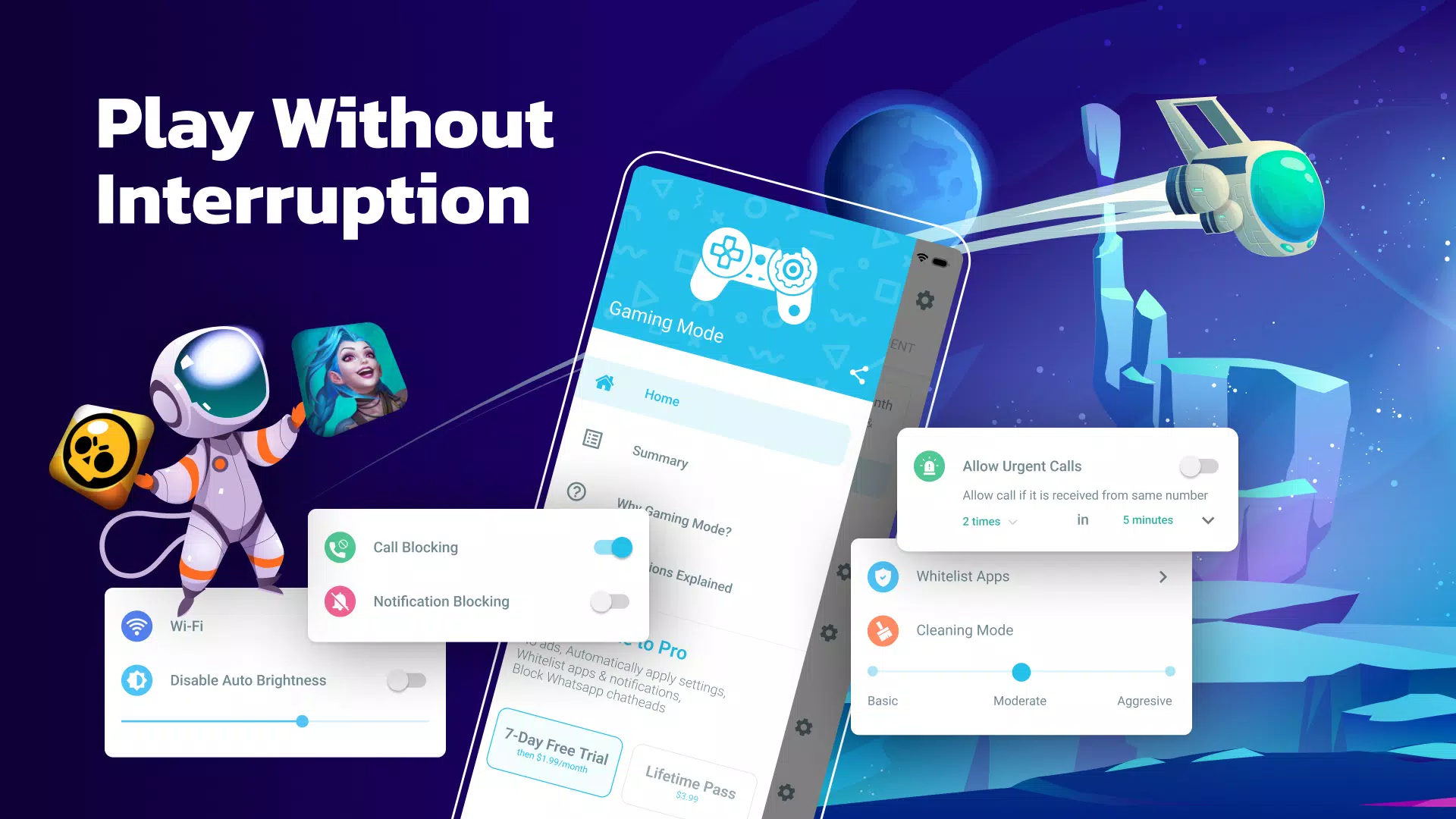
Configure various settings that will get applied automatically when the game starts. You can configure these settings globally or on a per-game basis. Gaming Mode booster also remembers your existing device settings and restores them after your gameplay session ends. No more fiddling with your device settings before each gameplay session.

What Features Does It Configure Automatically?

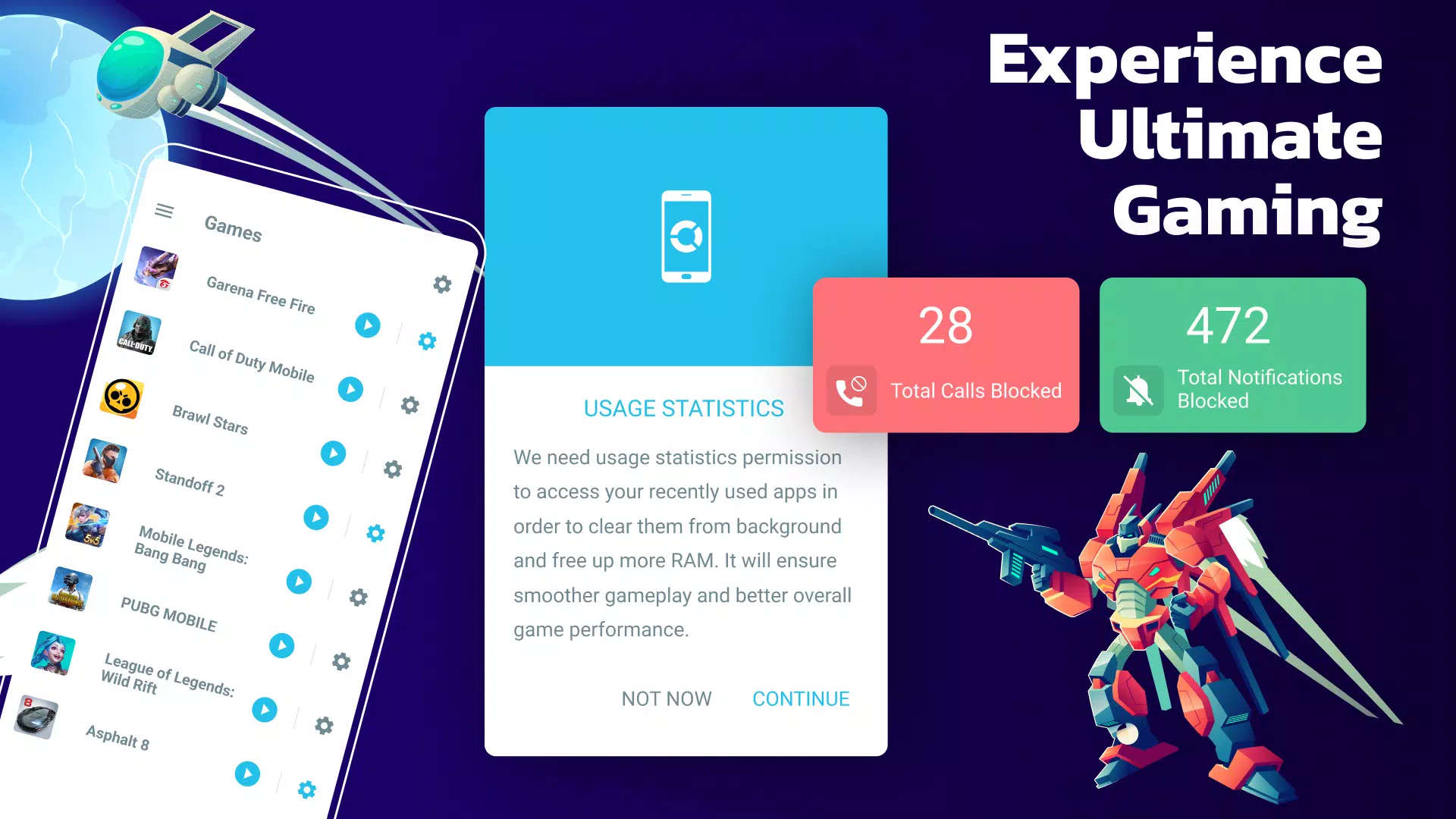
  • Auto Reject Incoming Calls - Our game booster is on your side. Show your skills without interruptions.
  • Block Notifications - With Game Booster, your focus will not be disrupted - pure gaming experience.
  • Disable Auto-Brightness & Optimize It to Your Desired Level
  • Change WiFi State
  • Change Ringtone & Media Volume
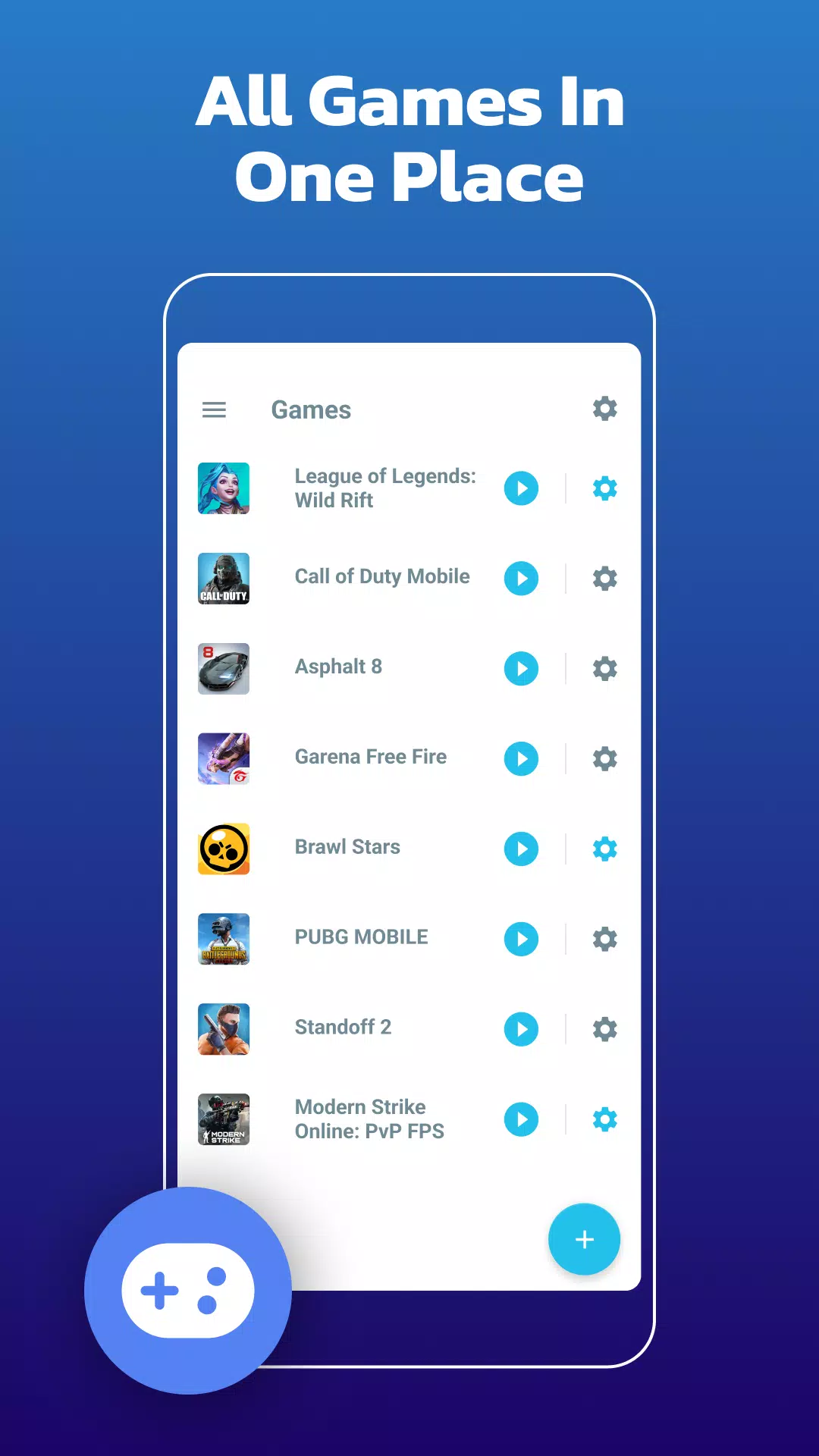
  • Create Widgets to Launch Games Directly from Your Device's Home Screen - Your game launcher

Create Widget - Game Launcher

Ease of use with the widget on your home screen will make the start of your gaming experience even more enjoyable. The game launcher on your home screen - sweet! Instead of spending your time looking for games, enjoy playing, use our widget feature - game launcher.

Our app is designed to enhance the gaming experience. One of our core features is allowing users to block internet connection to focus on their game without interruptions. This is done using a local VPN service that does not transfer data outside the device.

What's New in the Latest Version 1.9.10

Last updated on Feb 23, 2024

WE LOVE FEEDBACK!

Gaming Mode - Game Booster PRO Screenshot 0
Gaming Mode - Game Booster PRO Screenshot 1
Gaming Mode - Game Booster PRO Screenshot 2
Gaming Mode - Game Booster PRO Screenshot 3
Reviews Post Comments
Trending Apps More +
v1.3.9.d / 21.18M
5.11.0_space / 77.0 MB
2.5 / 73.80M
Latest Apps More +
Books & Reference | 95.2 MB
Track your Clash Royale player statistics, view your upcoming chests, and discover so much more!Stats Royale helps you win and enjoy Clash Royale even more by delivering the most accurate stats available.With Stats Royale, you can access:★ Personal s
Communication | 5.0 MB
Test connectivity with 3G/LTE data, 4G internet, Wi-Fi speed tests, and 5G network coverage analysis.Introduction: The Force 3G LTE 4G 5G Wi-Fi Speed Test app is a network management tool that helps you switch between mobile network modes—including 5
Personalization | 18.8 MB
Enjoy a vast collection of Galaxy A14 wallpapers, all available for offline use.Welcome to the stunning Galaxy A14 Wallpaper Collection.Unlike traditional wall coverings, your smartphone wallpaper never fades into the background. You view it constant
Events | 40.0 MB
This addon brings the epic world of superheroes and superpowers to your game.Its core goal is to integrate key movie elements into Minecraft, featuring all six Infinity Stones. While the Stones themselves are decorative, the Infinity Gauntlet is func
Tools | 3.3 MB
This mobile version of PowerBPM lets you access all system functions on your smartphone and receive real-time push notifications.This is the PowerBPM mobile app, enabling you to manage all system features directly from your mobile device. It delivers
House & Home | 125.1 MB
Effortlessly manage housing and utility services directly from your smartphone with the Avangard service app.The Vanguard Service app empowers you to...- Access services without waiting in line- Receive guaranteed event notifications- Get operational
Topics More +